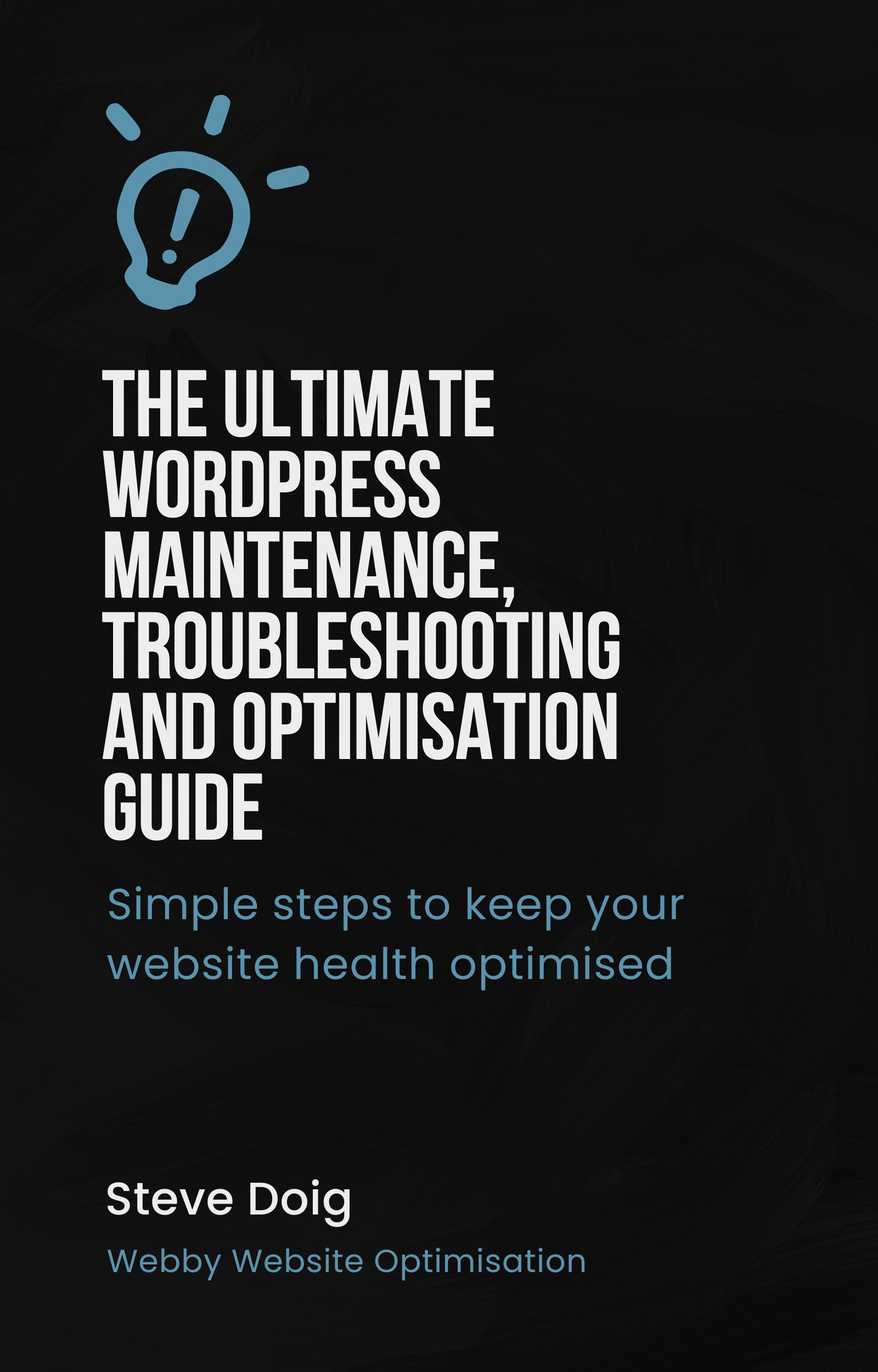
The Ultimate WordPress maintenance, troubleshooting and optimisation guide
Original price was: $97.00.$47.00Current price is: $47.00.
Stop Paying $100+/Hour for simple WordPress fixes you can do yourself in 10 Minutes
This guide turns beginners into confident website managers — even if you’re “not technical”
Get Instant Access for $47 $97 ⚡ 50% launch discount. We help solo professionals and small businesses unlock website freedom and control—without wasting hours on tech—thanks to little-known WordPress developer secrets. It’s easier than you think and saves you a heap of money.
Does This Sound Familiar?
❌ Your WordPress site breaks and you panic, not knowing where to start
❌ You're paying $75-150/hour for "5-minute fixes" from developers
❌ Plugin updates crash your site and you're stuck waiting for help
❌ You avoid making changes because you're terrified of breaking something
❌ Your site gets hacked and you have no idea how to recover it
❌ You're losing money every hour your site is down You're not alone. 87% of WordPress site owners spend over $1,200/year on maintenance they could handle themselves.
It's Time to Take Control of Your Website.
Introducing: The Ultimate WordPress maintenance, troubleshooting and optimisation guide.
Your Complete Step-by-Step System for Maintaining, Fixing, and Securing Your WordPress Website — No Coding Required
In this comprehensive 200+ page guide, you'll discover:
✅ Quick-Fix Solutions for the 50 most common WordPress problems
✅ Screenshot Tutorials that show you exactly what to click
✅ Copy-Paste Code Snippets when you need them (rare!)
✅ Emergency Recovery Plans for when disaster strikes
✅ Preventive Maintenance Schedules to avoid problems entirely
✅ Security Hardening Checklist to block 99% of attacks
Here's Everything You Get:
Contents
- Introduction
- Why WordPress? - Understanding its popularity and usage
- Importance of WordPress Maintenance, Troubleshooting and Optimisation
- Objective of this Guide
- WordPress Basics
- Introduction to WordPress: wordpress.org vs wordpress.com
- Understanding the WordPress Dashboard
- Components of WordPress: Themes, Plugins, and Widgets
- The Need for Maintenance
- Regular updates: Core, Themes, and Plugins
- Child Themes
- Ensuring website security
- Regular Backups: Importance and methods
- Routine WordPress Maintenance Tasks
- Updating your WordPress Site
- Managing User Accounts
- Comment Management
- Optimising Database
- Dealing with Spam
- WordPress Troubleshooting
- Common WordPress Errors and Fixes
- Theme and Plugin Conflicts: How to identify and resolve
- Recovering from a Hack
- Restoring from backups
- Website Performance and Optimisation
- Why Your Site’s Speed Matters
- Using caching plugins to improve performance
- Image optimisation
- Database optimisation
- SEO Optimization for WordPress
- Importance of SEO
- Setting up Permalinks for SEO
- SEO plugins and how to use them
- Creating XML Sitemaps
- Configuring Google Analytics
- Automating Maintenance Tasks
- Tools to Automate WordPress Maintenance
- Setting up Automatic Backups
- Automatic Updates
- Conclusion: The Ongoing Nature of WordPress Maintenance
- Significance of Regular Maintenance
- Keeping up with the latest WordPress Changes
- Developing a Maintenance Schedule
- Resources/Appendix
- Troubleshooting Checklists
- Recommended Tools and Plugins
- How to access your web hosting control panel
- How to use FTP to access your website files
Join 2,847+ WordPress Site Owners Who've Taken Control
⭐⭐⭐⭐⭐ "Saved me $400 in the first week!" "I fixed three issues myself that my developer quoted $400 to fix. This guide paid for itself 8 times over already." — Sarah Mitchell, Online Boutique Owner
⭐⭐⭐⭐⭐ "Finally, WordPress makes sense" "I've been intimidated by WordPress for years. This guide broke everything down so clearly. I actually enjoy managing my site now!" — David Chen, Marketing Consultant
⭐⭐⭐⭐⭐ "My site hasn't gone down once in 6 months" "The preventive maintenance chapter alone is worth the price. My site used to crash monthly. Not anymore." — Jennifer Adams, Travel Blogger
Why trust this guide?
Hi, I'm Steve Doig, and I've:
- Fixed 500+ WordPress sites over 10 years
- Taught WordPress to 5,000+ non-technical users
- Managed sites with 1M+ monthly visitors
- Recovered sites from major hacks and crashes
I wrote this guide because I was tired of seeing people pay hundreds of dollars for fixes that take 5 minutes when you know how.
Let's do the math
Without this guide
❌ Average developer hourly rate: $100
❌ A typical monthly fixes needed: 3-5
❌ Annual WordPress maintenance cost: $3,600-$6,000
With this guide:
✅ One-time investment: $47
✅ Time to learn each fix: 10-30 minutes
✅ Annual savings: $3,553+
That's a 7,560% return on investment
After reading this guide, you'll be able To:
🚀 Fix any WordPress problem without waiting for expensive help
🚀 Update plugins and themes without fear of breaking your site
🚀 Recover from disasters quickly and confidently
🚀 Speed up your site by 50% or more
🚀 Secure your site against 99% of common attacks
🚀 Save thousands on developer fees every year
🚀 Sleep peacefully knowing you can handle any issue
Who is this guide for?
This guide is perfect for you if:
✅ You own a WordPress website (or manage one)
✅ You're tired of paying for simple fixes
✅ You want to be self-sufficient with your site
✅ You've been burned by expensive developers
✅ You learn better from written guides than videos
✅ You want lifetime access to updated solutions
This is NOT for you if:
❌ You don't have a WordPress website
❌ You prefer to outsource everything
❌ You're looking for advanced developer training
❌ You want to build WordPress sites from scratch
60-Day "WordPress Mastery" guarantee
Try the entire guide risk-free for 60 days. If you don't successfully fix at least one WordPress problem yourself, or if you're not completely satisfied for any reason, just email me for a full refund. No questions asked. You have nothing to lose and thousands to save. This special 50% discount is only available for the next 24 hours After that, the price goes back to $97. Plus: The next 50 buyers also get a free 30-minute WordPress consultation call (Value: $75)