

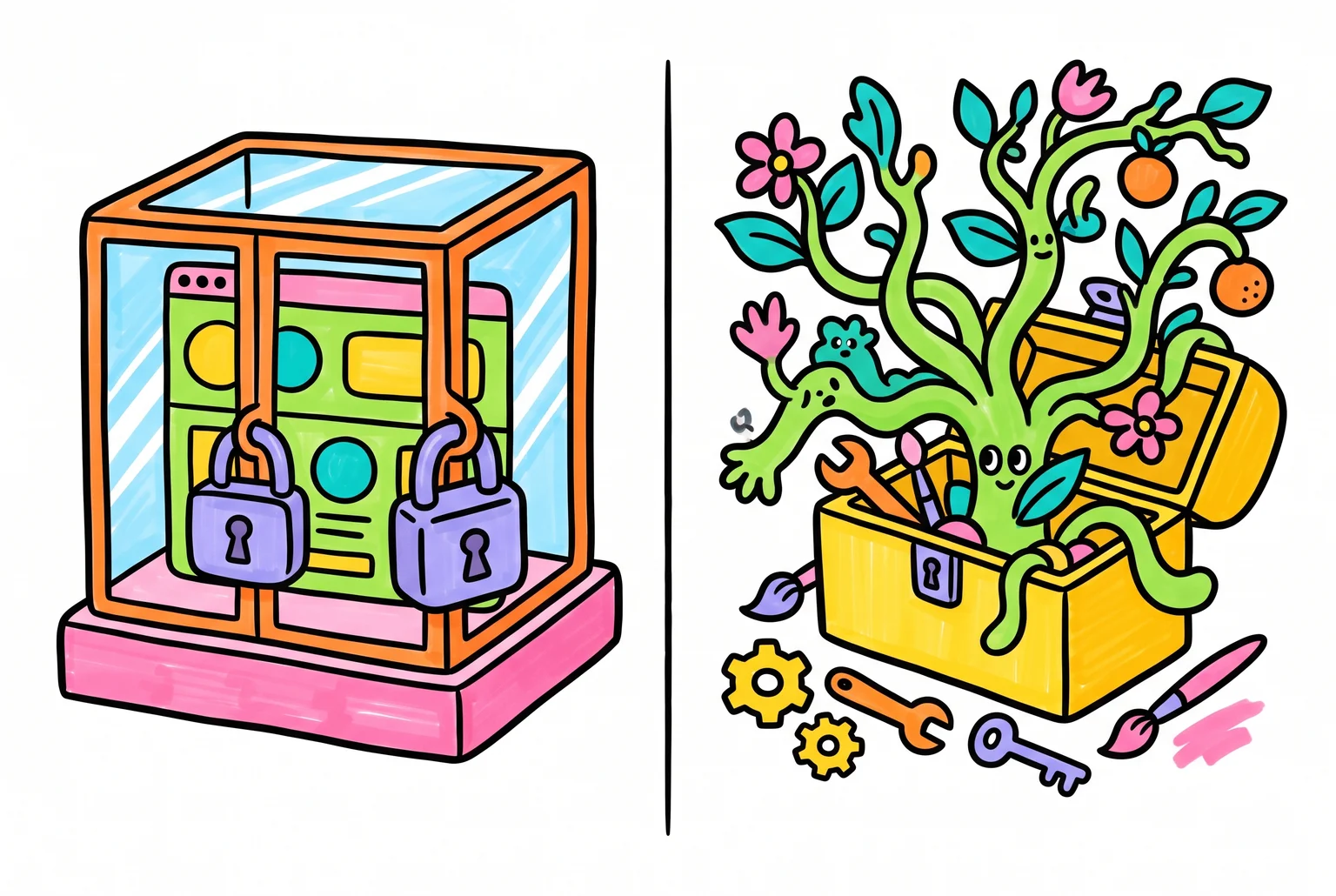
This is a five-year decision, not a five-day one
Choosing a website platform feels like a design decision. It isn’t, not really. It’s a decision about who owns your business’s digital foundation, and how much freedom you’ll have to change it later.
This analysis compares WordPress against Wix, Squarespace, Shopify, and Webflow with that in mind. It isn’t a sales pitch for WordPress. Every platform here has genuine strengths, and WordPress has real drawbacks you should weigh honestly.
The reason this decision has long tails is simple. Businesses that outgrow their starting platform often find out the hard way that switching later is expensive and risky. Site owners moving away from closed builders have reported traffic drops during migration, sometimes taking months to recover, because the platform they started on never made it easy to leave.
The comparisons that follow look at ownership, cost, customisation, SEO, scalability, and support. Each one shapes what your website can become as your business grows, not just what it looks like on day one.
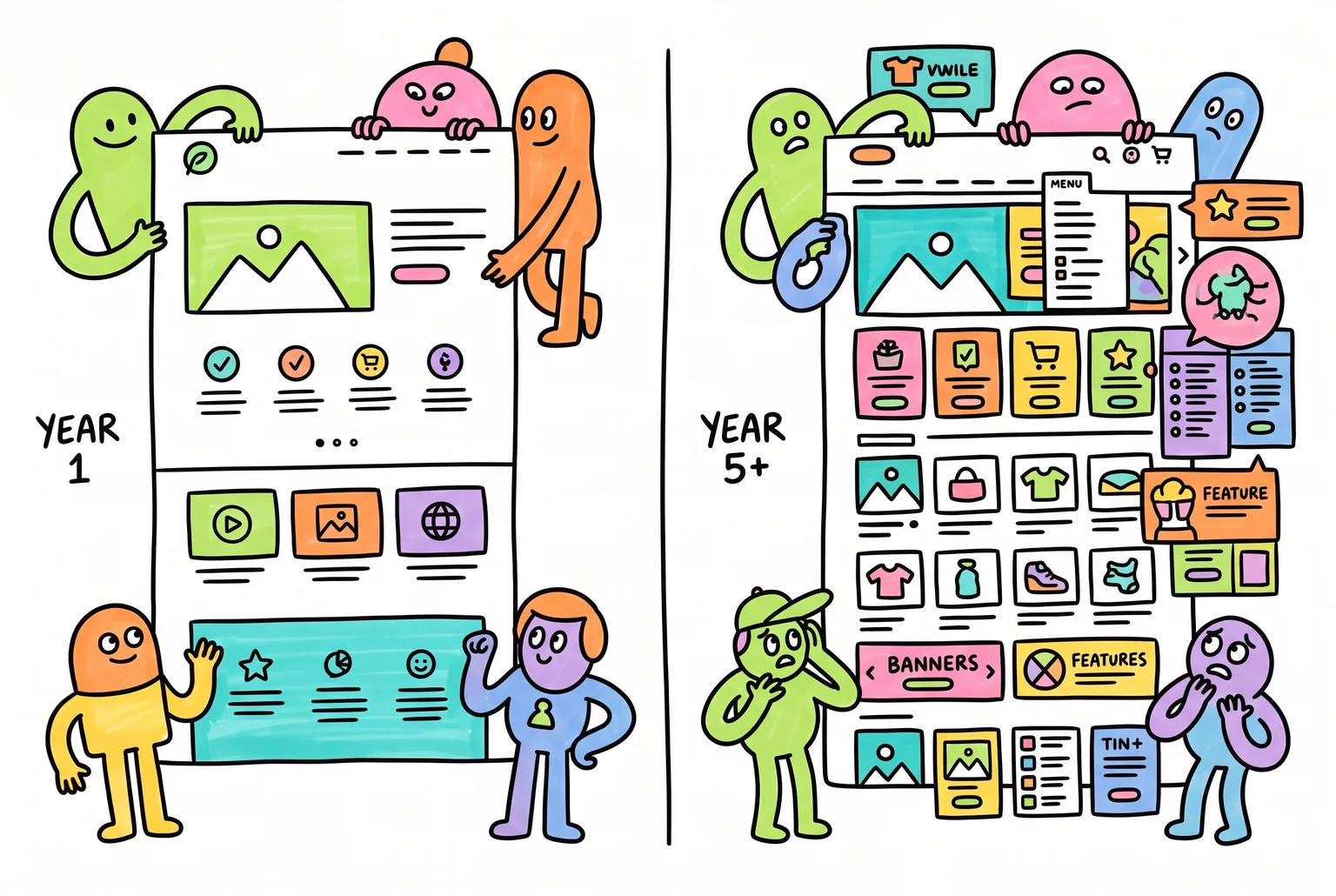
The platform you pick on day one quietly decides how much room your business will have to grow later.
Who actually holds the keys to your site
Self-hosted WordPress means your website’s files and database sit on hosting you choose and control, not locked inside one company’s system. You can move that hosting anywhere, at any time. WordPress also has a built-in export tool that packages your content into a file you can import into another WordPress site, and if you need everything, including themes and plugins, migration tools can copy the whole thing across to a new host without depending on your original provider.
Wix works differently. It runs on a proprietary system, meaning the platform’s code and infrastructure belong entirely to Wix, and the company states plainly that Wix sites cannot be exported or hosted elsewhere. You can download some content manually, but not the design, layout, or functionality that makes the site work. Squarespace sits in between: standard pages, text, and blog posts export reasonably well, but by most accounts the list of things that don’t export, commerce data, page types, custom design elements, is longer than the list of things that do.
None of this makes Wix or Squarespace bad choices. Plenty of businesses never plan to leave, and for them the tradeoff barely registers. But if there’s a chance you’ll want to switch hosts, redesign heavily, or hand the site to a different developer down the track, it’s worth knowing upfront which platforms let you take your content with you and which don’t.
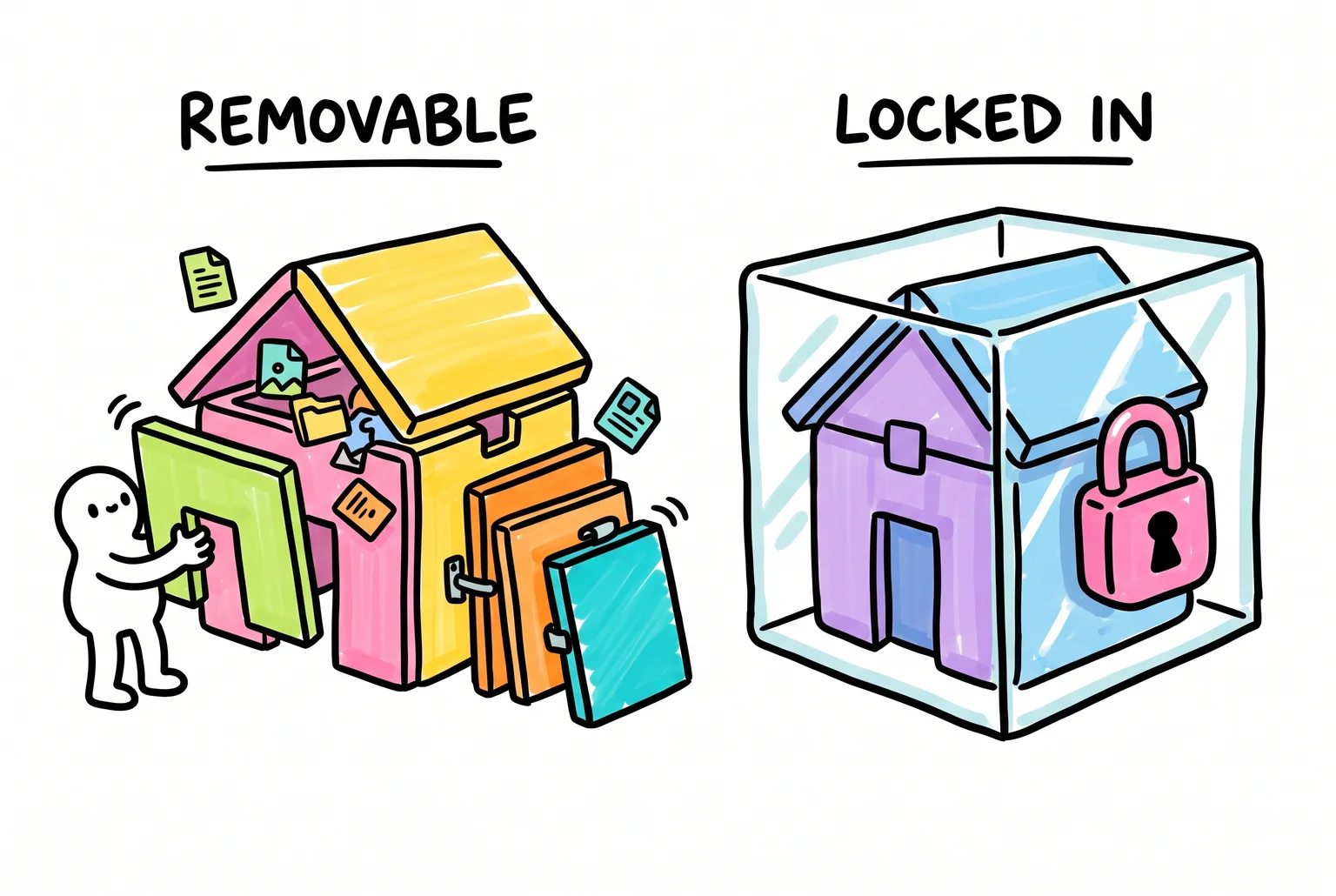
One house lets you take the walls with you, the other keeps everything sealed inside someone else’s box.
What you’ll actually pay, year after year
Wix and Squarespace sell certainty. Wix’s paid plans run about $17 to $172 a month, and Squarespace sits in a similar band, roughly $16 to $70 a month on core plans, more if you stack add-ons. You know the number today and you’ll know it in three years. Shopify and Webflow follow the same subscription logic, even without pinning exact figures here.
WordPress doesn’t work that way. A basic DIY site with free themes and shared hosting can run $75 to $200 in the first year. Add a premium theme, a few paid plugins, and an SEO tool like Yoast Premium, and that first year climbs to $200 to $500. Hosting alone typically sits at $10 to $30 a month for a small business site, though promotional deals sometimes dip to $2 to $3. If you’d rather pay someone to set it up properly, expect $500 to $3,000 upfront for development.
That range is the honest tradeoff. WordPress can be cheaper than a subscription builder over several years, but only if you’re comfortable managing it yourself or budgeting for occasional help. If you want one flat monthly bill and zero decisions about hosting or plugins, a closed platform is simpler to plan around.
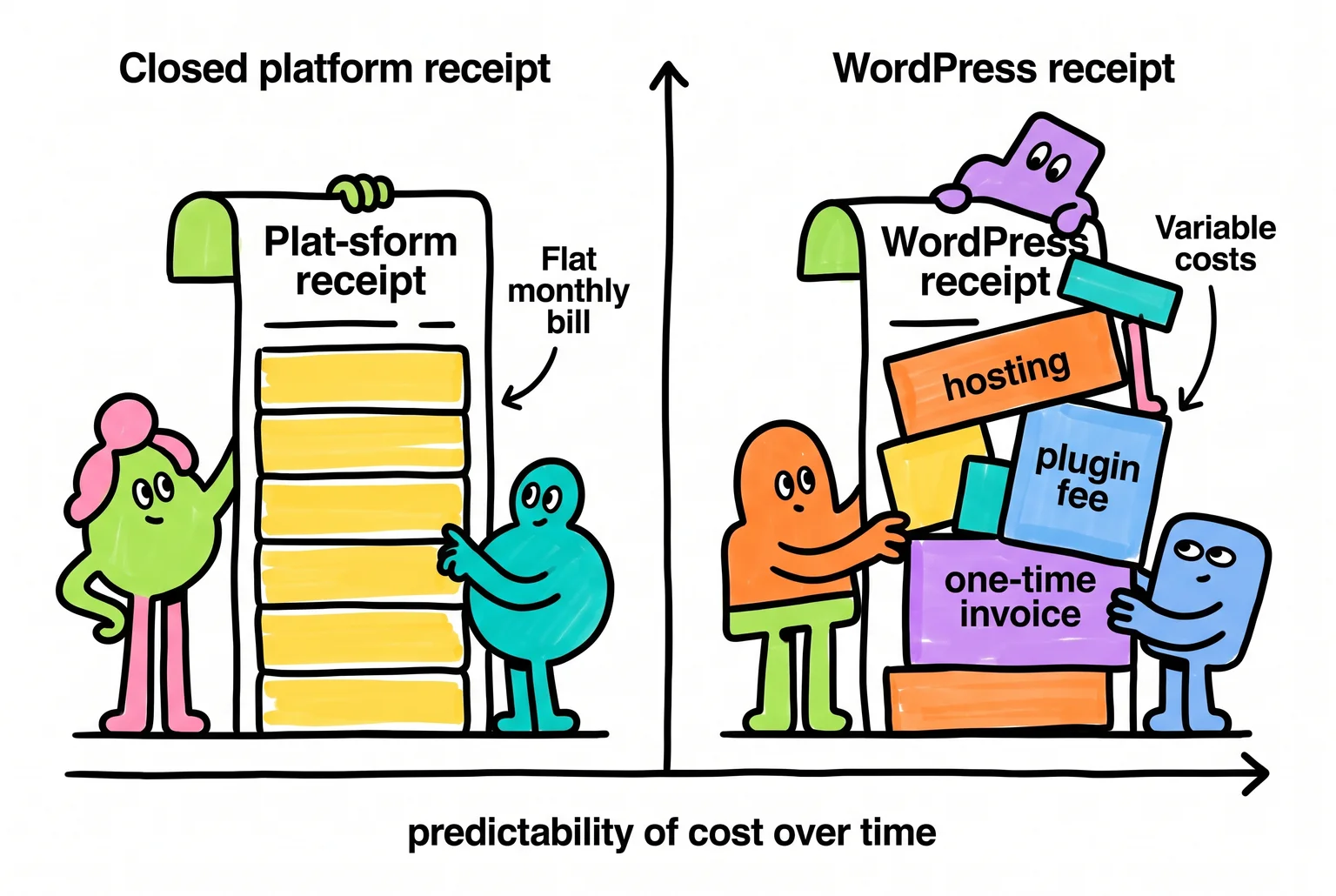
One receipt repeats the same number every month, the other adds up differently depending on your choices, and neither is automatically the cheaper option.
Building specific tools into your site, not just a nicer layout
A theme controls how your site looks, its layout, colours, and fonts. A plugin adds a function, like a booking calendar, a membership area, or a form. Wix, Squarespace and Shopify give you built-in design tools and a curated app store, but the range is narrower and the apps have to work within their system’s limits.
WordPress runs on separate, swappable plugins that you combine to build exactly what your business needs. Want clients to book appointments and pay online? There are plugins built for that. Want to sell online courses with gated content and tiered access? Membership plugins handle complex rules like content dripping and multiple payment gateways, well beyond a simple password-protected page. Need a multi-page intake form with file uploads and conditional questions? Form plugins can do that too, turning a WordPress site into something closer to a small custom application than a brochure page.
Webflow takes a different approach, building visual design control, a structured content system, and animation tools directly into the platform, which suits businesses that want tight visual control without hunting for plugins. If your business needs are mostly visual, that built-in approach may serve you better than assembling plugins yourself.
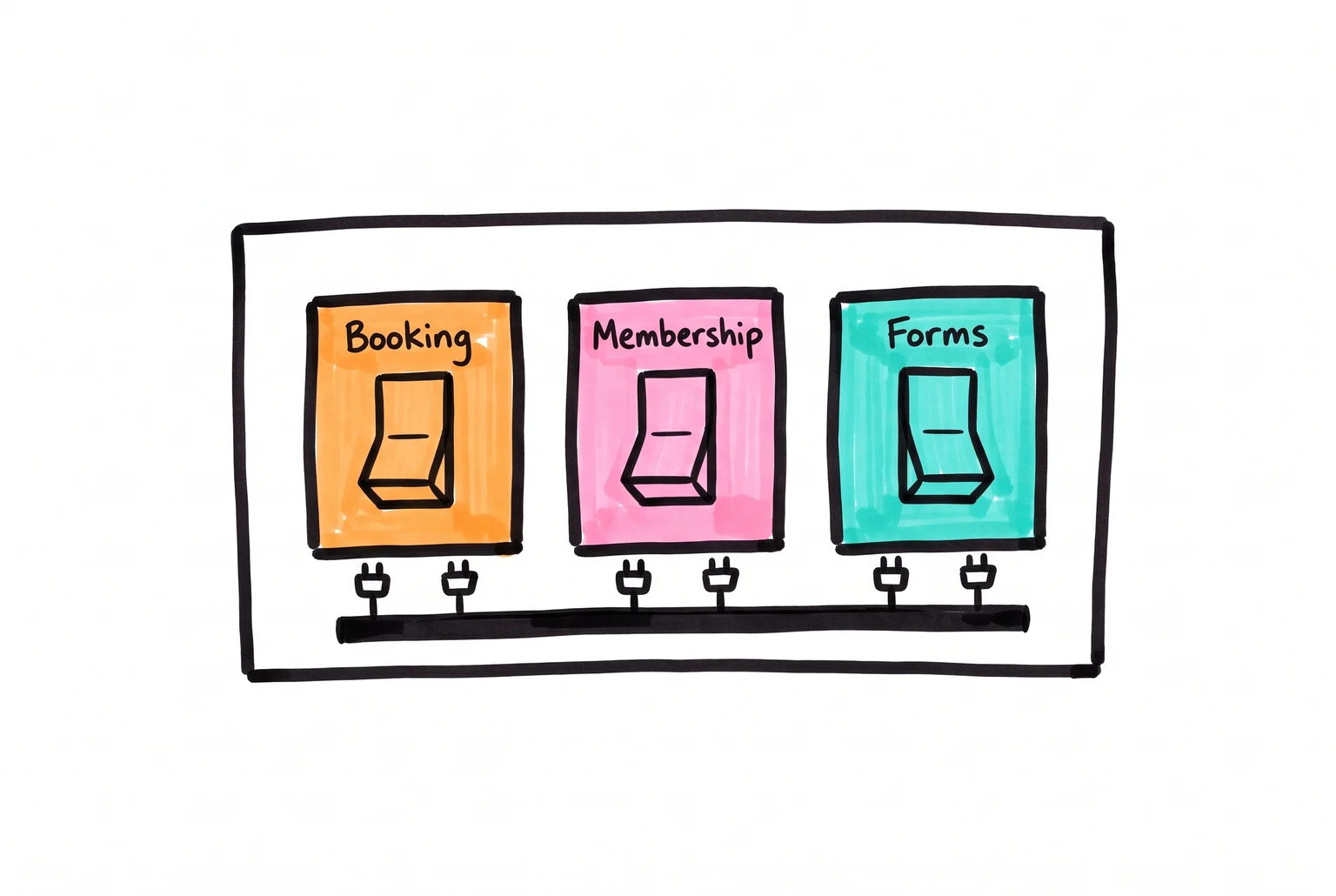
Each function, booking, membership, forms, comes from its own swappable plugin rather than a single fixed toolset.
Getting found on Google as your site gets bigger
Wix, Squarespace and Shopify all handle the basics of SEO well now, things like page titles, meta descriptions and mobile-friendly pages. Squarespace’s built-in tools cover standard needs but give you less room to adjust advanced technical settings, and Shopify has similar limits around URL structure and schema customisation that can matter once you’re running hundreds of product pages.
WordPress plugins like Yoast and Rank Math go deeper. You get control over canonical tags to avoid duplicate-content issues, structured data for products, articles and breadcrumbs, and indexing rules that decide which pages Google should and shouldn’t bother with. Sitemaps update automatically as you add content, which matters more as your catalogue or blog grows from ten pages to a thousand.
Growth in traffic is a separate question from growth in pages, and WordPress handles both. With decent hosting and a content delivery network layered on top, a well-configured WordPress site can serve millions of visits a month, and setups like Edublogs’ multisite network have run hundreds of thousands of pages at scale.

The difference is not whether a platform offers SEO controls but how deep those controls reach into every page as a site grows.
None of this matters if your business plans to stay at twenty pages forever. But if you’re expecting real growth, the ceiling is higher.
Where you go when something breaks
WordPress powers 40.7% of all websites and 58.9% of sites running a known CMS, which means almost any problem you hit has already been solved by someone, somewhere, and written up on a forum, in a plugin’s support tab, or in a YouTube tutorial. Freelance WordPress developers are easy to find and hire on short notice if you need paid help.
Wix, Squarespace and Shopify support you differently. Each runs its own help centre and community forum, and Shopify has a dedicated technical Q&A section. These are solid resources, but they’re closed ecosystems, staffed and moderated by the platform, covering only what that platform allows. WordPress’s help pool is bigger and messier, and quality varies since anyone can post an answer. You’ll sometimes need to sift through outdated advice to find what applies to your setup.
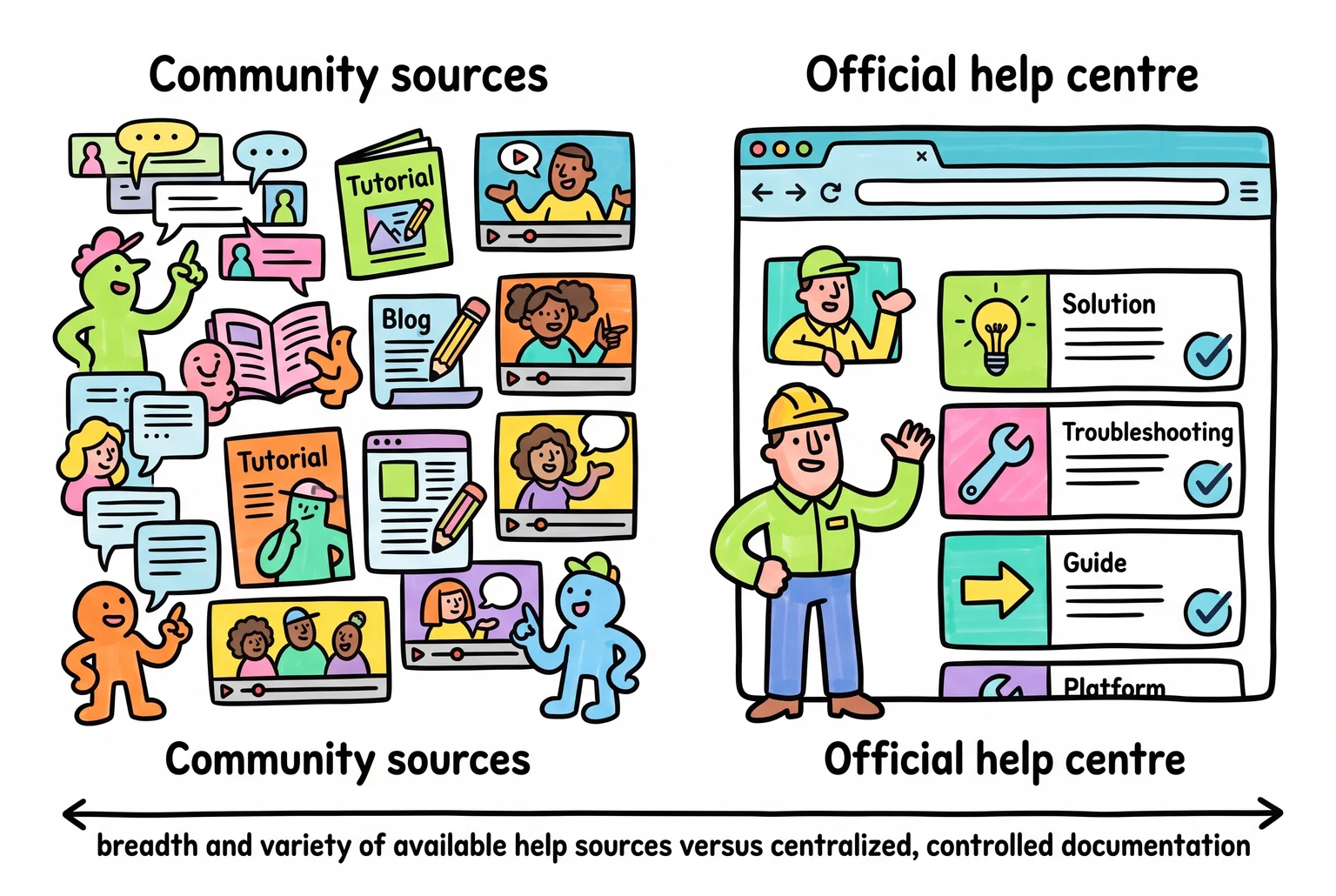
More sources mean more to sift through, but also more chances someone has already solved your exact problem.
What running WordPress actually asks of you
Wix handles security and platform updates on its end, which is a real point in favour of hosted builders if you’d rather not think about any of this. WordPress puts that job on you or whoever manages your site.
That job has a rhythm to it. Weekly checks for core, plugin, and theme updates, with a quick look afterward to confirm nothing broke. Daily backups of files and database, more often if you’re running an online store with orders coming in constantly. Before any major update, a fresh backup and ideally a test on a staging copy of the site, since plugin conflicts are the most common way a WordPress site breaks. Security needs attention too: strong passwords, two-factor login, and removing plugins you’re not using, because unused plugins are a common entry point for attacks.
None of this is difficult individually. Together it’s an ongoing task list, not a one-time setup. Some owners handle it themselves once they learn the routine. Others pay a developer or a maintenance service a small monthly fee to take it off their plate, which is a fair trade if your time is worth more spent elsewhere.
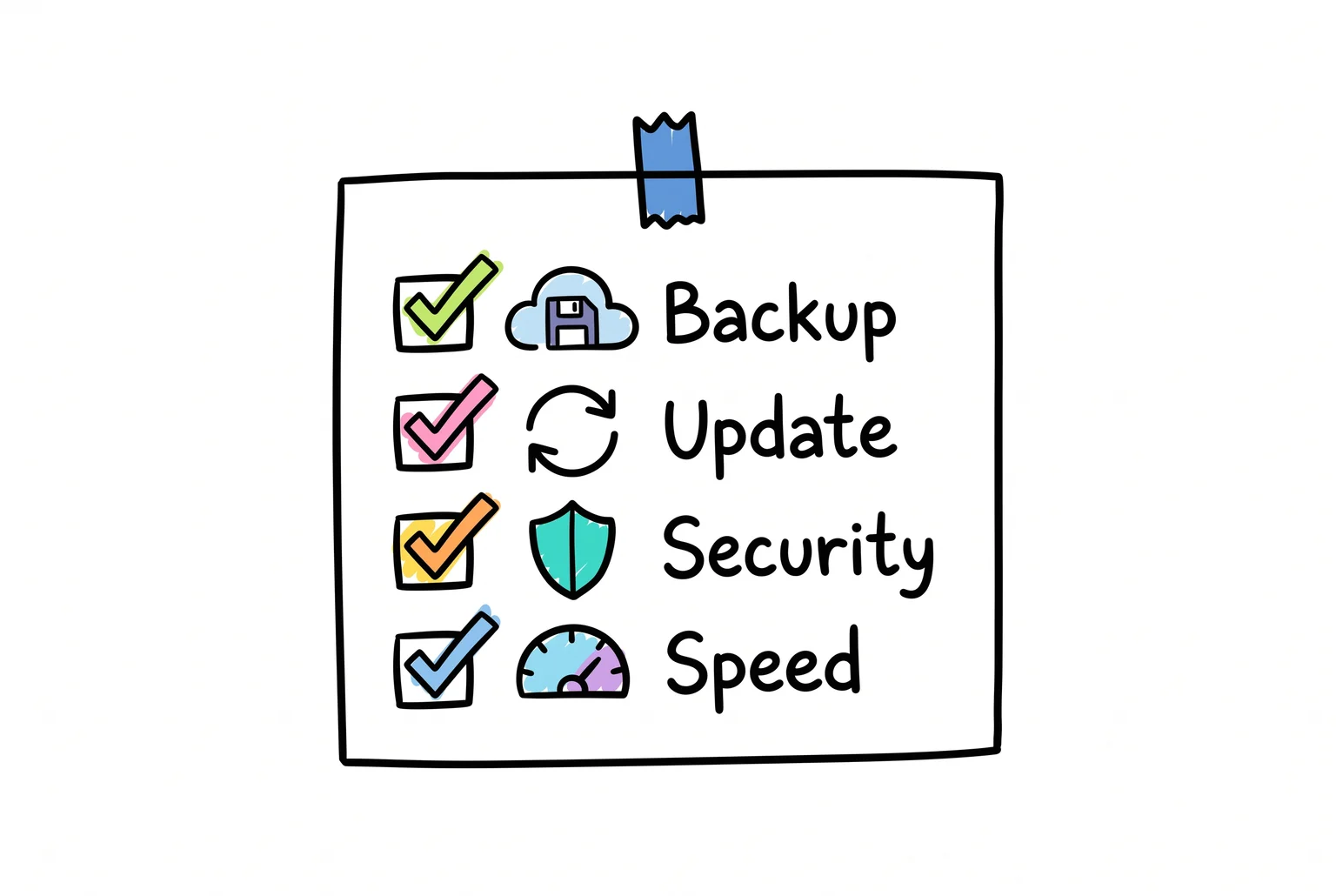
Backups, updates, security, and speed checks are not a one-time setup, they are a recurring weekly list someone has to actually work through.
Matching the platform to your business, not the other way around
WordPress suits businesses planning to grow content, add features over time, or run something more complex than a brochure site, and it suits owners willing to either learn basic upkeep or pay someone modest to handle it. It’s a strong fit for content-led businesses that value hosting choice and long-term control, and for stores wanting an open-source commerce setup instead of a locked platform.
If you want a simple site live this weekend with nobody to manage, Wix fits better. If your business is design-led, like a portfolio or restaurant site where presentation matters more than functionality, Squarespace is the easier road.
There’s no universal winner here, just a match between what your business needs and how much time you want to spend on the website itself.
Sources
- How much is a Wix website? – Wix.com — Wix
- Usage Statistics and Market Share of WordPress, September 2026 — W3Techs
- Difference between WordPress.org and WordPress.com — WordPress.org
- WooCommerce — WordPress.org Plugin Directory
- Business Website Builder — Wix
- Small Business Website — Squarespace
If this post raised some questions feel free to ask me a question