
Microsoft Advertising is worth a short, measured test for many small businesses because it often runs with less auction competition than Google Ads and reaches audiences you cannot find elsewhere. The value only holds up if you track real conversions rather than clicks. Set up conversion tracking, pick a modest budget, and run a 90-day test before deciding whether to scale.
TL;DR:
- Microsoft Advertising can offer lower costs per click due to less auction competition, but this only benefits your business if it results in cheaper leads.
- The platform’s unique advantages include LinkedIn-based targeting for B2B audiences and automation tools that reduce manual campaign management.
- Targeting should focus on local, professional, or high-ticket businesses, with a 90-day test recommended to measure actual conversion costs and ROI.
- Proper setup involves installing the UET tag, defining conversion goals, adjusting location intent, and using Google’s import tools for efficient campaign migration.
- Small businesses should consider hiring a specialist if their current campaigns face troubleshooting issues, low conversion rates, or complex account structures.
Table of Contents
- Why Microsoft Advertising can deliver better ROI for some small businesses
- Which small businesses should test Microsoft Ads (and when to skip it)
- Key features small businesses should use: audiences, LinkedIn, geo, and automation
- Quick setup checklist and how to move campaigns with Google Import
- Budget types and bid strategies that control cost and drive conversions
- Measure real business outcomes and optimize: the 90-day test plan
- Webby’s practical checklist and signals for when to hire a specialist
- An honest take on Microsoft Ads in a small-business media mix
- How Webby can help run or audit your Microsoft Ads test
- Primary Microsoft documentation and toolkit links
- Sources
- FAQ
Why Microsoft Advertising can deliver better ROI for some small businesses
Lower bidder density on Microsoft Advertising often means lower cost per click than the same keywords cost on Google Ads. That gap only matters if it turns into cheaper leads, so cost per lead (CPL) is the number to watch, not the click price. A cheap click that never converts costs more than an expensive one that does.
Microsoft Advertising also reaches people through Microsoft properties and, for B2B advertisers, LinkedIn firmographic data that Google Ads simply does not offer. The Small Business Advertising Toolkit points to AI-driven automation and audience reach across MSN, Outlook, Edge, and the Microsoft Audience Network as tools built for advertisers running lean teams.
- Lower auction competition can reduce cost per click in many categories.
- LinkedIn-derived audience data supports B2B targeting that Google Ads cannot match.
- Automation tools reduce the manual campaign work a small team has to do.
Microsoft’s own toolkit highlights AI-driven automation and cross-property audience reach as the platform’s main pitch to small advertisers, a claim worth checking against your own CPL before you commit more budget.
Which small businesses should test Microsoft Ads (and when to skip it)
Microsoft Ads tends to work best for local service businesses, B2B companies, and higher-ticket local offerings where an older or desktop-leaning buyer is common. These audiences show up on Microsoft properties in numbers that Google Ads alone will not capture.
It fits less well as a primary channel for businesses already stretched thin on Google budget with nothing left to test. In that case, treat Microsoft as a supplement, not a replacement.
- Good fits: local trades, professional services, B2B firms, and niche products with a higher price point.
- Weaker fits: businesses with no spare budget or those still optimizing their core Google campaigns.
- Budget guidance: consider allocating a modest portion of your spare paid search budget into a time-boxed 90-day test before judging results.
Key features small businesses should use: audiences, LinkedIn, geo, and automation
Microsoft Advertising gives you several targeting layers that matter more once your campaign is live rather than at launch. Remarketing catches people who already visited your site. In-market audiences reach people actively shopping a category. Customer match lets you upload your own contact lists, and similar audiences extend reach to people who resemble your existing customers.
LinkedIn firmographic targeting is the platform’s clearest differentiator. Company, industry, job function, and seniority data from LinkedIn can be applied as bid modifiers on Search campaigns or as hard filters on Audience campaigns, which makes it easier to reach decision-makers directly rather than hoping the right person clicks.
Location targeting deserves particular attention for local service businesses. Microsoft’s location and language targeting settings determine whether your ad serves to people physically inside your target area or to anyone searching about that area from anywhere, and the default setting is often the wrong one for a local business.
- Use remarketing and in-market audiences to reach warm and active shoppers.
- Apply LinkedIn seniority and industry filters when targeting business buyers.
- Set location intent to people physically in your area, not just people searching about it.
- Lean on Performance Max-style automation and Copilot to cut manual campaign setup work.
Quick setup checklist and how to move campaigns with Google Import
If you already run Google Ads, Microsoft’s import tools let you bring campaigns across, including Performance Max, Shopping, and Audience ads, without rebuilding everything from scratch. Quick import moves a single account fast with minimal setup. Smart import handles medium complexity and syncs budgets, keywords, audiences, and assets. Advanced import gives you full control over mapping and structure before anything goes live.
Before you import anything, confirm your account basics: currency, supported market, an installed UET tag, defined conversion goals, and the right campaign type for your goal.
- Install the UET (Universal Event Tracking) tag on your site.
- Define conversion goals tied to real outcomes, such as calls, form fills, or purchases.
- Set campaign targets for location, language, and audience.
- Import an existing Google campaign or build a new one from scratch.
- Set budget pacing so spend does not front-load in the first few days.
- Launch and monitor daily for the first week.
Budget types and bid strategies that control cost and drive conversions
Microsoft documents three budget types on its budget and bid guidance: daily budgets for ongoing spend control, shared budgets that split a pool across multiple campaigns, and lifetime budgets for time-limited promotions. A small business running its first test usually does best with a daily budget on a single campaign, since it is the easiest to monitor and adjust.
For bidding, Enhanced CPC keeps you in manual control while nudging bids toward likely converters, Maximize Clicks is useful for gathering early data, and Target CPA or Target ROAS need enough conversion volume before they perform reliably.
For Australian dollar accounts, Microsoft’s currency documentation lists a minimum bid of 0.01 AUD and a minimum daily budget of 0.05 AUD, figures that can change and are worth confirming at setup. Microsoft also reconciles budgets on a monthly pacing basis rather than a strict daily cap, so daily spend can run above the set limit on any given day.
- Daily budgets suit ongoing, single-campaign tests.
- Shared budgets work when several campaigns draw from one pool.
- Lifetime budgets fit a fixed promotional window.
- Enhanced CPC and Maximize Clicks suit early-stage campaigns with limited conversion history.
Pro Tip: Set location intent to “people in” your target area rather than the broader “searching for or viewing” default, and use bid modifiers to fine-tune reach instead of leaving geographic settings on autopilot.
Measure real business outcomes and optimize: the 90-day test plan
Install the UET tag before you spend a dollar, then map conversion goals to outcomes that matter: phone calls, form submissions, completed sales. CPL and CPA tell you far more than click-through rate, and if your business relies on high-value leads, factor in ROAS as well.
Microsoft’s own guidance for small advertisers recommends setting clear conversion goals early and using tools like Conversion Tracking and Campaign Experiments to test changes without disrupting a live campaign.
- Week one: confirm tracking fires correctly and check for early setup errors.
- Day 30: review CPL trends and pause anything with zero conversions.
- Day 90: decide whether to scale, adjust, or drop the channel based on CPL against your target.
- Layer in remarketing or LinkedIn seniority modifiers once you have baseline data.
- Test dayparting if your leads cluster around business hours.
- Run creative and landing page splits in parallel, not sequentially.
- Track results through your CRM rather than relying on platform dashboards alone, since a lead logged in Microsoft’s reporting is not the same as a lead that actually closes.
Webby’s practical checklist and signals for when to hire a specialist
At Webby, our checklist for launching Microsoft Ads for local service clients starts with the same basics every advertiser needs: UET installed and wired to CRM lead data, location intent set to people physically in the service area, an import approach chosen based on account complexity, and landing pages checked for call tracking and form reliability before the campaign goes live.
Some signals suggest managed help will pay off faster than a solo attempt:
- A Google account with many campaigns and audiences that makes Advanced import genuinely complex.
- A conversion rate that stays flat despite reasonable traffic, often a landing page problem rather than a targeting problem.
- Call tracking or form tracking that is missing or broken, which makes every other optimization decision unreliable.
An honest take on Microsoft Ads in a small-business media mix
Microsoft Ads earns its place as a secondary channel more often than as a primary one. The cost arbitrage is real for many advertisers, but it only shows up in your numbers if you measure CPL properly rather than trusting click volume. Run the 90-day test yourself if you have the time, or bring in managed help if you do not.
— Steve Doig
How Webby can help run or audit your Microsoft Ads test

Running a Microsoft Ads test well means getting the technical groundwork right before the first dollar is spent: UET installed correctly, conversion goals mapped to real leads, and a landing page that actually converts the traffic you pay for. This is where a lot of small business campaigns quietly fail, not in the bidding strategy but in the plumbing underneath it.
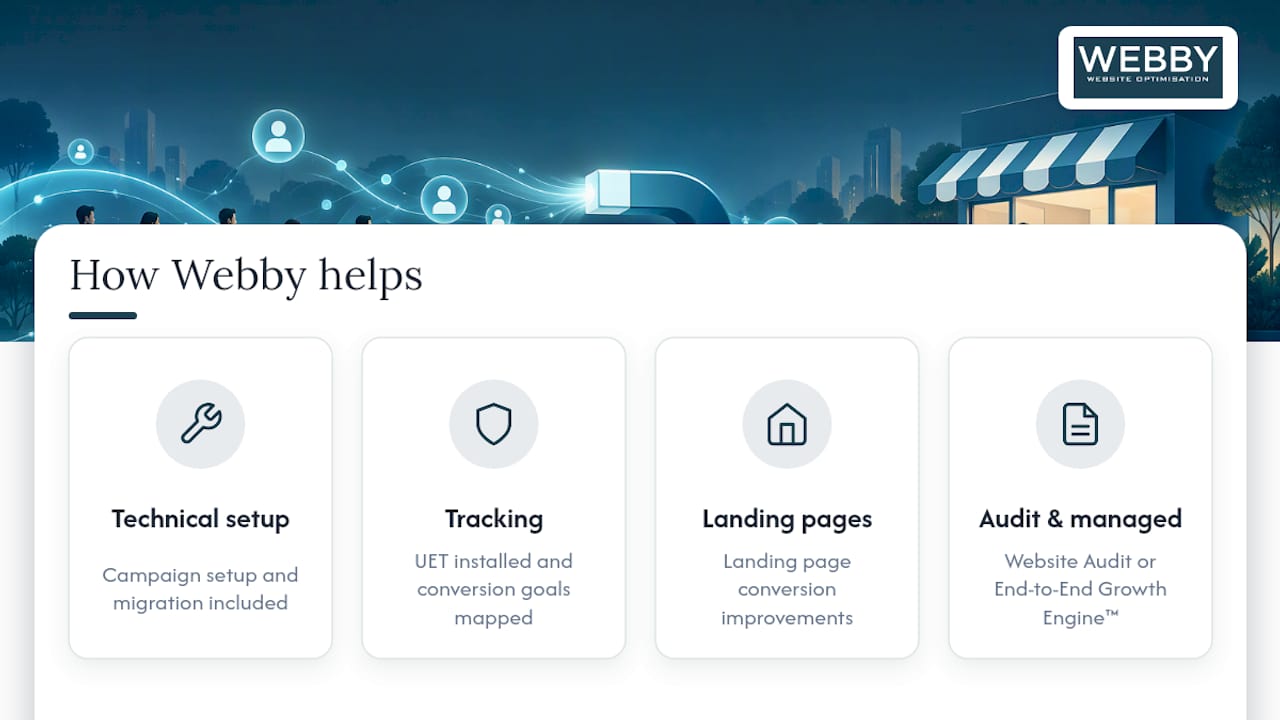
Webby handles campaign setup and migration, UET and conversion tracking, and landing page conversion work for local service businesses, and our Website Audit service is a practical starting point if you want to know whether your site is ready for paid traffic before you spend on it. If you would rather hand off the whole test, our End-to-End Growth Engine™ combines the technical and marketing work into one managed service. Get in touch to scope your test.
Primary Microsoft documentation and toolkit links
For account setup and troubleshooting, Microsoft’s own resources are the most reliable reference: the import tools page for moving campaigns from Google, the budget and bid documentation for spend controls, and the currency guide for market-specific minimums. For related strategy on keyword selection and landing page alignment, see this guide to targeting relevant keywords.
FAQ
What is the best advertisement format for a small business?
There is no single best format. It depends on your goal: search ads capture buyers actively looking for what you sell, while audience and remarketing ads work better for staying visible with people who already know your business.
What are Microsoft Ads called now?
The platform is officially called Microsoft Advertising. It was previously known as Bing Ads before Microsoft rebranded it to reflect its reach across Microsoft properties beyond the Bing search engine.
Are Microsoft Ads worth it for a small business?
For many small businesses, yes, as a secondary channel tested alongside an existing campaign. The Small Business Advertising Toolkit points to automation and cross-property audience reach as its main advantages, but the real answer depends on your cost per lead after a proper test.
Are Microsoft Ads cheaper than Google Ads?
Microsoft Advertising often has lower bidder competition, which tends to bring lower cost per click in many categories. Cost per click alone does not tell the full story, so compare cost per lead between the two platforms before drawing conclusions.