
Google Tag Manager (GTM) is a free tool that lets you add, change and remove the tracking codes on your website from one dashboard, without editing the site’s code each time. You install one container snippet once, and every tag after that (Google Analytics 4, Google Ads conversions, remarketing and more) is managed in the browser. This guide explains what GTM is, how its parts fit together, when you don’t need it, how to set it up without breaking anything, and what Australian privacy rules mean for the tags you switch on.
One quick clarification, because the search term causes confusion: GTM here means Google Tag Manager, not a go-to-market strategy, which is a plan for launching a product. Mixing the two up is an easy way to end up reading the wrong advice.
TL;DR
- GTM is a free tag management system: you put two snippets of code on each page, then manage tags in a web interface instead of editing your site.
- Three building blocks matter: tags (what to send), triggers (when to send it) and variables (the details the tag needs).
- Always test in Preview mode before you publish. GTM keeps versions, so a bad change can be rolled back.
- If you only use a few basic Google products, the plain Google tag may be enough. GTM earns its place when tags multiply.
- In Australia, tracking tools are your responsibility. Consent and privacy settings are part of the setup, not an afterthought.
Table of Contents
- What Google Tag Manager actually does
- Tag Manager vs Google Analytics: not the same thing
- The three building blocks: tags, triggers and variables
- Do you need GTM at all?
- How to set up Google Tag Manager
- Testing and version control: your safety net
- Connecting GTM to GA4 and Google Ads
- Privacy and consent in Australia
- Common beginner mistakes
- Our perspective: keep it boring, keep it yours
- Where we can help
- Frequently asked questions
- Sources
What Google Tag Manager actually does
A tag is a small piece of code that sends information from your website to another service. Your analytics tool uses one to count visits. Your ad account uses another to record that someone filled in a quote form after clicking an ad.
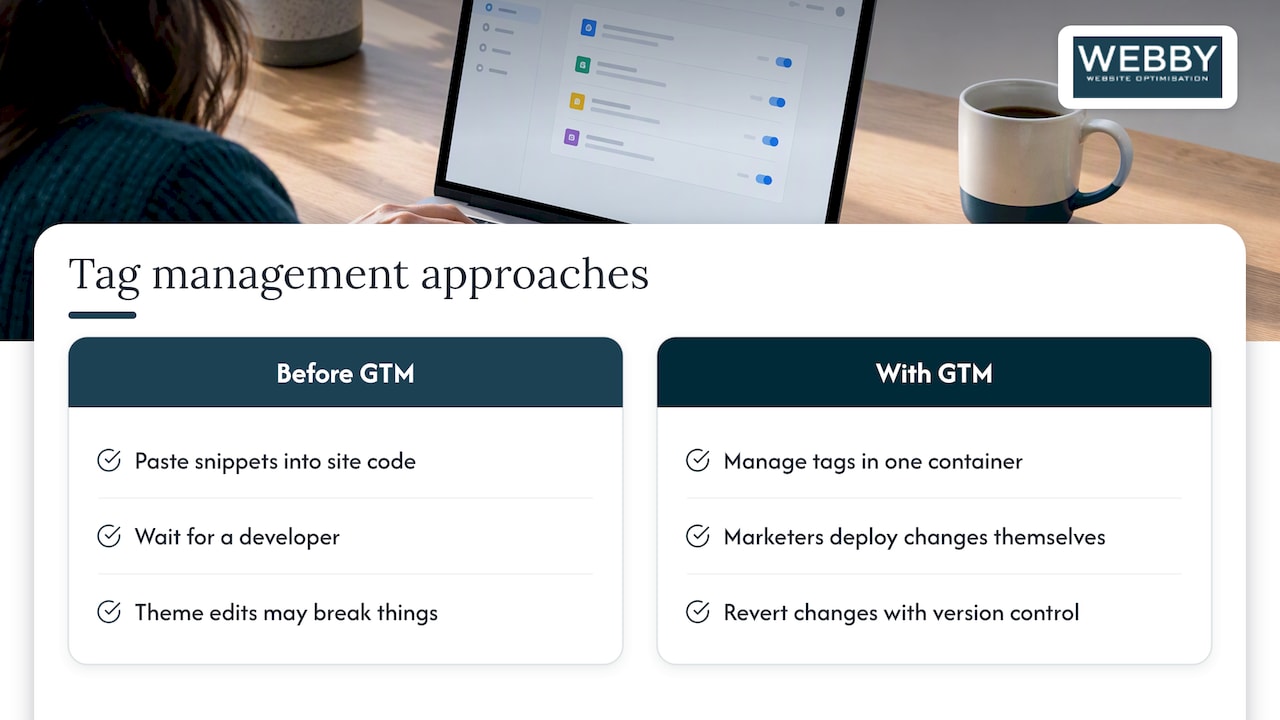
Before tag managers, each of those snippets had to be pasted into the site by whoever could edit the code. That meant waiting on a developer, or pasting things into a theme file and hoping nothing broke. GTM replaces that with a single container. Google describes it as a system that lets you set up and manage tags without changing your website’s code, and it’s free to use, including for Google tags and third-party integrations.
Google’s developer documentation points to agility as the main benefit for smaller teams: marketers can deploy tracking changes themselves rather than waiting for a developer, and version control makes it easy to revert if something goes wrong.
For a plumber, electrician, accountant or dental clinic in Perth, that translates into something practical. When you want to start tracking phone-number clicks or a new enquiry form, you add a tag in GTM rather than raising a job on the website.
If you want a second explanation in different words, we’ve also written a plain-language piece on how Google Tag Manager works.
Tag Manager vs Google Analytics: not the same thing
This is the most common mix-up we see with business owners.
| Google Tag Manager | Google Analytics 4 (GA4) | |
|---|---|---|
| What it is | A delivery system for tags | A reporting tool |
| What it does | Fires tags at the right moment | Collects and reports on visitor behavior |
| Where you look | Container, Preview mode | Reports and Explorations |
| Needs the other? | Can deploy GA4, but doesn’t report on it | Can run without GTM |
Think of GTM as the courier and GA4 as the warehouse. GTM carries the message “someone submitted the contact form” to GA4 and to Google Ads. GA4 stores it and shows you the numbers.
The three building blocks: tags, triggers and variables
Every GTM setup, however large, is built from these three things.
Tags
A tag is the action. Examples: send a page view to GA4, record a Google Ads conversion, or load a third-party chat widget. GTM includes templates for common tags, so you fill in fields instead of writing code.
Triggers
A trigger is the condition that makes a tag fire. Typical triggers include:
- A page loads (every page, or only a specific one such as your thank-you page)
- A visitor clicks a link, such as a phone number or an email address
- A form is submitted
- A visitor scrolls part of the way down a page
A tag with no trigger never fires. A tag with the wrong trigger fires at the wrong time and pollutes your data. Most tracking problems come from one of these two.
Variables
A variable is a piece of information a tag or trigger needs, such as the page URL, the text of a button that was clicked, or your GA4 measurement ID. Storing your measurement ID in one variable means you change it in one place instead of in every tag.
A worked example
Suppose you run a Fremantle air-conditioning installer and want to know how many people click the phone number on your site.
- Tag: a GA4 event tag named, say,
phone_click. - Trigger: a click trigger that fires only when the link URL starts with
tel:. - Variable: your GA4 measurement ID, stored once and reused.
- Test: open Preview mode, click the number on your site and confirm the tag fired.
- Publish: save the version with a clear name, then publish.
That’s the whole loop. Larger setups just repeat it.
Do you need GTM at all?
Not always. Google’s own comparison says the standard Google tag (gtag.js) can be enough if you only use a few basic Google products, while GTM suits people managing multiple tags from Google, third parties and custom sources in one place.
A rough way to decide:
- Stick with the Google tag alone if you have a small brochure site, one analytics property and no ad campaigns.
- Use GTM if you run Google Ads or Microsoft Ads, want to track calls, forms or button clicks, use more than two or three tracking scripts, or want someone other than your web developer to be able to adjust tracking.
If you’re not sure which side you’re on, that’s a conversation worth having before you install anything. Extra tools you don’t need still slow your pages and add privacy obligations.
How to set up Google Tag Manager
The core steps are short. Google’s help pages cover them in detail, and the summary is this.
- Create an account and container. Sign in at tagmanager.google.com with a Google account your business controls, not a freelancer’s personal one. Choose “Web” as the container type.
- Install the container. Google’s instructions to install a web container have you place one snippet as high as possible in the
<head>of each page and a second right after the opening<body>tag. - On WordPress, use a plugin or our guide. A plugin can handle the placement for you. We’ve documented the steps in how to add Google Tag Manager to your WordPress website.
- Add your first tag. Start with GA4 if you haven’t already got it running, with an all-pages trigger.
- Preview. Use Preview (debug) mode to confirm tags fire when and where you expect.
- Publish. Give the version a name and description so you can find it later.
Avoid the classic mistake of installing GTM and also leaving the old hard-coded GA4 snippet in the theme. You then count every visit twice.
Testing and version control: your safety net
GTM has two features that make it forgiving for non-developers. Preview mode lets you test changes on your live site without the public seeing them. Every publish creates a numbered version, so you can revert if something breaks.
Habits that save you grief:
- Never publish without previewing.
- Name tags consistently, for example “GA4 – Event – Phone click”.
- Write a short note on each version describing what changed.
- Give access only to people who need it, and remove former staff or agencies promptly.
- Check your data in GA4 a day or two after publishing, not only in Preview.
Connecting GTM to GA4 and Google Ads
The payoff of GTM for a local service business is conversion tracking: knowing which clicks, calls and forms actually produce enquiries. Google’s help centre has setup guides for Google Ads conversion tracking and GA4 events through Tag Manager.
Our advice is to start small. Pick one event that represents a real lead, usually a form submission or a phone click, and get it measuring correctly before adding more. Two of our guides walk through this: four QA checks for GA4 conversion setup and linking GA4 and Google Ads, starting with one event.
Privacy and consent in Australia
This is the part many how-to guides skip, and it matters here. The Office of the Australian Information Commissioner (OAIC) has published guidance on tracking pixels and privacy obligations for private sector organisations. It says the Privacy Act does not prohibit tracking pixels, but organisations using them have obligations that depend on what information they collect.
Two points from the OAIC are worth taking seriously:
- The Privacy Commissioner has said businesses should not take a “set and forget” approach to tracking tools. You are expected to identify privacy risks and put mitigations in place before you deploy.
- In a 2026 determination, the Commissioner found that using tracking pixels to follow visitors to health-related websites and target them with ads amounted to collecting sensitive information, and that using a third party’s technology doesn’t remove the business’s responsibility.
If you run a medical, allied health, counseling, legal or similar practice, this deserves real attention. Talk to your privacy adviser or lawyer before switching on advertising pixels, because the right setup depends on what your site reveals about visitors. GTM won’t make that call for you.
Consent mode
GTM includes features to help tags behave according to a visitor’s choices: a consent initialization trigger, consent settings on tags and an overview of what’s configured. Google documents them under Tag Manager consent mode support. They work with a consent management platform (CMP) that records whether a visitor accepted or declined cookies.
A common trap: older setups often contain exception triggers that were added to block tags before consent mode existed. Google says these can now interfere with data collection and should be removed from Google tags when consent mode is in use. If your GTM container was built a few years ago, it’s worth an audit.
Common beginner mistakes
- Duplicate tracking. The same GA4 tag installed both in the theme and in GTM.
- Publishing untested changes. Preview takes two minutes. Cleaning up bad data takes weeks.
- Counting the wrong thing as a conversion. A button click isn’t a lead. A completed form is.
- Account ownership. The container sits in a former web designer’s Google account and you can’t get in.
- Tag clutter. Old tags from retired campaigns still firing and slowing the page.
- Ignoring consent. Pixels left running with no review of what data they collect.
Our perspective: keep it boring, keep it yours
We set up and fix a lot of tracking for local service businesses, and the pattern is consistent. The problem is rarely that GTM is too hard. It’s that nobody owns it. A tradesperson pays someone to “get Google Ads going”, a container appears under that person’s login, a handful of tags get added over three years, and nobody can say what’s firing or why.
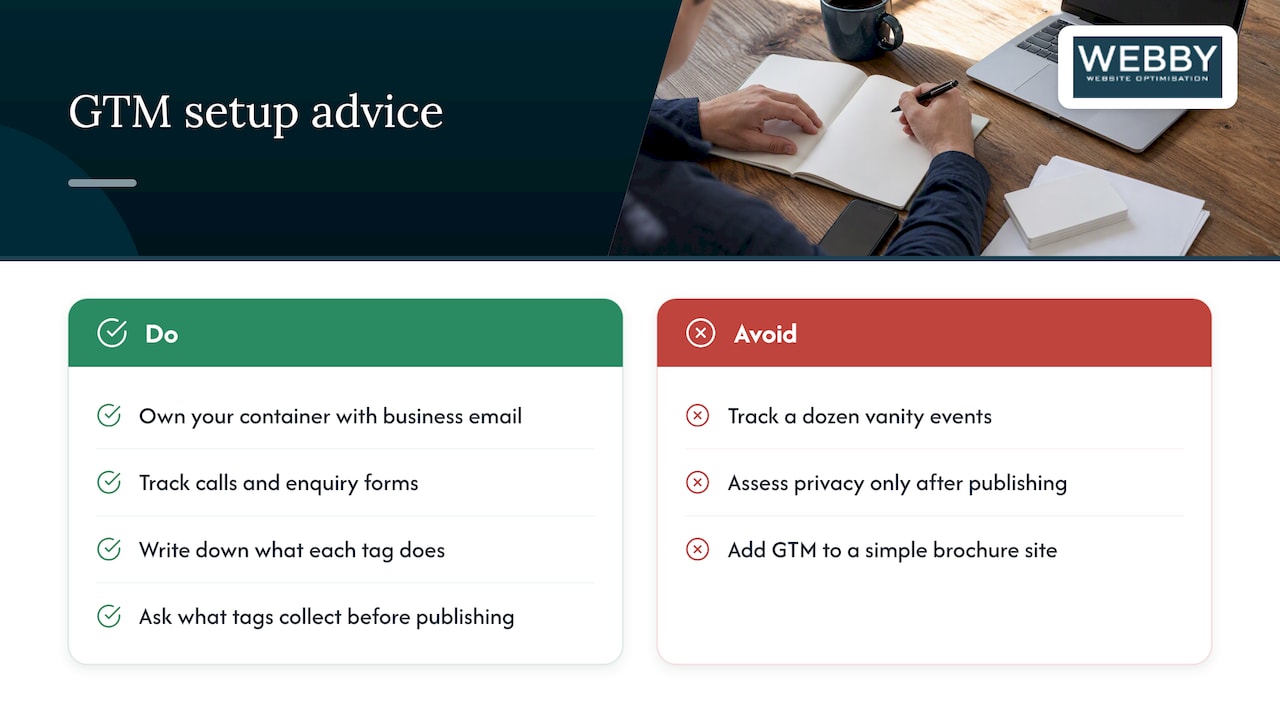
Our view is simple. Own your container, with your business email as the administrator. Track one or two outcomes that map to revenue, such as calls and enquiry forms, rather than a dozen vanity events. Write down what each tag does. And treat privacy as part of the build: ask what the tag collects before you publish it, not after.
We’d also rather tell you not to use GTM than sell you complexity. If your site is a five-page brochure with one analytics property, the simpler Google tag may be all you need. When you’re running ads and your decisions depend on the numbers, a tidy container pays for itself.
— Steve Doig
Where we can help
If you’d like someone to check whether your tracking is accurate, our Website Audit is a one-off $1,250 AUD review of how your site is performing, and it’s a sensible first step before you spend more on ads. If your site needs ongoing hands-on care, our WordPress Help & Support plans include Monthly Maintenance at $59 AUD per month and Monthly Updates at $123 AUD per month. You can also claim a free website audit to see where you stand.
Frequently asked questions
What are the two main capabilities of Google Tag Manager?
In practice, GTM does two jobs. It deploys tags to your site from a central interface, and it controls when those tags fire using triggers and variables. Around that sit testing, version history and consent settings.
What is GTM, and is it the same as a go-to-market plan?
In this context GTM is Google Tag Manager, a free tool for managing tracking code on your website. A go-to-market strategy is a separate business concept about launching and selling a product. They share an abbreviation and nothing else.
Is Google Tag Manager free?
Yes. Google states that GTM is free to use. Your costs come from the time to set it up properly, or from paying someone to do it, and from any paid services that the tags connect to, such as ad campaigns.
How do I learn Google Tag Manager?
Start with a real goal, such as tracking your contact form, and work through it using Google’s help pages and Preview mode. Build one tag, one trigger and one variable, test, then publish. Hands-on repetition on your own site teaches faster than watching long courses.
Do I need a developer to use it?
You need someone to place the container snippets once, though a WordPress plugin can handle that. After that, most tag changes can be made without touching site code. Anything involving custom code or sensitive data is worth handing to a specialist.
Sources
- Introduction to Tag Manager, Tag Manager Help
- Google Tag Manager vs. gtag.js, Tag Manager Help
- About Google Tag Manager, Google for Developers
- Install a web container, Tag Manager Help
- Tag Manager consent mode support, Tag Manager Help
- Unblock Google tags when using consent mode, Tag Manager Help
- Tracking pixels and privacy obligations, OAIC
- OAIC publishes guidance on tracking pixels and privacy obligations
- Privacy Commissioner finds privacy breaches in third-party tracking pixel investigation, OAIC
- Go-to-Market (GTM) Strategy, Gartner