

The four pieces you need to get a site online
Building a website feels like it should be simple. Type some words, pick some colours, hit publish. Then you go looking for how to actually put it on the internet and you hit a wall of unfamiliar terms: domains, hosting, DNS, nameservers, A records.
None of it is complicated once someone explains it in plain English, which is what this guide does.
Here’s the roadmap. You need a domain name, which is your address on the internet. You need hosting, which is the physical place your website’s files actually live. You need DNS and nameservers, which connect your domain to your hosting so people typing your address end up in the right place. And you need a few small records that tell DNS exactly where to send different types of traffic, like your website versus your email.
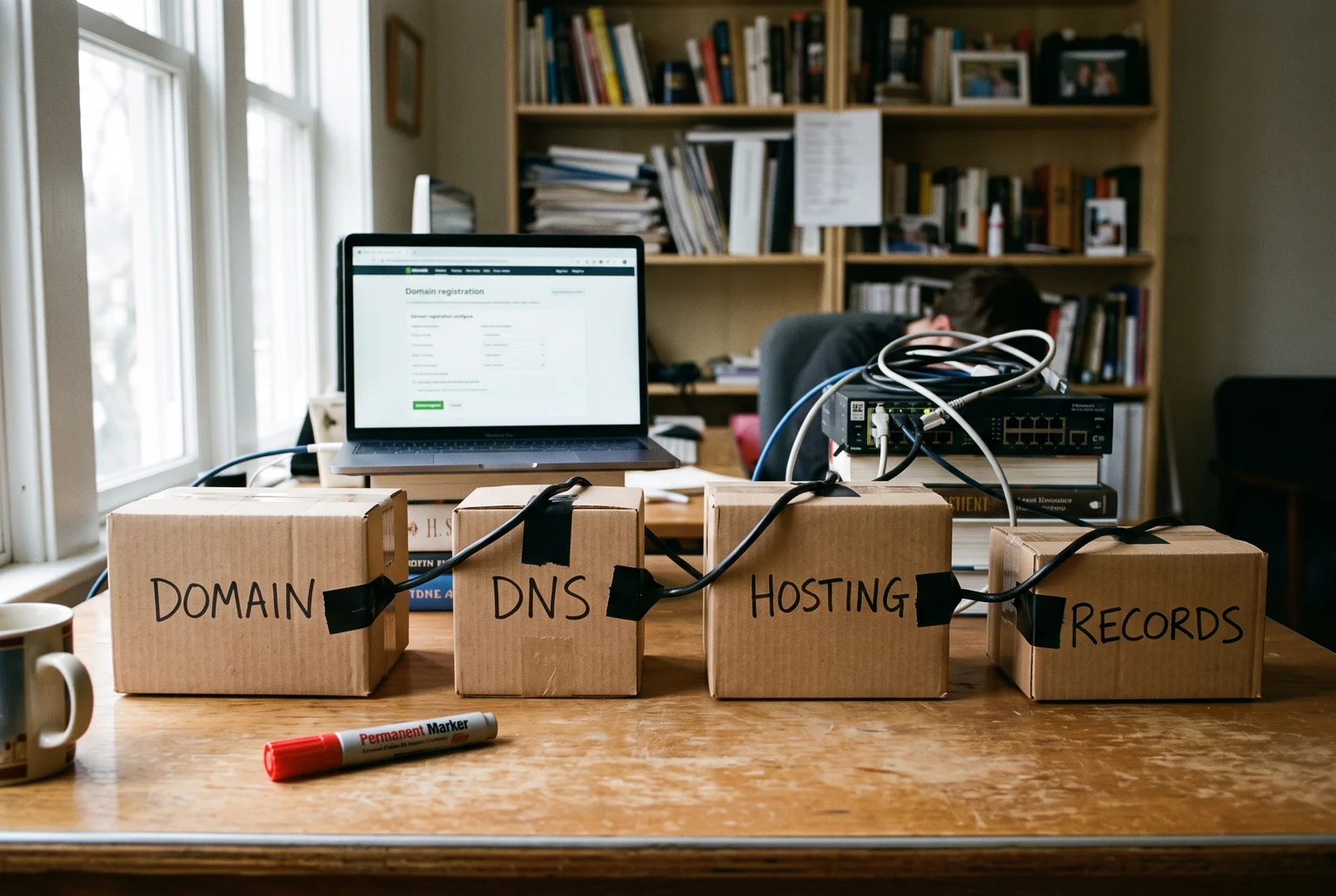
Four pieces, one chain. By the end of this guide you’ll know what each one does and how they fit together.
What a domain name actually buys you
Think of your domain name as your shop’s street address. A domain like webby.net.au is what people type to find you, and it’s also what shows up on business cards, ads and Google results. Without it, your website has no fixed address for people to reach.
Buying one is quick. Search for the name you want, pick an ending like .com or .com.au, hand over payment details, and the whole process usually takes 5 to 15 minutes. It stretches closer to an hour if you’re stuck comparing name options or waiting on a verification email, since some registrations require you to confirm your email address before the domain goes live.
Cost-wise, budget $10 to $20 a year for a standard domain. Watch for the gap between the first-year price and what you pay after that. Registrars often advertise a cheap introductory rate, then bump the renewal price the following year, so check the ongoing cost before you commit rather than after your first invoice arrives.
Buying the domain only reserves the name. It doesn’t put a single page online yet, which is where hosting comes in.
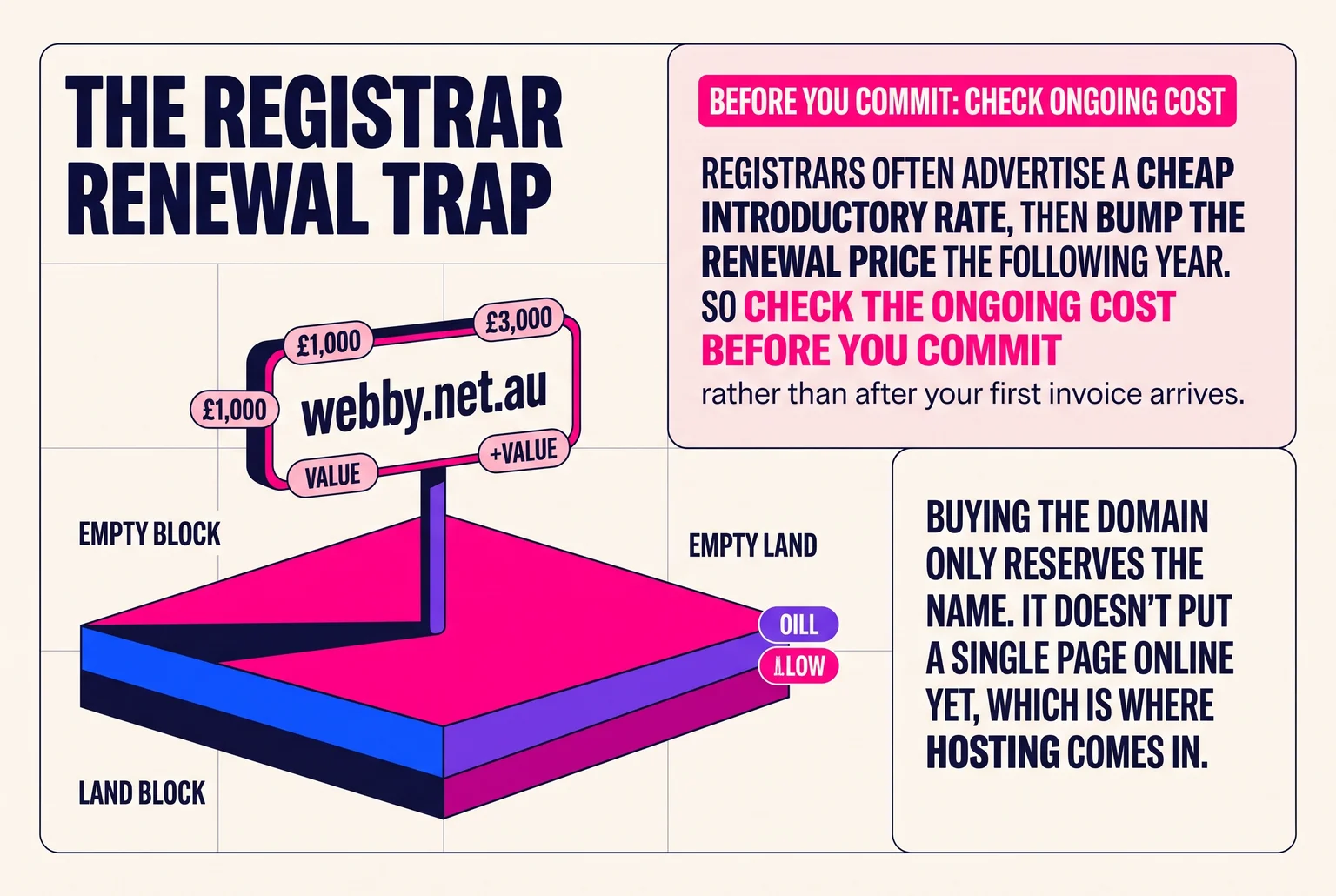
Hosting: the block of land your site is built on
A domain gets you the address. Hosting is the actual block of land and the building on it, the place where your site’s files, images and pages physically sit so a browser has something to load when someone types in your address. A working website generally needs both a registered domain and a hosting account. Buy only the domain and you’ve bought a sign for an empty lot.
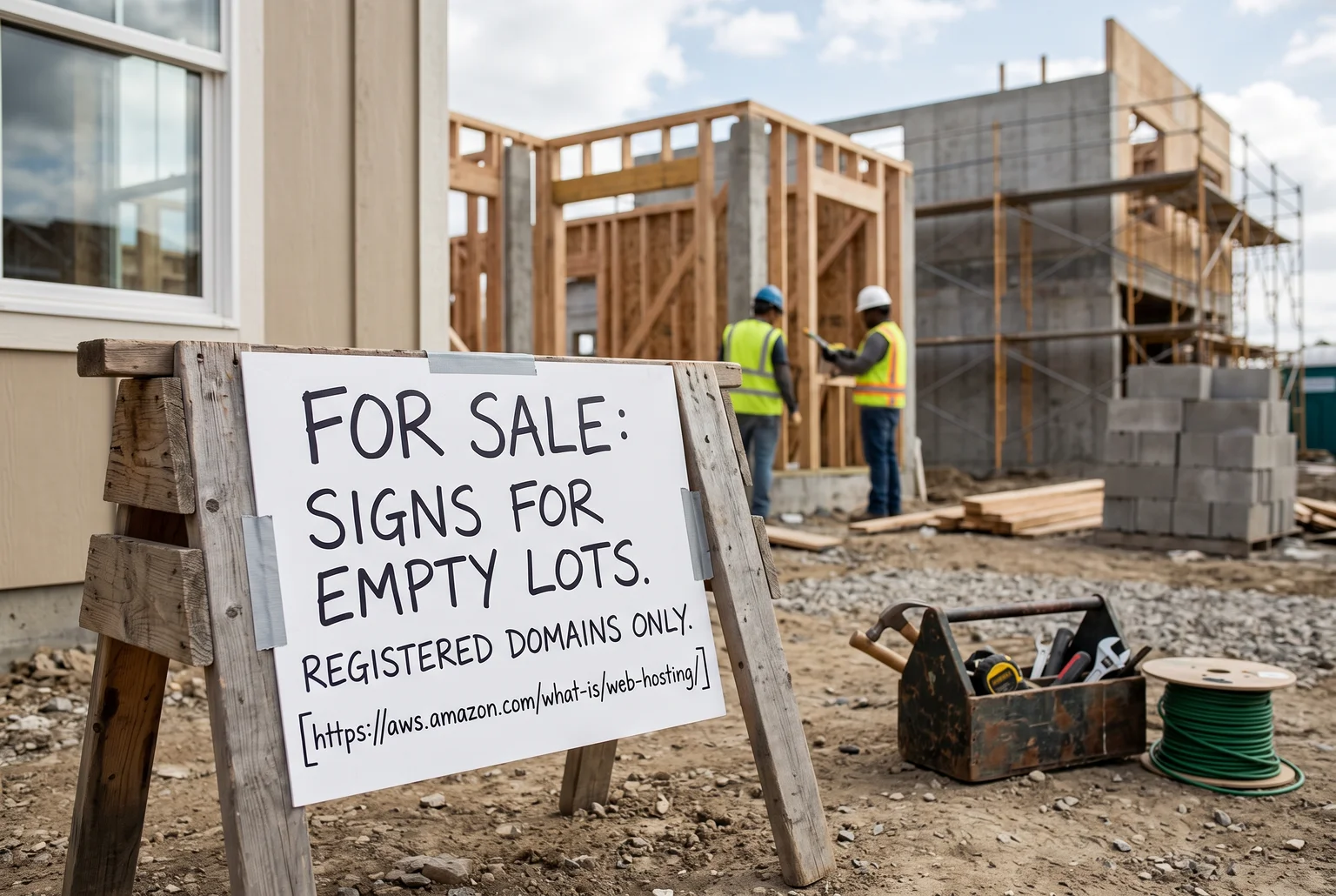
Hosting is a paid service, usually billed monthly or yearly, where a company gives your website files a home on their servers and keeps them running so people can reach your site any time. Plans vary a lot in what they include, so it’s worth checking whether backups, email accounts, an SSL certificate (the padlock that makes a site “secure”) and even a free domain are bundled in, since two similarly priced plans can differ wildly on what you actually get.
Watch the pricing pattern too. Hosts often advertise a low introductory rate that jumps once your first term ends, so it pays to check the renewal price before signing up rather than after.
Buying a domain and hosting separately is common and fine. The catch is that nothing connects them automatically. That’s the next piece.
Connecting the address to the building: DNS and nameservers
So you’ve got a domain and you’ve got hosting. Nothing links them yet. That link is DNS, short for Domain Name System, a system that translates the human-friendly domain name you typed into the actual location of the service you’re after, whether that’s your website, your email, or something else. Think of it as a phonebook: you know the name, DNS looks up the number.
The first stop in that lookup is your domain’s nameservers. When you register a domain, you tell your registrar which nameservers to use, and those nameservers act as the directory that holds every DNS record for your domain. Cloudflare describes them as the servers that store the definitive records for a domain and give the final answer when someone asks where to find it. Most providers give you at least two nameservers, so there’s a backup if one goes down.
Here’s the part that trips people up: the company you registered your domain with and the company holding your DNS records don’t have to be the same business. You might register through one provider and point the nameservers at a completely different one, often the same company that’s hosting your site, or a dedicated DNS service.
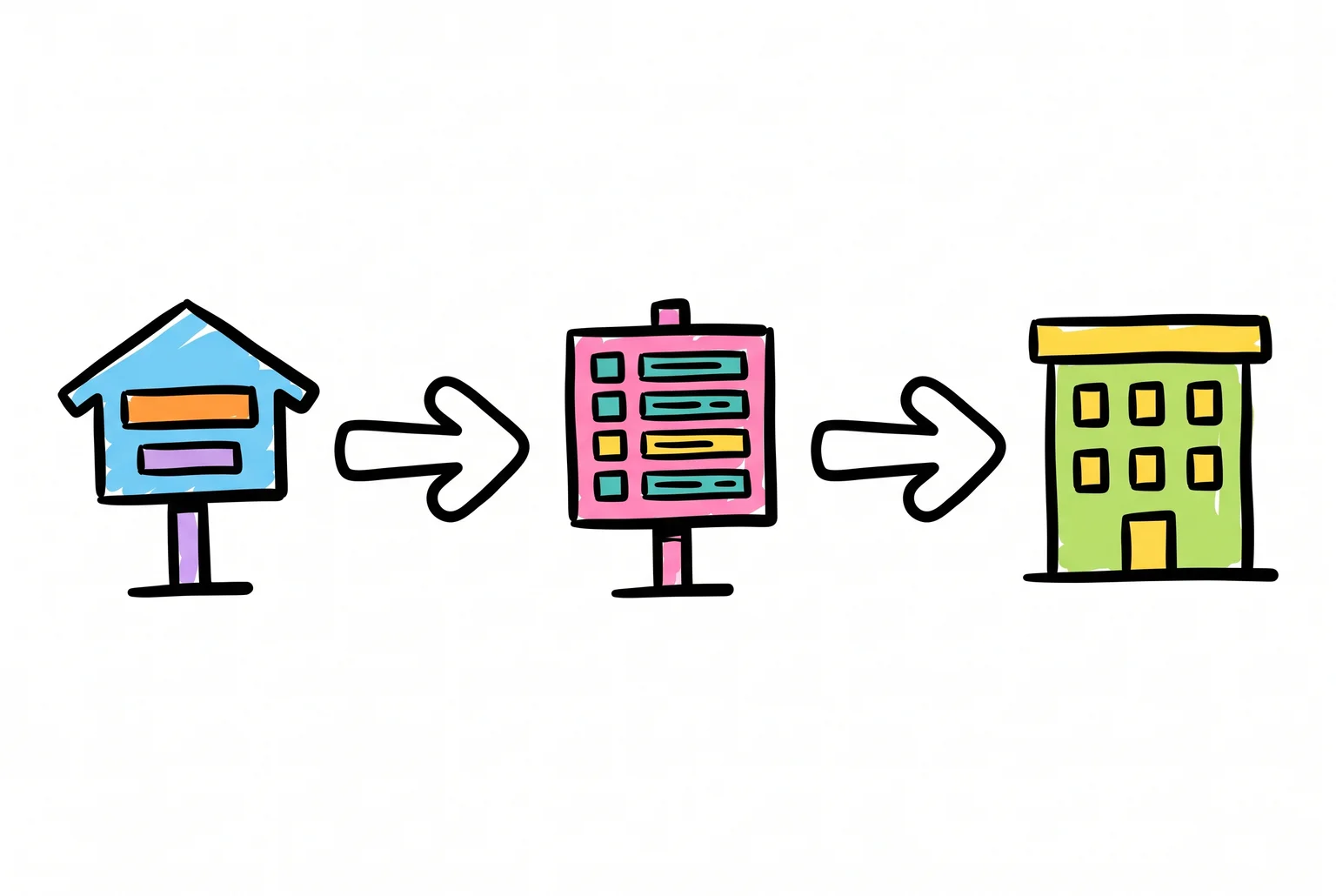
Nameservers don’t hold your website itself. They just hold directions. What’s inside those directions is next.
What the entries in your DNS directory actually say
Nameservers hold the directory, but the individual entries inside it are called records. Each one answers a different question about your domain, and you’ll only ever deal with a handful of types.
An A record is the simplest. It maps your domain name to an IPv4 address, the numerical address of the server your site lives on. This is usually the first record you’ll set up, pointing your domain straight at your hosting provider’s server. A close cousin, the AAAA record, does the same job for the newer IPv6 address format, though most beginners will only ever touch the A record.
A CNAME record works differently. Instead of pointing to a number, it points one hostname to another hostname, which then gets looked up in turn. You’ll see this used for things like pointing “www.yourdomain.com” at “yourdomain.com”, or connecting a subdomain to a service like a help desk or a landing page builder. One rule worth knowing: a name set up with a CNAME generally can’t have other records like an A or MX record sitting alongside it at that same name.
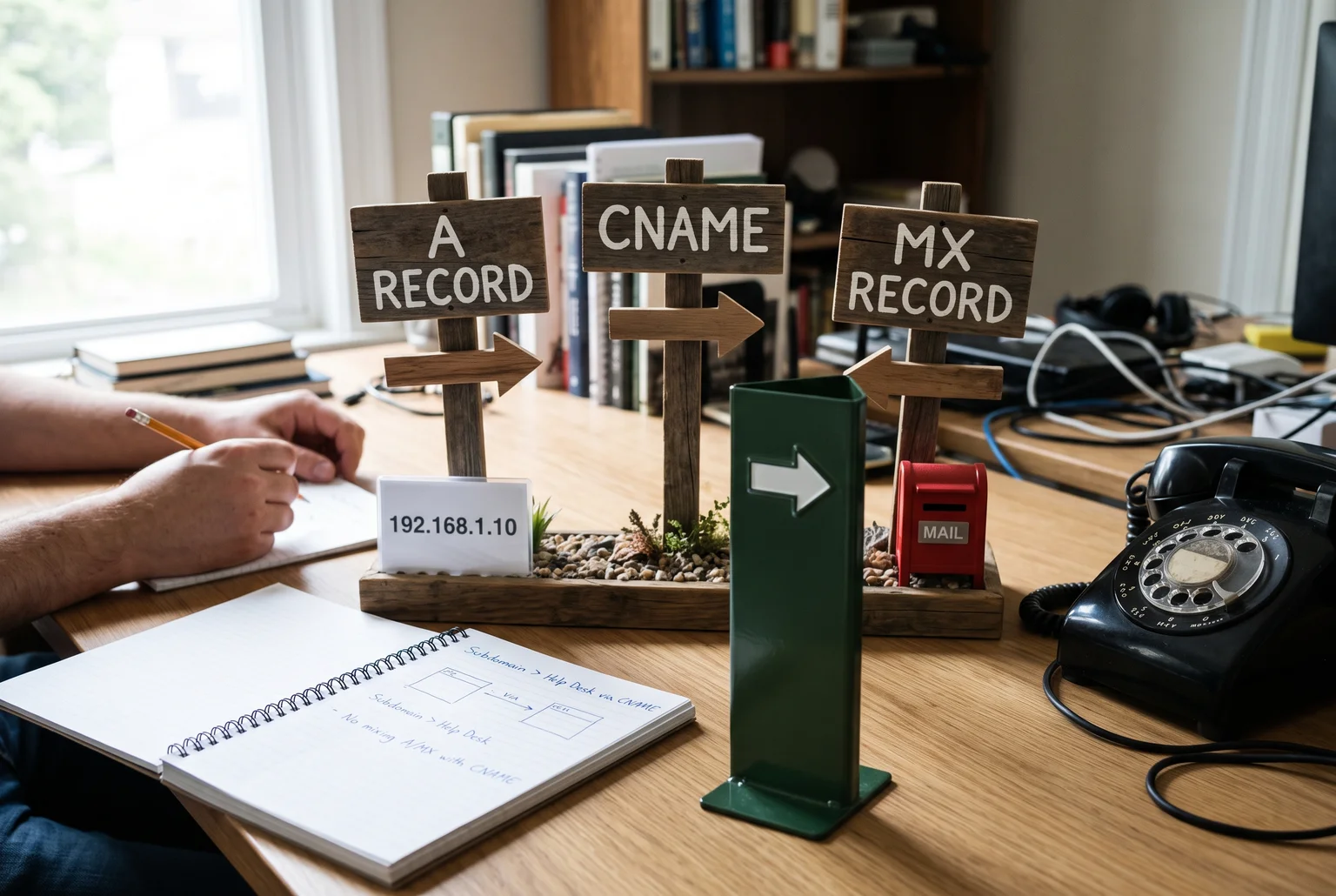
MX records handle email. An MX record identifies the mail server responsible for receiving email for your domain, so messages sent to you actually land somewhere. You can list more than one, each with a priority number, and mail systems try the lowest number first, falling back to the others if that server isn’t responding.
Between these three, you’ve got most of what a typical small business site needs: A records for the site itself, CNAME for aliases, MX for email.
Putting the whole chain together
Here’s the sequence from a blank domain to a working website.
- You register the domain name with a registrar. That’s the address secured, but nothing lives there yet.
- You set up hosting, which gives you server space and an IP address for your files to sit on.
- You point the domain’s nameservers at whoever is managing your DNS, usually your hosting company or a separate DNS provider. This step hands over control of the phonebook.
- Inside that DNS setup, you add the records: an A record pointing your domain at your hosting server’s IP address, a CNAME if you need “www” or a subdomain to follow along, and MX records if you want email running through the same domain.
- Recursive DNS resolvers, the servers your browser and email client rely on, look up your domain’s nameservers, then pull the A record from them to find the IP address of your server.
- The web server itself has to be configured to recognise the domain and serve up the right files once a request arrives.

There’s a variation worth knowing. You don’t always have to change nameservers at all. You can leave DNS management where it is and just update the A record to point at your new hosting server’s IP address. Nameserver changes hand over the whole phonebook; an A record change edits one entry in a phonebook you’re keeping.
None of this happens instantly. DNS answers get cached by resolvers around the world for a set period, so changes roll out unevenly rather than everywhere at once. Nameserver changes can take anywhere from a few minutes to 48 hours to settle, while a single A record update is often quicker, sometimes complete within a few hours. During that window, don’t panic if the site loads for you but not for a colleague, or shows the old version somewhere and the new one elsewhere. If it’s still inconsistent after a couple of days, that’s when it’s worth checking your registrar’s delegation settings and your DNS records for a mistake.
Where to go from here
You now know the four pieces: domain, hosting, nameservers, and DNS records. That’s genuinely all of it. Every website you’ve ever visited runs on this same setup underneath.
If you want to register a domain and set up hosting yourself, most registrars walk you through it in under an hour. If you’d rather skip the fiddly bits, or something’s not resolving the way it should, that’s the kind of thing I sort out for people every week at Webby. A quick email to steve@webby.net.au or a call on 0422 949 434 is all it takes.
Sources
- What Is Web Hosting? — Amazon Web Services
- DNS record types — Cloudflare
- What is a CNAME record? — Cloudflare
- What is an MX record? — Cloudflare
- Transferring website hosting to another company — DreamHost
- What DreamHost DNS records do I point my site to? — DreamHost