
What happens to your business when your domain expires
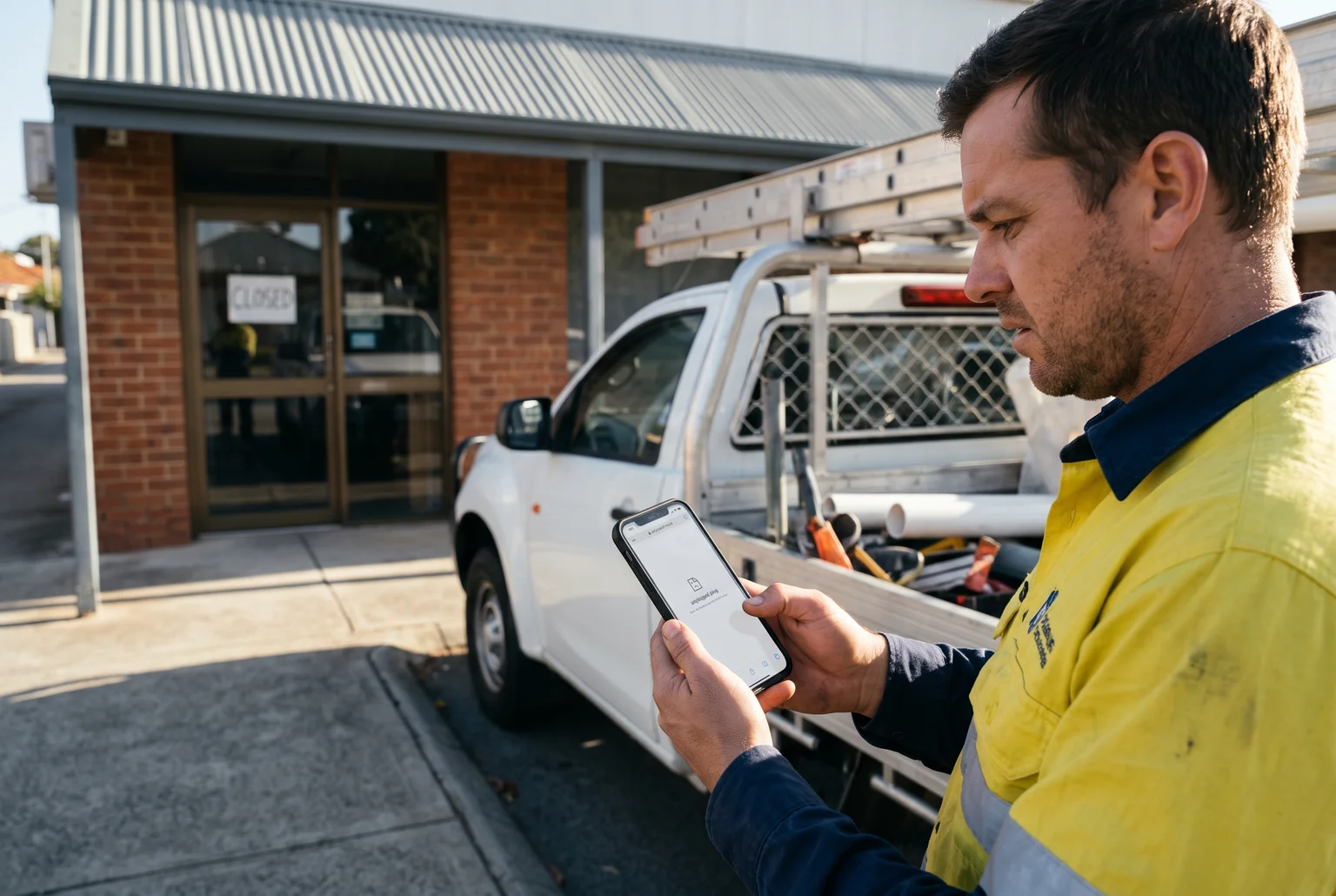
Dave runs a plumbing business in Perth. His domain renewal card expired in June, and the reminder emails went to an old address he no longer checks. On Monday morning, his website is gone and customer emails start bouncing.
Would you notice before your customers did?
Domain name expiry means the licence for your web address has run out and nobody has renewed it. Your hosting and mailboxes can still be paid up, but without the domain, your website and email can stop working. A long outage also cuts the search traffic that sends you jobs.
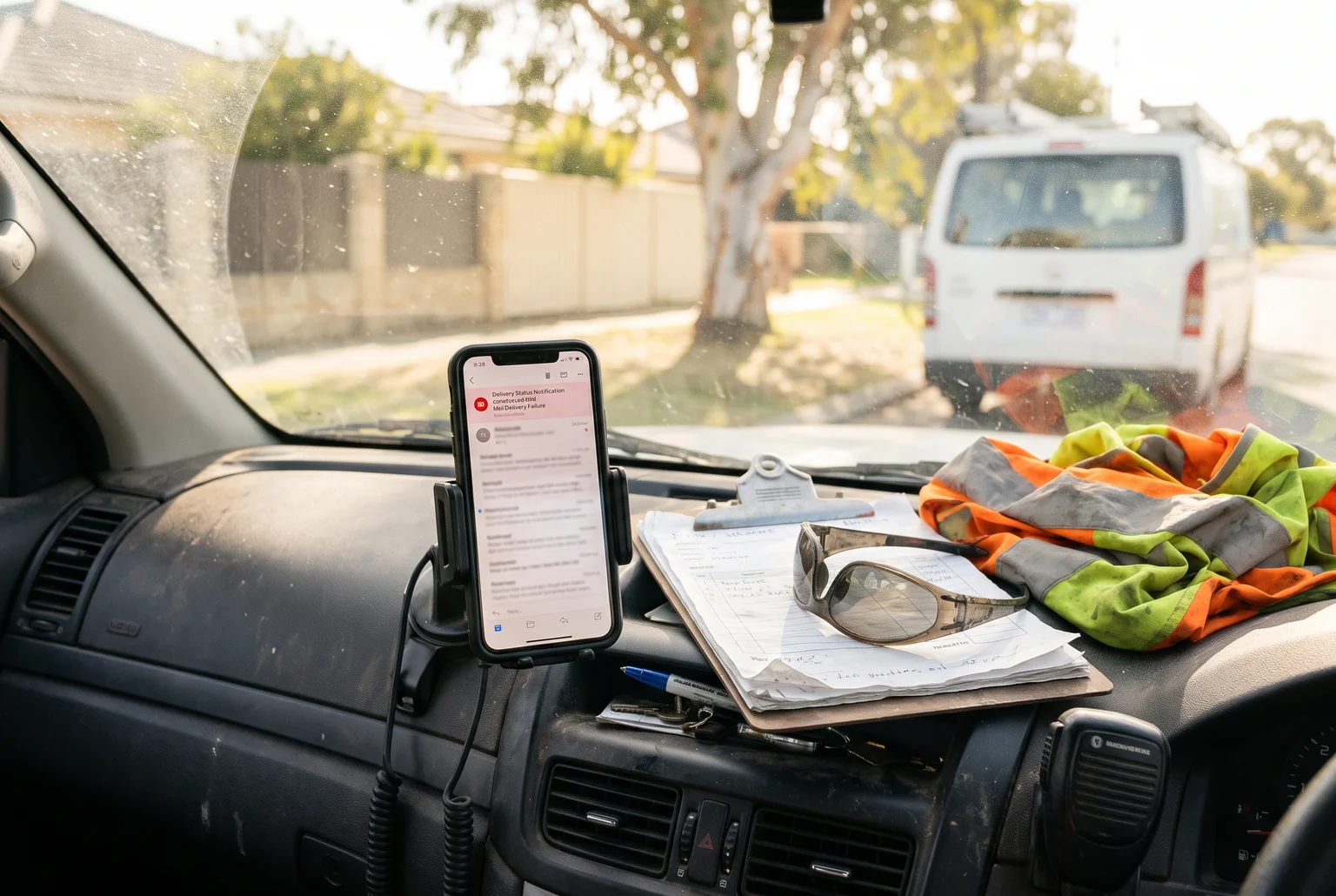
If the first sign is a bounced email on your dashboard, customers have probably noticed already.
You will get three things from this guide. First, the day-by-day timeline, so you know how long you have to renew and what it costs. Second, what breaks first, and what comes back quickly after you fix it. Third, a layered checklist so Dave’s Monday never becomes yours.
Check your expiry date and confirm the domain is yours
Do this before anything else. It takes about ten minutes.
- Log in to your registrar account. This is the most reliable source. It shows the expiry date the registrar holds, whether auto-renew is on, and which card is attached. If you don’t know the registrar, search your inbox for “domain renewal” or “invoice”, or check which company your card statements show.
- Look up the public record. For .com and other gTLDs, use ICANN Lookup, which shows the registrar, status and nameservers. For .au, use the auDA WHOIS, which lists the registrar and registrant details. The .au WHOIS doesn’t show expiry dates, so you still need the registrar or reseller account for that. “Redacted for privacy” on a gTLD record is standard practice and doesn’t mean the domain is unowned.
- Verify registrant, email and nameservers. The registrant should be your business, the email should be one you read, and the nameservers should point to your host.

The registrant line is the one to read first- if the name is not yours, the domain is not safely yours either.
Dave ran the lookup and found the registrant was Craig, the web developer who built his site in 2019, with Craig’s email on the account. The renewal reminders had been going to Craig all along. Treat that as an ownership-record problem. Contact the registrar, prove who you are, and ask them to correct the registrant and give you account access.
If you can’t log in, use the registrar’s account recovery. Each registrar runs its own process, and the sooner you start, the more time you keep. A mismatched record is also a common cause of outages that look like DNS faults.
What happens day by day after a .com expires
For .com and other gTLDs, the timeline runs in four stages. Day counts vary by registrar, and so do fees, so check your registrar’s expiry policy page for its exact numbers. ICANN’s expiry recovery policy sets minimum notice and recovery protections, but it doesn’t fix one renewal deadline for every domain.
Say Dave’s .com expires on Monday 1 June.
| Stage | Typical length | Dave’s dates | What you can do |
|---|---|---|---|
| Auto-renew grace | Up to about 45 days, often less | 1 June to mid-July | Renew at the normal price |
| Redemption grace | 30 days | Mid-July to mid-August | Restore through the registrar for an extra fee |
| Pending delete | 5 days | Mid-August | Nothing. Renewal and restoration are unavailable |
| Released | From about day 80 | Around 20 August | Anyone can register it |
The roughly 80-day total is a typical figure, not a guarantee. Some registrars give you only a few days at the normal price. GoDaddy, for example, parks the domain and stops services around day 5. If Dave’s registrar does that, his site and email go dark that Saturday, even though he can still renew.
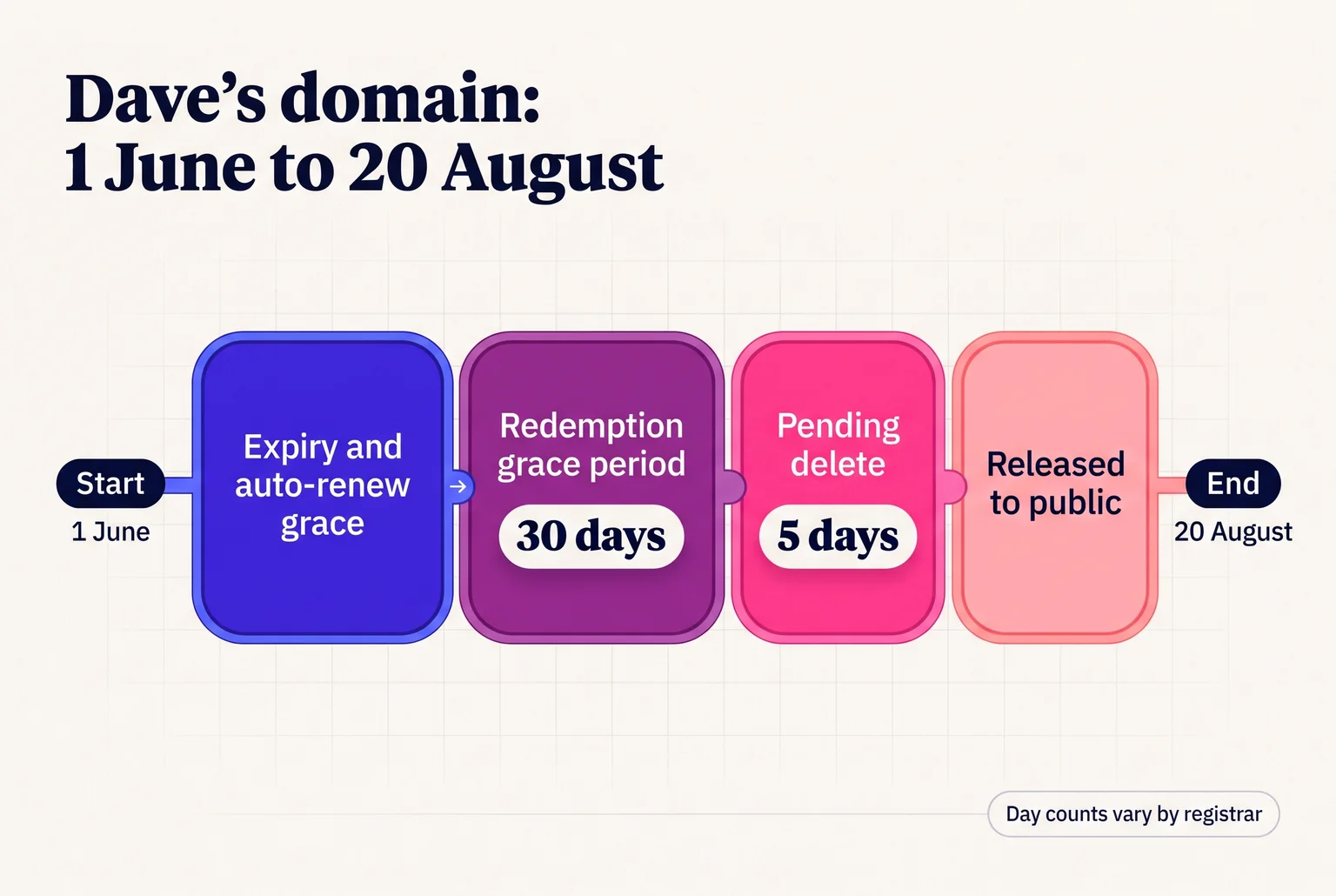
Dave’s domain takes about 80 days to travel from expiry to public release, but only the first stretch costs the normal renewal price.
Waiting costs money. A .com renewal is usually a modest annual fee. Once the domain reaches redemption, the registrar adds a restoration fee on top. VentraIP says its redemption fee varies by domain type, and some registrars charge well above the standard renewal price. Expect to pay noticeably more than a normal renewal, and the amount is whatever your registrar’s policy page says.
So how long do you have to renew after expiry? Plan on weeks, not months, and treat the first few days as your real deadline.
How a .au domain expires, and how it differs from .com
A .au domain follows auDA’s rules rather than ICANN’s, and the timeline is shorter with no paid redemption stage. Registrars can open renewal 90 days before expiry and must notify the registrant at least 30 days before it. After expiry you get a 30-day period to renew, but the domain is suspended, so your website and email stop straight away.
Miss the 30 days and the domain moves to Pending Delete, then is released. Sources differ on that last step: auDA’s policy summary says one day, Panthur says three, Melbourne IT says 24 to 48 hours. Treat it as a few days with no way back. After release, anyone eligible can register it first-come, first-served, and you must apply again and meet the Australian presence requirement. If someone else gets it first, you are negotiating a transfer or paying a broker.
| .au | .com | |
|---|---|---|
| Renew early | Up to 90 days | Varies by registrar |
| Post-expiry renewal | 30 days, suspended | Up to about 45 days |
| Paid redemption | None | About 30 days |
| Pending delete | A few days | 5 days |
Some registrars charge a restoration fee inside the .au window. If you’re already past expiry, our quick recovery guide covers the next steps.
What fails first, and how fast it comes back
Failures hit in this order for the Perth tradie whose domain lapses:
- Website. Many registrars point an expired domain at a parking or “expired” page, and later it stops resolving. Your hosting and files usually stay intact, but visitors can’t find them. Once the registrar restores DNS after renewal, the site returns, though cached records can delay it for hours.
- Email. Senders can’t find your mail servers, so messages bounce or are delayed, and they aren’t automatically resent. Quote requests sent during the outage are gone. Check your mail records after renewal.
- Logins and listings. Anything using your domain email, such as Google Business Profile or Google Ads, can’t send you a reset code. Ads pointing at a dead page waste clicks.
- SSL. Renewal automation can fail silently when DNS changes, so test the padlock afterwards.
- Google rankings. A short outage usually doesn’t remove you, but prolonged unavailability reduces crawling and can drop pages from the index. Recovery then takes weeks.
If someone else registers the lapsed domain, they can set up a catch-all mailbox. Researchers who re-registered six law firm domains received over 25,000 messages in three months.
Your domain has expired: what to do at each stage
Act today. Each stage below ends sooner than you expect, and fees and deadlines depend on your registrar.
- Grace period: renew now. Log in to your registrar and renew straight away. Update the payment card first if that is why it failed.
- Redemption: ask for a restore. gTLD registries must allow a 30-day redemption period where your registrar can restore the name. Contact them and expect an extra fee. Namecheap, for example, asks you to fund your account and contact Support.
- Locked out: start account recovery. Use “Forgot password” or the registrar’s recovery form. GoDaddy accepts requests from people who lost the account email, and requires a colour copy of government photo ID.
- Pending delete: ordinary recovery has ended. The name is scheduled for deletion and anyone can register it later. ICANN takes renewal complaints if a registrar refuses a restore, but it cannot hand the domain back.
- After recovery: check everything. Confirm your DNS and mail records, then test the website padlock. Open Google Search Console and look for crawl errors.
If records are missing or mail is still bouncing after a day, call someone. I can help with domain transfers and repairs.
A seven-layer checklist to keep your domain for good
Auto-renew alone won’t save you. Cards expire, renewal emails land in dead inboxes, and the setting does nothing once a payment fails. Stack these layers so one failure doesn’t cost you the name.
- [ ] Auto-renew on. Switch it on in your registrar account today.
- [ ] Multi-year term. .com can be registered for up to 10 years. .au allows five years at a time, though some providers offer less.
- [ ] Payment method. Add a current card and a backup with a different expiry date.
- [ ] Contacts. Use a shared role address like domains@yourbusiness.com.au, plus a second address on another domain, such as Gmail.
- [ ] Reminders. Set calendar alerts at 90, 60 and 30 days before expiry.
- [ ] Ownership. Register the domain in the business’s name, not a developer’s or employee’s.
- [ ] Lock and 2FA. Registrar lock makes the registry reject transfer requests. Two-factor authentication protects the login. Use both.
Back to our tradie: the backup card (layer three) would have covered the expired one. A shared role address (layer four) would have caught the renewal emails, and calendar alerts (layer five) would have fired regardless. Any one of those keeps the site up on Monday.
Buying a dropped domain: legal, but vet it first
Yes, it’s legal. Once a domain lapses it isn’t reserved for the old owner, and it can be caught by a backorder service or sold at auction. Auction winners must pay within 48 hours. A .au name that isn’t renewed within 30 days is released for first-come, first-served registration, so you can try to buy back your own, but nothing guarantees you’ll win it.
Before you buy, check the name’s history on the Wayback Machine, look at its backlinks, search site:domain in Google, and check for trademark conflicts. A spammy past can follow the name. Google’s spam policies target expired domains used mainly to manipulate rankings.
.au buyers must also meet the Australian presence rules. Winning an auction doesn’t override them.
Your next 15 minutes: a short action list
- Check the expiry date and registered owner. Log in to your registrar, or find out who holds the account.
- Switch on auto-renew and add a backup card.
- Set reminders at 90, 60 and 30 days, and update your contact details.
That covers the timeline, what breaks and how to prevent it.
Not sure who owns your domain, or need a lapsed site repaired? Email Steve at steve@webby.net.au or call 0422 949 434.
Sources
- Renew your .au domain name — auDA
- Registration data lookup tool Frequently Asked … – ICANN Lookup — ICANN
- .au WHOIS — auDA
- WHOIS Policy — auDA
- Registration Data Policy: Frequently Asked Questions — ICANN
- DNS Not Responding? Your AU Fix-It Guide for 2026 — Net
- Expired Registration Recovery Policy – icann — ICANN
- FAQs for Registrants: Domain Name Renewals and Expiration … — ICANN
- Expired Domain Loss: The 45/30/5 Day Lifecycle | Hartzer.net — Hartzer Consulting
- Standard domain expiration timeline | Domains – GoDaddy Help US — GoDaddy
- What Can I Do if My Domain Is in Redemption Grace Period (RGP)? – VentraIP — VentraIP
- Domain Renewal, Expiry and Deletion Policy — auDA
- What Happens When a Domain Expires? | handle.tools — handle.tools
- What Happens When a Domain Expires: Timeline and Dates – We.Inc — We.Inc
- SSL and SEO: Catch Expiry Errors Before They Cost Traffic — Net
- Pause or disable your business website — Google Search Central
- From expired domain name to hijacked identity – EBRAND — EBRAND
- Expired Domain Deletion Policy — ICANN
- What Is the Domain Redemption Grace Period? — Namecheap
- Regain access to my domain or my GoDaddy account | Account Management – GoDaddy Help US — GoDaddy
- Lost Domain Names — ICANN
- VeriSign registry documentation — VeriSign
- Au Direct Domain Names — auDA
- EPP Status Codes | What Do They Mean, and Why Should I Know … — ICANN
- What is Two-Factor Authentication? — ICANN
- How to secure expired domains via auctions, backorders and more — GoDaddy
- What Happens After an Auction Ends? — GoDaddy
- What’s new in the March 2024 core update and new spam policies — Google Search Central