
Website accessibility in Australia means building your site so people with disability can use it, and the Disability Discrimination Act 1992 (DDA) is the law behind it. The benchmark most organisations aim for is WCAG 2.2 at Level AA. If you run a local service business, the practical job is to test your site, fix the barriers that stop people booking or calling you, and keep your privacy basics in order. This guide covers all three in plain terms.
TL;DR
- The DDA applies to services delivered through a website. Businesses are expected to give people with disability equal access where that can reasonably be done.
- The Australian Human Rights Commission points organisations to WCAG 2.2 at a minimum of Level AA as the standard to work towards.
- Test with both automated tools and real use: keyboard-only navigation and a screen reader. Tools alone miss too much.
- Fix the basics first: heading structure, descriptive links, image alt text, form labels and colour contrast.
- Accessibility, privacy policy and cookie notices are separate topics, but they all sit in the same site audit and are cheapest to sort out together.
Table of Contents
- What website accessibility means for a business
- What Australian law says
- WCAG 2.2 and what Level AA involves
- How to check your own website
- The fixes that matter most on a service business site
- Privacy policy: do you need one?
- Cookie notices and tracking
- Our perspective: accessibility is a build-quality issue
- Where we can help
- FAQ
- Sources
What website accessibility means for a business
Web accessibility is the practice of designing websites, tools and technologies so people with disability can perceive, understand, navigate and interact with the web. That covers people who are blind or have low vision, people who are deaf or hard of hearing, people with motor impairments who can’t use a mouse, and people with cognitive or learning disabilities. It also covers people with temporary limits, like a broken wrist, or situational ones, like a phone screen in bright sun.
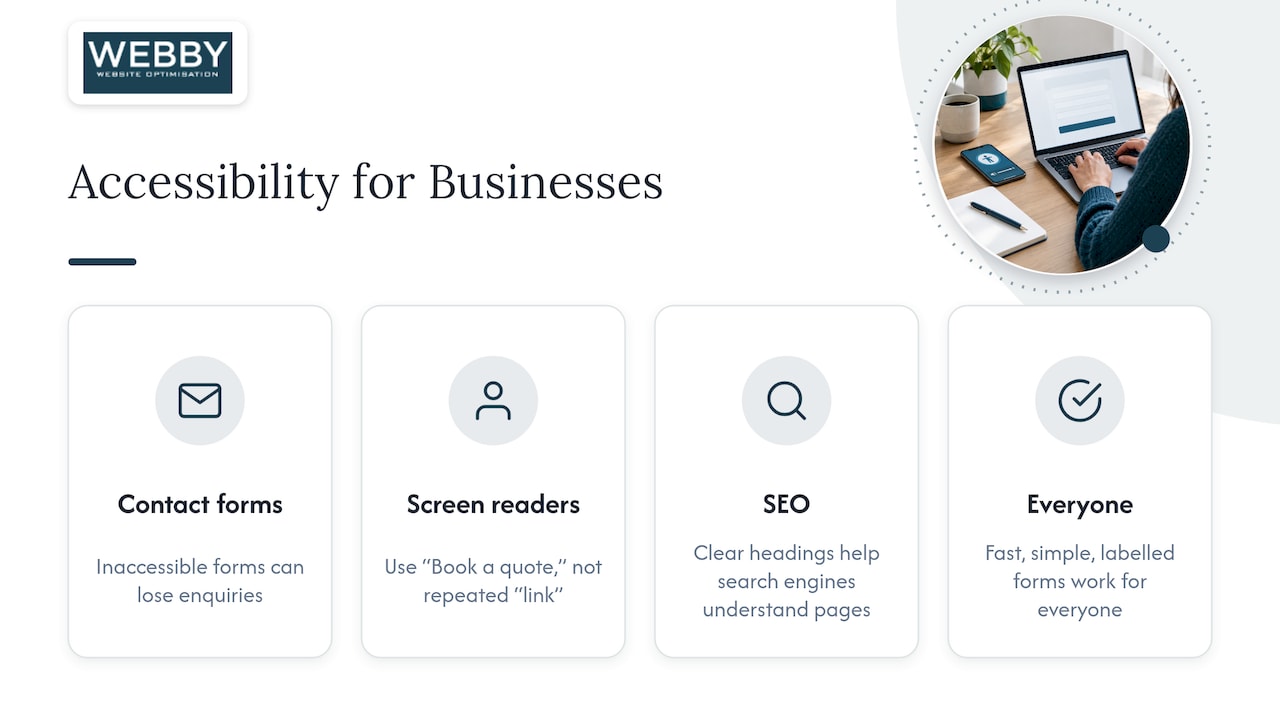
For a plumber, accountant, physio or electrician, the stakes are simple. If a customer can’t open your contact form with a keyboard, or a screen reader reads out “link, link, link” instead of “Book a quote”, you lose that enquiry. Telstra’s business guide to digital accessibility notes that the benefits go beyond compliance: a wider audience, better search performance and a site that is easier for everyone to use.
That last point is worth sitting on. Many accessibility fixes are also good SEO and good conversion practice. Clear headings help a screen reader user and help search engines understand the page. Descriptive link text helps both. Fast, simple, well-labelled forms are friendlier for everyone. Accessibility is not a separate project bolted on to a marketing site. It is part of building the site properly.
What Australian law says
Under the DDA, providers of goods and services must not discriminate against people with disability. The Australian Human Rights Commission’s advisory notes on World Wide Web access explain that businesses providing services through a website are required to provide equal access to people with disability where it can reasonably be provided. In other words, the law does not care whether your service is delivered in a shopfront, over the phone or on a web page.
A few practical points follow from that:
- It is not limited to big business. The DDA is framed around providing services, not around company size. What counts as reasonable depends on your circumstances, but “we are small” is not a blanket exemption.
- It is not only about the technical build. The Commission describes accessible design as a strategic and philosophical matter as much as a technical one, something to build into every stage of design rather than add as an afterthought.
- Complaints are the enforcement route. The Commission handles disability discrimination complaints, so the realistic risk is a complaint from a customer who couldn’t use your site, with the cost and reputational damage that come with it.
The law itself does not name a technical standard. That is why the guidance matters, and why the next section is the one to bookmark.
WCAG 2.2 and what Level AA involves
The Web Content Accessibility Guidelines (WCAG) are the internationally recognised standard for web accessibility. The Commission’s chapter on standards and guidelines for digital accessibility names WCAG 2.2 as the latest version and says organisations should conform at minimum to Level AA to help meet their DDA obligations. The same chapter references the Australian adoption of the European standard, AS EN 301 549:2024, which is relevant mostly if you sell to government or large organisations.
WCAG is organised around four principles, often shortened to POUR:
| Principle | What it means | Typical example on a service business site |
|---|---|---|
| Perceivable | Content can be seen or heard in some form | Alt text on images, captions on video, enough colour contrast |
| Operable | Everything can be used without a mouse | Menus and forms work by keyboard, visible focus outline |
| Understandable | Content and behaviour are predictable | Plain language, clear form labels, helpful error messages |
| Robust | Works with assistive technology | Clean HTML, proper form fields, no broken scripts |
There are three conformance levels: A, AA and AAA. Level AA is the realistic target for a business site. Conformance also applies to whole pages, not just your home page, so a beautiful homepage with an inaccessible booking page does not count. And it relies on technologies that assistive software actually supports.
Treat “WCAG compliance” as a direction of travel, not a badge you buy. Most real sites have some failures. What matters is that you know where they are, you fix the ones that block customers first, and you keep checking as the site changes.
How to check your own website
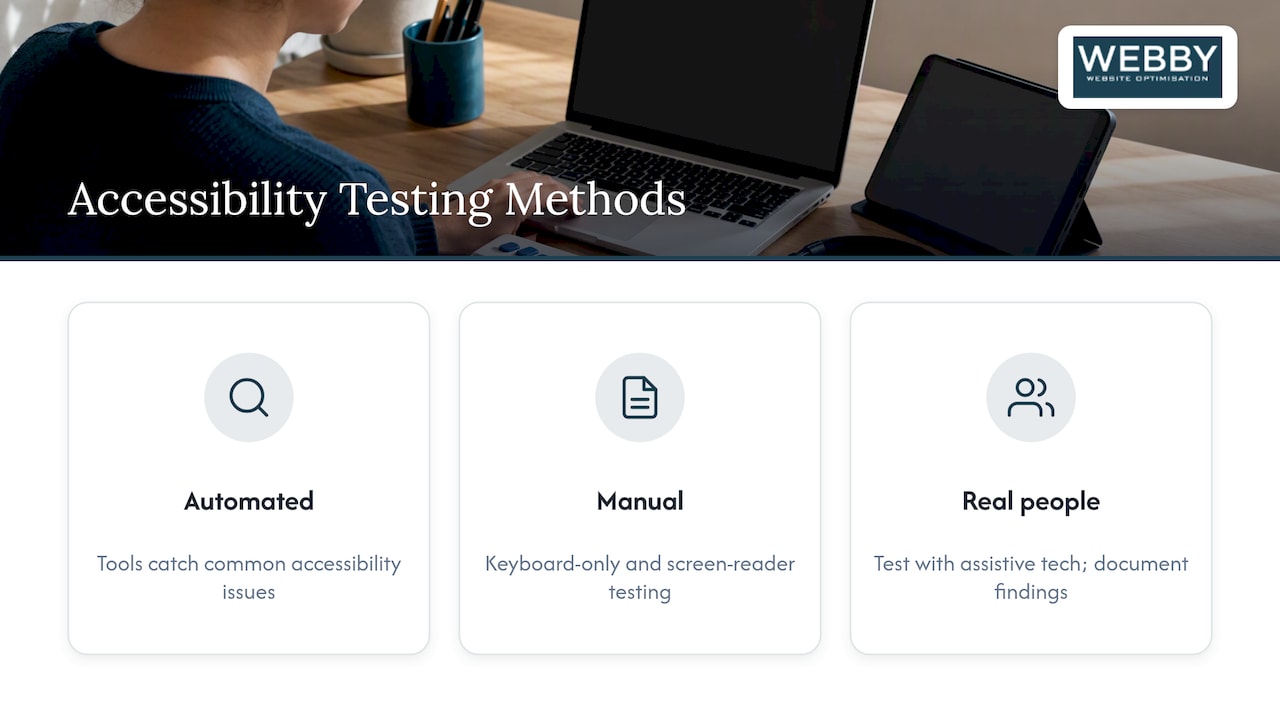
The government guidance on testing is consistent: use more than one method. The Digital NSW accessibility testing guide recommends automated tools to catch common issues plus manual testing, such as keyboard-only navigation and screen reader testing. The Digital Transformation Agency’s accessibility criterion adds testing with real people and assistive technologies, documenting findings and recommendations, and refining the service regularly.
Those are written for government, but the method scales down well to a ten-page business site. Here is a routine you can run in an afternoon.
Step 1: Run an automated scan
Use a free browser-based checker on your key pages: home, main service pages, contact page and any booking or quote form. Automated tools find the cheap wins, such as missing alt text, empty links, low contrast and missing form labels. They cannot judge whether your alt text is meaningful or whether the page makes sense read aloud, so treat a clean result as a start, not a pass.
Step 2: Put your mouse away
Open your site and use only the Tab, Shift+Tab, Enter and arrow keys. Ask yourself:
- Can I reach the menu, every link and every button?
- Can I always see where I am on the page?
- Can I fill in and submit the contact form?
- Do pop-ups, chat widgets or cookie banners trap me?
If you get stuck anywhere, so does a keyboard or switch-device user.
Step 3: Listen to the page
Turn on the screen reader built into your computer or phone and listen to a service page. Do headings read in a sensible order? Do images have useful descriptions, or are they announced as file names? Do links make sense out of context? Ten minutes of this is often more revealing than any report.
Step 4: Check the basics by eye
Zoom the browser to 200 per cent. Does text reflow without things overlapping? Is light grey text on a white background hard to read? Are your buttons big enough to tap on a phone?
Step 5: Write it down and rank it
List each problem, the page it is on and who it blocks. Fix what stops a customer contacting you first, then what hurts reading, then polish. This follows the documentation approach the government guidance recommends, and it gives a developer a clear brief.
The fixes that matter most on a service business site
The government guidance singles out proper heading structures, descriptive links and alternative text for images as core parts of accessible design. For a typical WordPress site for a local trade or professional service, a sensible priority order looks like this:
- Forms. Every field needs a visible label, errors need to be explained in words, and the form must work by keyboard. This is where leads are won or lost.
- Headings. One H1 per page, then H2 and H3 in logical order. Never choose a heading level because of how it looks.
- Links and buttons. Replace “click here” and “read more” with text that says where the link goes. It helps screen reader users and search engines alike.
- Images. Add short, accurate alt text to images that carry meaning. Leave decorative images with empty alt text so they are skipped.
- Colour and contrast. Do not rely on colour alone to show errors or required fields, and make sure text stands out from its background.
- Video and audio. Provide captions or a transcript for anything that carries information.
- Pop-ups and overlays. Make sure they can be closed by keyboard and do not hide the page from assistive technology.
A word on “accessibility overlay” widgets that promise one-click compliance. A script that sits on top of a poorly built page does not change the underlying code. The Commission’s emphasis on designing accessibility in from the start points the other way: fix the theme, templates and content.
Privacy policy: do you need one?
Readers searching for accessibility often have the same checklist in mind: privacy policy, cookie notice, terms. These are different obligations, so here is what the official sources say about each.
The Privacy Act 1988 applies to businesses with annual turnover over $3 million, plus some listed smaller businesses. The government’s guide to protecting customers’ information says those businesses need a clear, up-to-date privacy policy and recommends publishing it on the website. The same guide encourages businesses that are not legally covered to follow the Australian Privacy Principles (APPs) anyway as best practice. If you take names, phone numbers and emails through a contact form, that is a sensible habit, and customers notice when a site handles their details openly.
If you are covered, the OAIC’s guidelines on APP 1 say you must have a clearly expressed and up-to-date privacy policy, available free of charge and typically on your website. It should describe:
- the kinds of personal information you collect and hold, and how;
- the purposes you handle it for;
- how people can access or correct their information;
- how to make a privacy complaint;
- whether you are likely to disclose information overseas.
Personal information is defined broadly: any information or opinion that could identify a person, including names and IP addresses. That matters for analytics and advertising tools, covered next.
The OAIC also advocates a layered approach: easy to navigate, and free of jargon-heavy legalese. That is an accessibility point as much as a legal one. A privacy policy that is a wall of dense text is hard for everyone, and harder for people with cognitive disability or those using a screen reader. Use real headings, short paragraphs and plain language.
It is also good practice to destroy or de-identify data you no longer need, which the business.gov.au guide describes as a basic part of good information governance.
Cookie notices and tracking
The OAIC’s guidance on tracking pixels (4 November 2024) says the Privacy Act does not prohibit tracking pixels, but organisations that use them should comply with the Act and the APPs. That means data minimisation, transparency, and a simple way to opt out of direct marketing. It also means clearly disclosing third-party tracking pixels in your privacy policy and notifications.
For a small business site, a workable approach looks like this:
- List what runs on your site: analytics, ad pixels, chat widgets, embedded video, heatmaps.
- Work out whether each one collects personal information, and why.
- Disclose them in your privacy policy in plain words.
- Only keep tools you actually use.
- If you send marketing emails, include an easy unsubscribe.
If you advertise on Google or Microsoft and use remarketing, this list matters more. And if you also sell to people in other countries, their rules may be stricter than Australia’s, so check those separately.
A cookie banner is an accessibility risk of its own. If it can’t be dismissed by keyboard, or covers the page for a screen reader, it blocks the very people you want to reach. Test it in Step 2 above.
Our perspective: accessibility is a build-quality issue
We look at a lot of small business websites around Perth, Fremantle and Melville, and the pattern is familiar. The site was built years ago, the theme has been patched, plugins are out of date, and nobody has tested the contact form on a phone, let alone with a keyboard. The accessibility problems and the SEO problems are usually the same problems: messy heading structure, vague link text, oversized images, slow pages and forms that fail quietly.
That is why we do not treat accessibility as a separate compliance product. We treat it as part of getting a website to do its job: be found on Google, load quickly, and turn visitors into enquiries. The Commission’s point that accessibility belongs in every stage of design rather than at the end matches our experience. Retrofitting is always more expensive than building it in.
Our advice to a business owner is to start small and be honest. Run the afternoon routine above. Fix the form and the headings. Ask your web developer for a written list of what is and isn’t accessible. Then book accessibility checks into your regular maintenance, so a new plugin or page does not undo the work.
— Steve Doig
Where we can help
If you would rather have an expert look than do it yourself, our Website Audit is a one-off $1,250 (AUD) review of your site, a clear place to start before you commit to larger work. If your site is old enough that patching makes no sense, our Website Built in a Day service is $750 (AUD) one-off. For ongoing fixes, WordPress help and support starts with Monthly Maintenance at $59 (AUD) per month, with urgent problems handled at $120 (AUD) per hour. Because accessibility, speed and search visibility overlap, our search engine optimisation work and our SEO Inspector tool cover much of the same ground, such as headings, link text and page structure.
FAQ
Is website accessibility legally required in Australia?
The DDA requires businesses that provide services through a website to give people with disability equal access where it can reasonably be provided. The Act does not name a technical standard, but the Australian Human Rights Commission points to WCAG 2.2 at minimum Level AA. Complaints about discrimination can be taken to the Commission.
Which WCAG version and level should I aim for?
Aim for WCAG 2.2 Level AA. The Commission describes WCAG 2.2 as the latest version and encourages organisations to conform to at least Level AA. Conformance applies to every page, so check your forms and booking pages, not just the home page.
Do I need a privacy policy on my website in Australia?
If your business has an annual turnover over $3 million, or is one of the listed smaller businesses, the Privacy Act requires a clear, up-to-date privacy policy, normally published on your website. Smaller businesses outside the Act are still encouraged to follow the Australian Privacy Principles. If you are unsure whether you are covered, check with the OAIC or a privacy lawyer.
Does my Australian website need a cookie banner?
The OAIC says the Privacy Act does not prohibit tracking pixels, but you must follow the Act and the APPs when you use them. In practice that means disclosing third-party tracking in your privacy policy and offering a simple opt-out of direct marketing. Whatever notice you use, make sure it works by keyboard.
How can I check my site for accessibility problems?
Combine an automated scan with manual checks: use the site with only a keyboard and listen to it with a screen reader. Government guidance recommends exactly this mix, and recommends documenting what you find. Fix anything that blocks a customer from contacting you first.
Sources
- World Wide Web Access: Disability Discrimination Act advisory notes, Australian Human Rights Commission
- Standards and guidelines on digital accessibility, Australian Human Rights Commission
- Criterion 4: Make it accessible, digital.gov.au
- Accessibility testing, Digital NSW
- What is digital accessibility? Telstra
- Protect your customers’ information, business.gov.au
- Chapter 1: Australian Privacy Principle 1, OAIC
- Tracking pixels and privacy obligations, OAIC