
Yes, most small business sites should have a short robots.txt file, and the safest starting point is a minimal template: User-agent: *, a Disallow line for /admin/, and a Sitemap: line pointing to your sitemap URL. Once it’s live, check it loads at /robots.txt and run a URL Inspection in Search Console to confirm Google reads it the way you expect.
TL;DR:
- Robots.txt controls crawling, not indexing; a disallowed page can remain in search results, so use a noindex tag or HTTP header while allowing crawlers access.
- Place the file at your domain root and return plain text with a 200 status; server errors can block crawling sitewide.
- A staging rule that disallows the root blocks every crawler, so replace it with minimal production rules before launch and test the live file immediately.
- WordPress sites should block the administration folder but leave its AJAX handler accessible, since themes and plugins may need it to load content for visitors.
- After deployment, confirm the live file returns 200 as plain text, then use Search Console URL Inspection to check Google’s view of key pages.
Table of Contents
- What robots.txt does and what it doesn’t
- Where to put the file and the basic syntax small sites must know
- Copy-ready templates: minimal, WordPress, and staging examples
- Common mistakes that hide your site (and quick fixes)
- How to test and verify your robots.txt safely
- When crawl budget matters and what to do if it does
- Practical options for AI crawlers and scrapers
- Author perspective and what Webby typically fixes in audits
- What small businesses get wrong about robots.txt
- If you’d rather not DIY: our audit and emergency fixes
- FAQ
- Sources
What robots.txt does and what it doesn’t
Robots.txt controls crawling, not indexing. A Disallow rule tells compliant crawlers to skip a path, but it doesn’t remove a page from search results on its own. A linked page can still show up in Google with no description if crawlers never got to read it, which confuses a lot of small business owners who expect Disallow to erase a page entirely.
A few things worth knowing before you touch the file:
- Robots.txt is a public document anyone can view, so it’s not a place to hide sensitive folders.
- Real protection for private areas comes from a login wall or server-level authentication, not a crawl rule.
- To pull a page out of search entirely, you need a
noindexmeta tag or anX-Robots-TagHTTP header, and the page must stay crawlable for that tag to be seen. - RFC 9309 standardizes how the Robots Exclusion Protocol works, so well-behaved crawlers from Google, Bing, and other major engines follow the same parsing rules.
Where to put the file and the basic syntax small sites must know
Your robots.txt file has to live at the root of your domain, at a URL like https://yourdomain.com/robots.txt, and it must return a 200 status as plain UTF-8 text. Anywhere else, and crawlers won’t find it.
- User-agent names which crawler a group of rules applies to;
*means all crawlers. - Disallow lists a path crawlers shouldn’t request, such as
/admin/. - Allow carves out an exception inside a disallowed path, for example letting one file through inside a blocked folder.
- Sitemap points to your sitemap’s full URL so crawlers can find your indexable pages faster.
When two rules could apply to the same URL, the longest matching path wins, a rule set out in RFC 9309. Watch for redirects or CDN configurations that serve a different robots.txt than your actual origin, and keep the file reachable: if a server error stops crawlers from fetching it, they’re required to treat the whole site as disallowed until it’s back.
Copy-ready templates: minimal, WordPress, and staging examples
Three templates cover almost every small business situation.
- Minimal default: allow everything except an admin folder, and always include your sitemap:
User-agent: *
Disallow: /admin/
Sitemap: https://yourdomain.com/sitemap.xml
- WordPress: block the admin folder but leave
admin-ajax.phpopen, since many themes and plugins depend on it to load content:
User-agent: *
Disallow: /wp-admin/
Allow: /wp-admin/admin-ajax.php
Sitemap: https://yourdomain.com/sitemap.xml
- Staging: block everything while a site is being built or tested:
User-agent: *
Disallow: /
Pro Tip: Set a calendar reminder the day you plan to launch a staging site, specifically to swap the staging template for the minimal one before anyone can link to the live domain.
Common mistakes that hide your site (and quick fixes)
The single most damaging error is forgetting to remove Disallow: / after moving a staging robots.txt file to production. It blocks every crawler from the whole site, and the fix is just as simple: replace it with the minimal template and re-test immediately.
Other recurring problems:
- Mixing Disallow with noindex on the same page: if a page is disallowed, crawlers never see the
noindextag, so the page can stay indexed anyway. Allow crawling and rely onnoindexor anX-Robots-Tagheader to remove it properly. - Malformed patterns or missing slashes: a typo like
Disallow: wp-admininstead of/wp-admin/can silently fail to match anything. Test rules with a robots.txt checker before trusting them. - CDN or origin mismatches: some CDNs serve a cached or default robots.txt that doesn’t match what your actual server would return. Check the live file at the exact domain and inspect HTTP headers to confirm.
A disallowed page that still has external links pointing at it can appear in search with no snippet at all, since Google never crawled the content to describe it, a nuance detailed in robots.txt documentation.
How to test and verify your robots.txt safely
Testing takes a few minutes and saves you from an accidental site-wide block.
- Preview the file on staging or locally first, and simulate specific user-agents with a robots.txt tester before anything goes live.
- After deployment, run URL Inspection in Search Console on a few important pages to confirm Google’s live view matches what you intended.
- Confirm the file returns a 200 status with a
text/plaincontent type, and keep a backup copy of the previous version in case you need to roll back. - Watch Search Console’s coverage report for an “indexed, though blocked” status, which signals a page search engines want to show but can’t fully crawl.
A free tool like the robots.txt checker from BabyLoveGrowth gives you a quick second opinion before you rely on Search Console alone.
When crawl budget matters and what to do if it does
Crawl budget rarely matters for a small business site. If your site has a few hundred or even a few thousand pages, search engines will typically crawl what they need without any tuning on your part.
Signs it’s worth a closer look:
- Search Console’s crawl stats show thousands of requests to URLs you don’t recognize, often internal search results or filter combinations.
- Your sitemap lists far fewer pages than what’s actually indexed, suggesting duplicate or parameter-driven URLs are slipping through.
- Blocking low-value paths like
/search/or filtered category pages and tightening sitemap hygiene usually resolves the issue without any deeper changes.
Practical options for AI crawlers and scrapers
Some small business owners want to limit AI crawlers that scrape content for model training. You can disallow known agent tokens by name, but those tokens change over time, so check current documentation before copying an old list. Keep in mind many scrapers ignore robots.txt entirely, since compliance is voluntary rather than enforced.
- Identify the current, correctly spelled agent token before adding a
Disallowline for it. - Block only the crawlers causing real cost or abuse, and leave major search engine crawlers untouched.
- Keep your
Sitemap:line pointing to a clean, validated sitemap so the crawlers you do want to prioritize the pages that matter.
Author perspective and what Webby typically fixes in audits
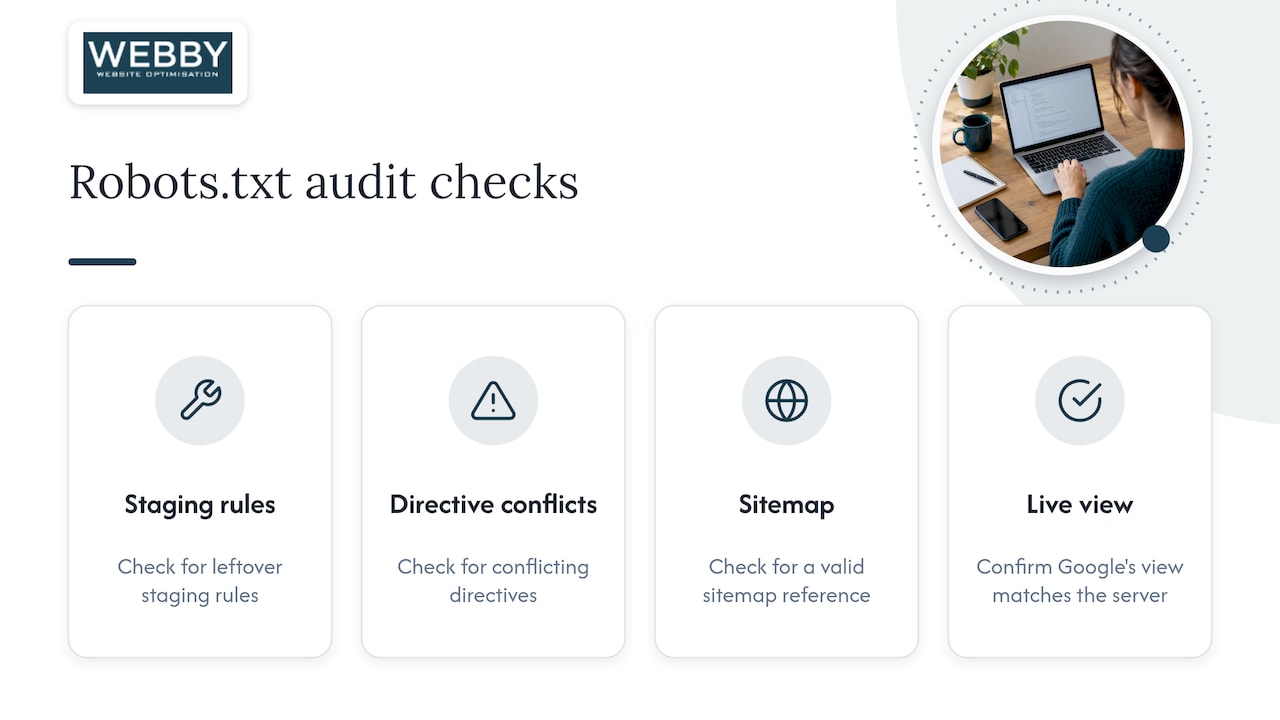
Steve Doig writes on practical website optimization for small business owners. In robots.txt audits, we typically check for leftover staging rules, conflicting Disallow and noindex directives, a valid sitemap reference, and confirmation in Search Console that Google’s live view matches what’s on the server.
What small businesses get wrong about robots.txt
Most advice on robots.txt treats it like a technical SEO lever that needs constant tuning, and for a small business site, that’s overreach. The file matters most as a safety check, not a growth tactic: the real risk isn’t an unoptimized robots.txt, it’s a forgotten Disallow: / from a staging site that quietly blocks everyone for weeks before anyone notices.
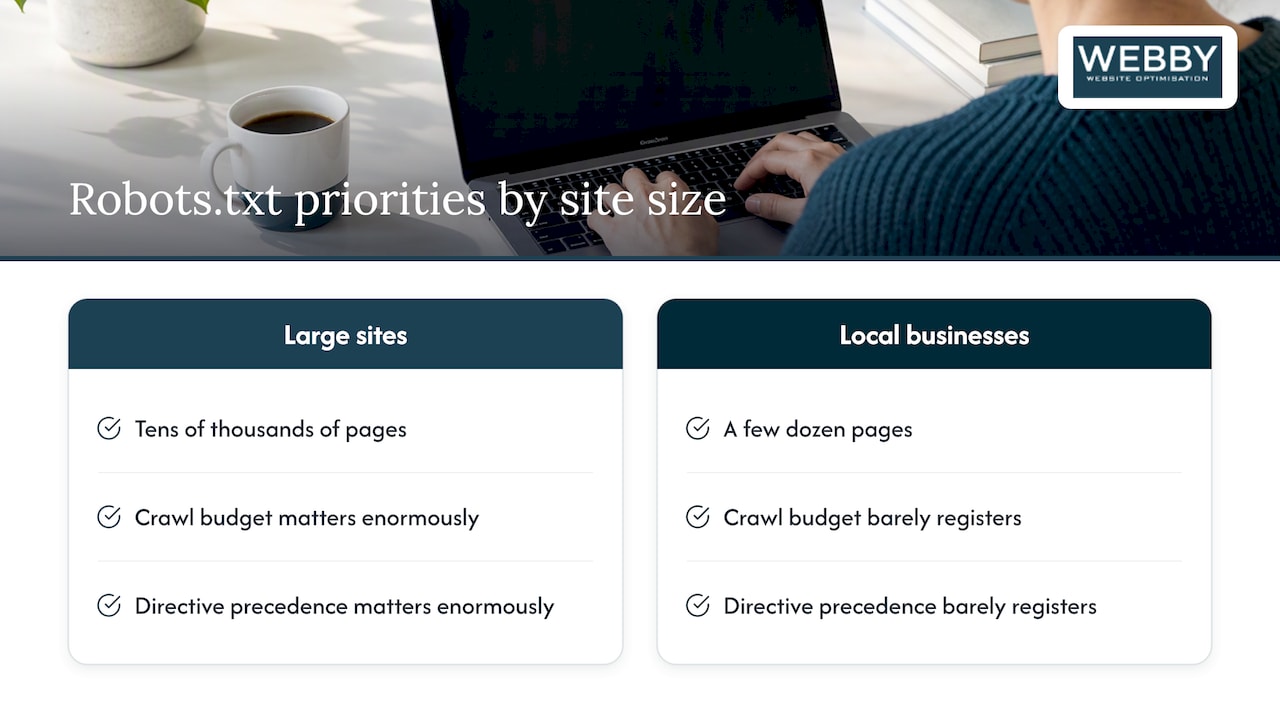
Conventional guides spend a lot of time on crawl budget and directive precedence, details that matter enormously for sites with tens of thousands of pages and barely register for a local service business with a few dozen. What actually moves the needle is simpler: keep the file reachable, keep the sitemap accurate, and test every change before you trust it.
If you take one thing from this, prioritize verification over cleverness. A three-line robots.txt that’s actually correct beats a detailed one nobody has tested against the live site.
— Steve Doig
If you’d rather not DIY: our audit and emergency fixes
Checking a robots.txt file properly means testing it against real crawlers, cross-checking your sitemap, and confirming Search Console agrees with what’s live, which takes time most small business owners don’t have.

Our Website Audit covers exactly this: we review your robots.txt rules, check sitemap accuracy, confirm Search Console verification, and flag anything blocking pages you want found. It’s a one-off service, and it catches the kind of accidental block that can sit unnoticed for months. For WordPress sites that need ongoing attention beyond a single audit, our WordPress Help & Support plans keep an eye on changes like this as part of regular maintenance. Get in touch for a consult and we’ll tell you exactly what we find.
FAQ
Is robots.txt still relevant?
Yes, robots.txt is still an active, widely supported standard. RFC 9309 formalized it as an official specification, and major search engines continue to read and follow it when crawling sites.
Is robots.txt legal?
Robots.txt is a voluntary technical convention, not a law, so there’s no legal requirement to have one. It simply signals crawling preferences to bots that choose to honor it, and compliant crawlers like Google’s follow those rules by design.
Can I create a robots.txt file online?
Yes, you can write one in any plain text editor and upload it to your site’s root folder, or generate one with a free online tool. Whichever method you use, test the result with a robots.txt checker before relying on it.
Should I have a robots.txt file?
Most small business sites benefit from a short robots.txt file that blocks admin folders and points to a sitemap. It won’t dramatically change your rankings, but it helps prevent crawlers from wasting time on low-value pages and avoids accidental blocks if you’re careful with the syntax.