

Are you spending money on marketing and getting nothing back?
You’re running Google Ads. You’re doing SEO. And the phone still isn’t ringing. Sound familiar?
One founder on Reddit described spending $1500 on ads and getting almost zero leads. It’s a common complaint from small business owners paying for clicks that never turn into a phone call or form submission.
The frustrating part is that “my website isn’t working” isn’t actually one problem. It’s usually one of three separate problems, and each has a different fix.
Either not enough people are reaching your site, the wrong people are reaching it, or people arrive and leave without ever contacting you. Mixing these up is why business owners throw more ad budget at a conversion problem, or rewrite their homepage copy to fix what’s actually a visibility problem.
The rest of this guide walks through how to tell which one you’ve got, and what to do about it.
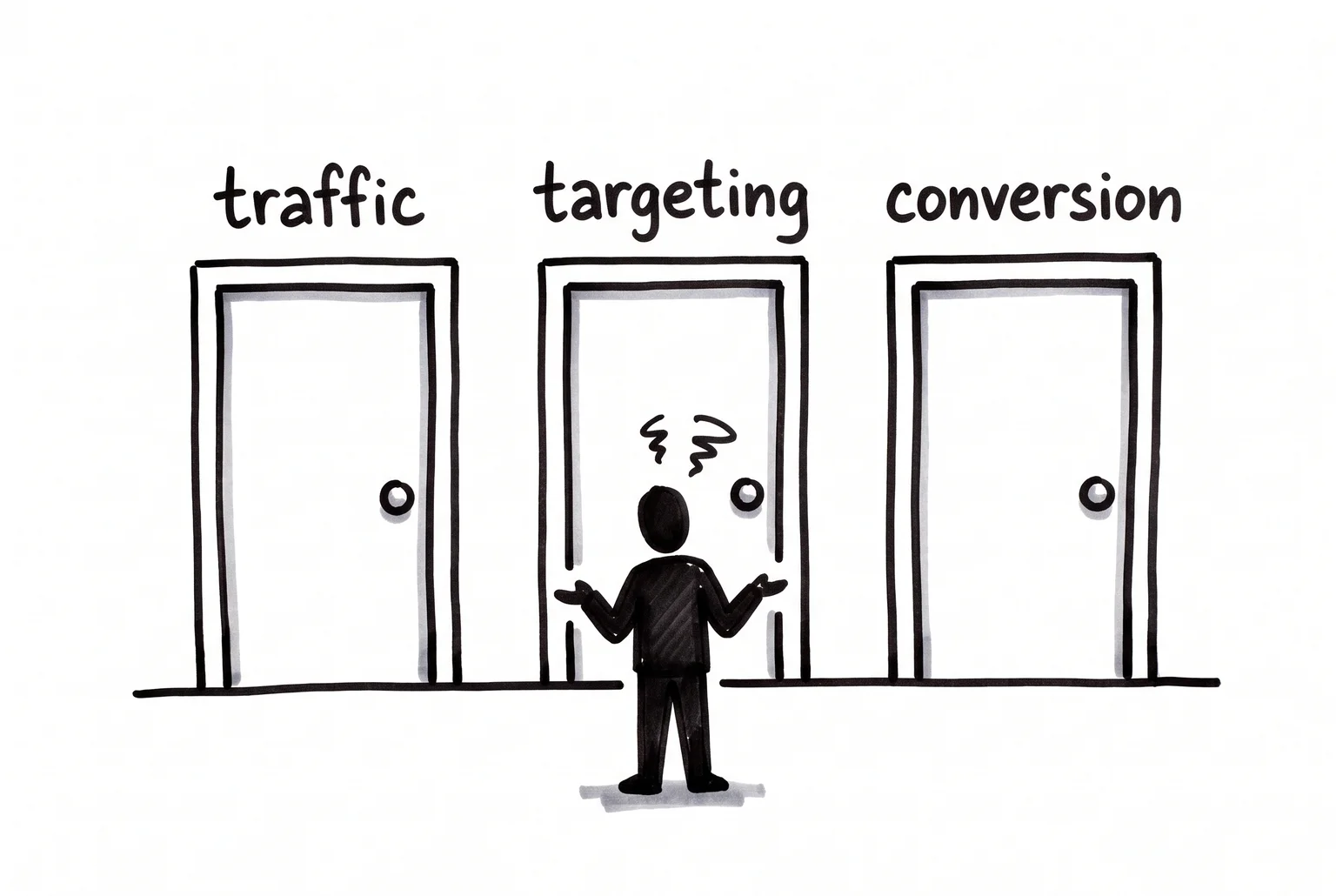
Before you spend another dollar, figure out which door your website problem is actually behind.
Three questions that tell you which problem you’ve got
Before you touch anything on your site, answer these three questions. Each one points to a different part of this guide.
- Am I getting traffic at all? Open your GA4 property, go to Reports, then the Traffic acquisition report, and check your Users and Sessions over the last 30 days. If the numbers are tiny or flat week after week, your problem is visibility. Skip ahead to the section on low traffic and SEO.
- Is the traffic the right people? If you’re running ads, check impressions, clicks, and click-through rate in your Google Ads dashboard. A low CTR often means your ad copy, targeting, or offer isn’t landing with the people who see it. For SEO traffic, check which search terms are bringing people to your site in GA4 or Search Console. Visitors arriving from irrelevant searches will never turn into leads, no matter how good your website is.
- Is traffic converting into leads? This is the one most business owners skip. If you haven’t set up tracking for contact form submissions or phone calls as conversion events in GA4, you’re guessing. Set that up first. Decent traffic with almost no tracked submissions or calls usually points to a conversion or offer problem, not a traffic problem.
Your answers here decide where to focus. Low traffic sends you to the SEO section. Traffic that’s the wrong fit sends you to targeting fixes. Traffic with no conversions sends you to the section on offers and page design.
Why nobody’s finding you on Google
PROBLEM: Your pages aren’t set up to be found. Missing or generic page titles, duplicate meta descriptions, and thin content that doesn’t actually answer customer questions are among the most common small business SEO problems.
FIX: Give every main page a unique title and description that names your service and suburb. Check your top five pages first: homepage, services, contact.
PROBLEM: You’re chasing keywords you can’t win. Small businesses often target broad, competitive terms like “plumber” instead of the long-tail phrases customers actually type, such as “emergency plumber Palmyra”. Long-tail searches make up roughly 91.8% of all queries and convert at a much higher rate than broad terms.
FIX: Build a list of 30-50 specific phrases tied to your services and suburbs, and write a dedicated page for each major service or location rather than cramming everything onto one page.
PROBLEM: Your Google Business Profile is incomplete or ignored. GBP now drives the local Map Pack, which shows up in around 93% of local searches, and Whitespark’s research puts roughly a third of local ranking weight on GBP signals alone.
FIX: Fill in every field: description, hours, services, photos, and respond to reviews.
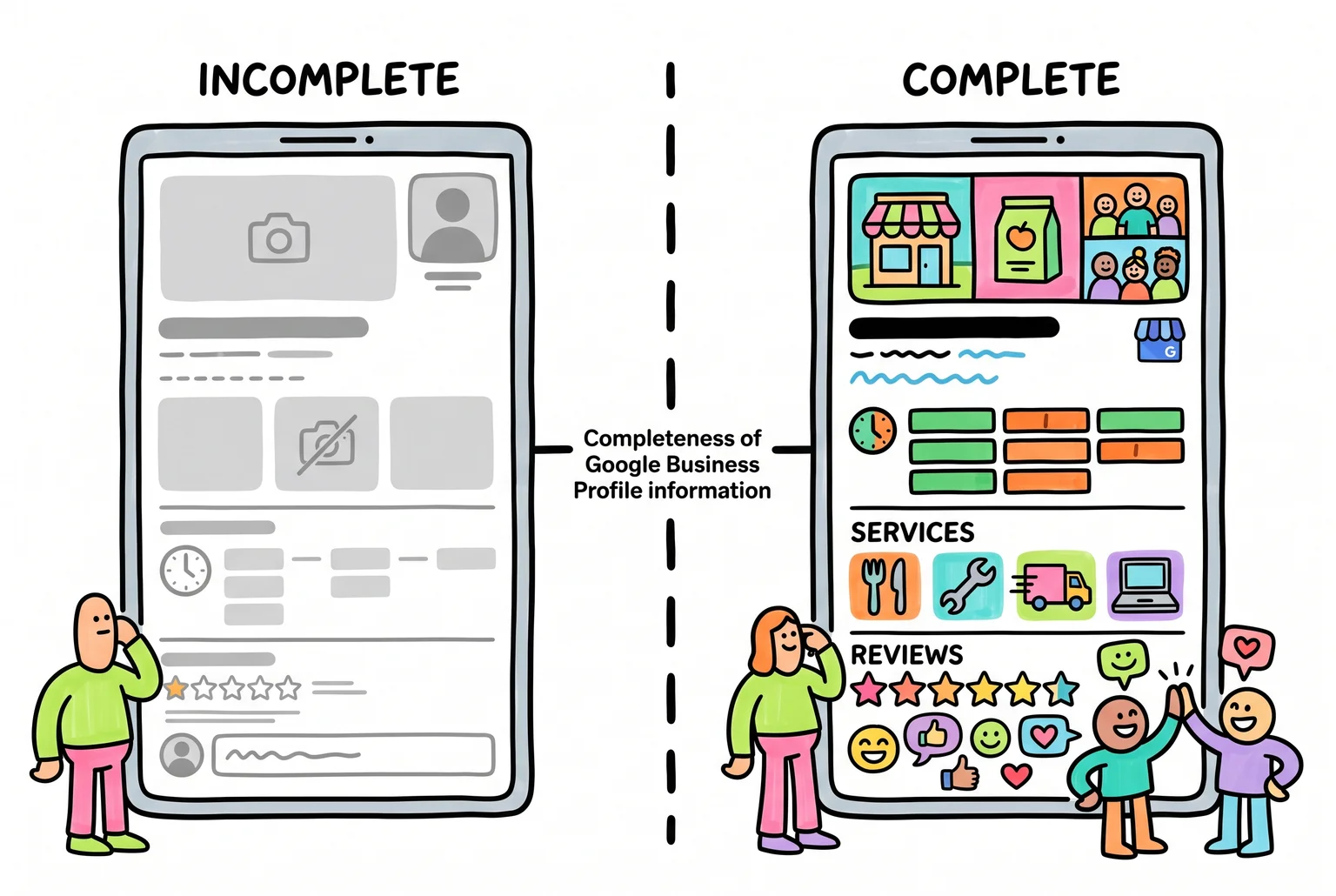
A complete Google Business Profile gives Google far more to show searchers, and far more reason to trust and rank the business.
PROBLEM: Pages aren’t indexed or the site is slow on mobile. Broken links, poor structure, and slow load times all affect whether Google can find and rank your pages.
FIX: Check the Page Indexing report in Search Console, and fix any pages flagged as not indexed.
People are landing on your site. Why aren’t they contacting you?
Can a visitor tell what you do, and for whom, within five seconds of landing on your homepage? If they have to scroll or read three paragraphs to work it out, most will leave. Fix it with one clear headline stating what you do, who it’s for, and what happens when they click.
Can they find the contact button without hunting? A single, repeated call to action, “Get a quote” or “Call now”, beats a cluttered menu with five competing options. Weak or buried CTAs leave visitors with no obvious next step.
Would you trust this business if you’d never heard of it? Testimonials, reviews, and trust badges are the fix. Testimonials alone have been linked to a 34% average lift in landing page conversions, and reviews can lift conversions by up to 380% for higher-priced services, yet most small business sites skip them entirely.
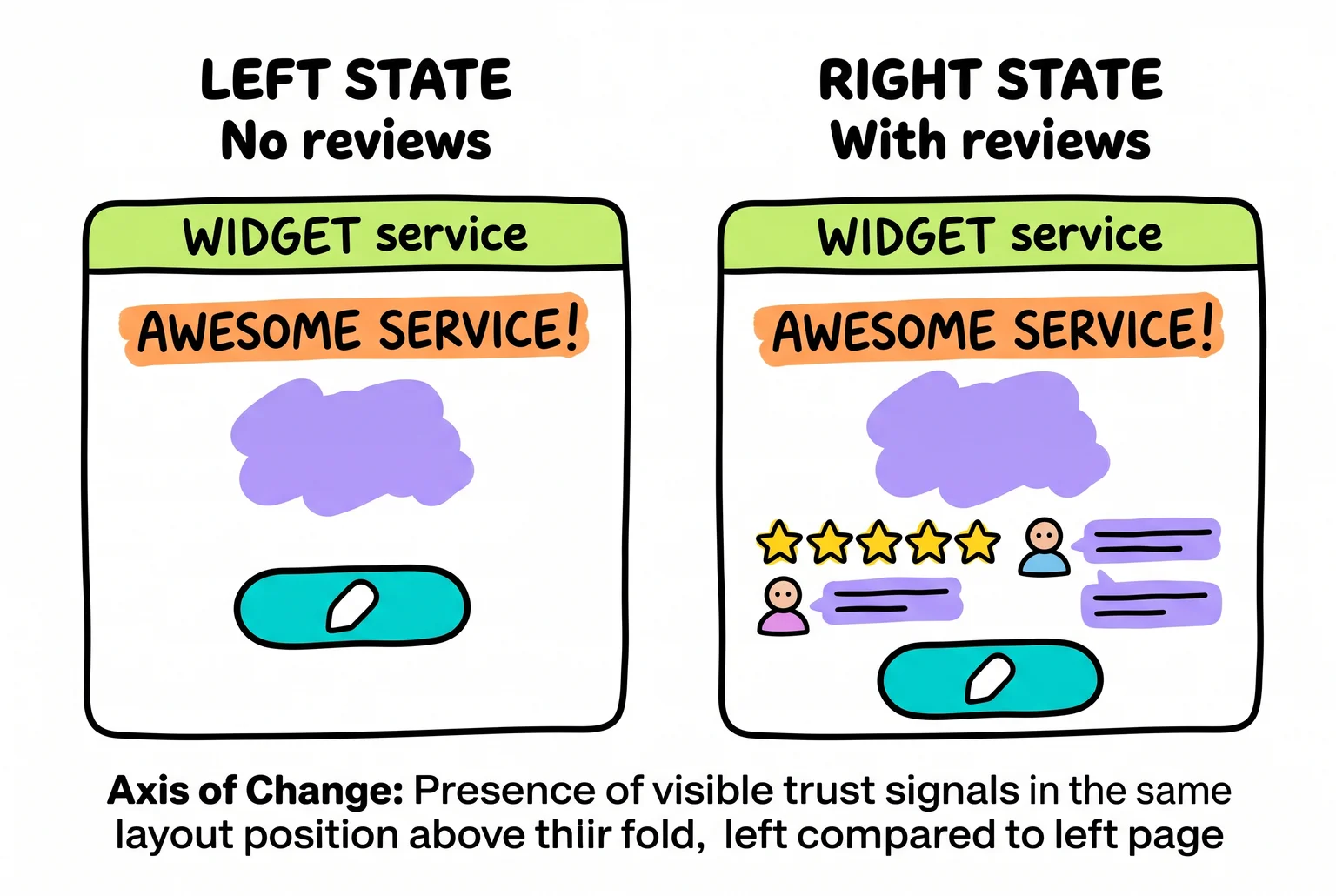
The only difference between these two pages is trust, and trust is often the difference between a bounce and a lead.
Does your site work properly on a phone, not just look okay? Slow load times and fiddly forms on mobile push people away before they read your offer. Fast, mobile-friendly pages convert at more than double the rate of slow ones.
Paid ads have their own set of leaks
If you’re spending on Google Ads and still not getting leads, the problem is often the gap between your ad and the page it sends people to.
The biggest offender is sending clicks to your homepage instead of a dedicated landing page. A homepage rarely matches the exact search that triggered the ad, and that mismatch shows up in the numbers. Dedicated PPC landing pages convert at a median of 4.02%, compared to 2.35% for general pages. One local service business cut its cost per lead from $287 to $144 by switching from homepage to landing page, while getting 1.7 times more conversions.
Three things to check today:
- Does your landing page repeat the exact headline, offer, and location from your ad above the fold? If the ad says “free estimate” and the page doesn’t mention it until you scroll, you’re losing people.
- Are you using broad match keywords with no negative keywords? That combination commonly wastes 30 to 50% of ad budget on irrelevant searches. Accounts with negative keywords in place see conversion rates around 13%, versus 4.6% without.
- Check your Quality Score in Google Ads. Moving from a 4 to a 6 on the same keyword can cut your cost per click by up to 25%.
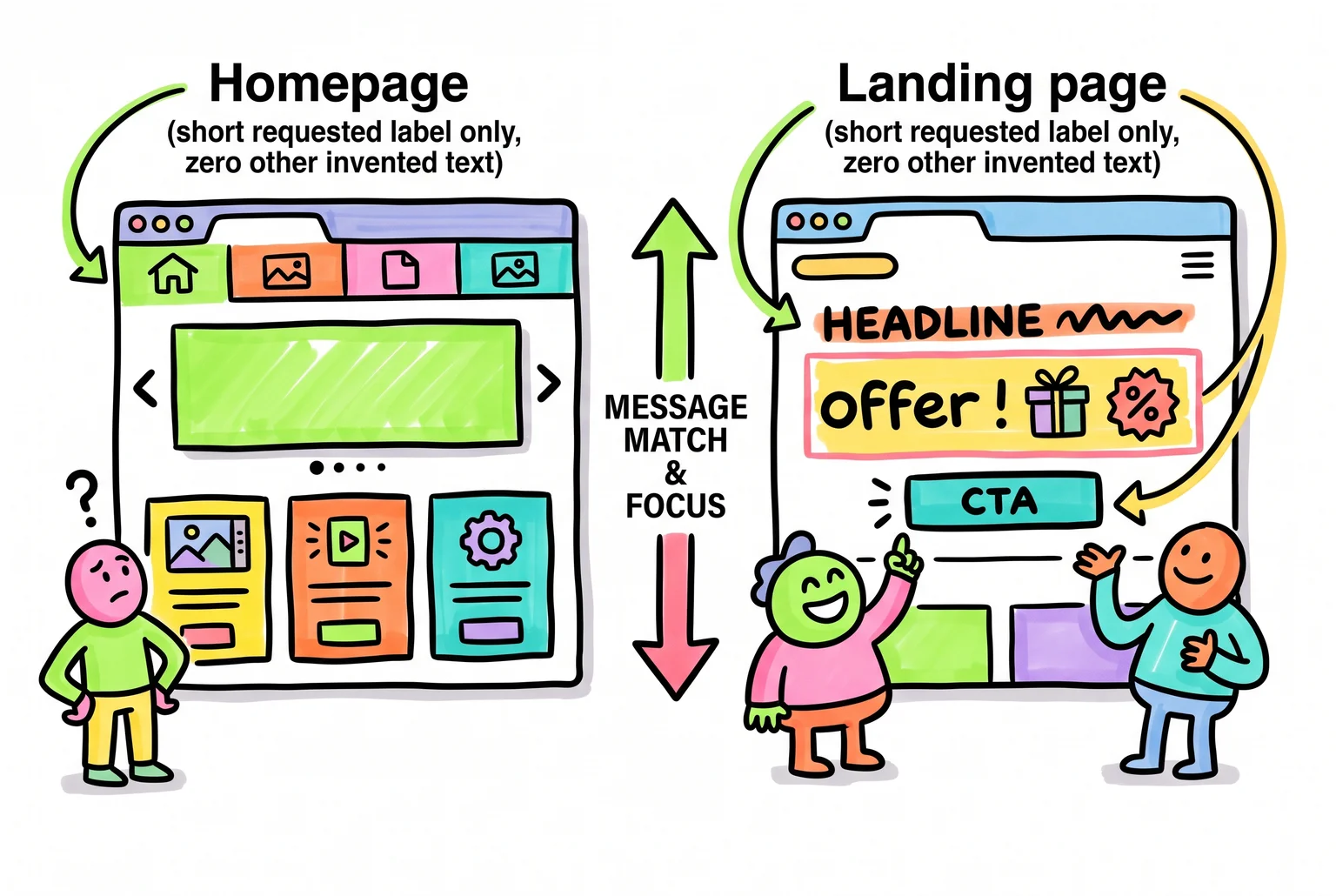
Sending ad traffic to a homepage forces visitors to hunt for the offer they clicked on, a dedicated page hands it to them instantly.
When SEO and ads compete against each other
Running both at once can cause its own problems, separate from anything wrong with either channel alone.
The first is bidding on keywords you already rank for organically. If you show up at position 2 in Google’s normal results and also run a paid ad on the same search term, you may be paying for clicks you’d have gotten free. Check this by exporting your active PPC keywords and comparing them against your organic rankings. If a term ranks well organically and converts fine without ads, cutting the bid usually saves money without losing leads.
The second is not knowing which channel actually produced a lead. Without tracking, you can’t tell if SEO or ads deserve credit, which makes it hard to know where to spend. Tag your ad campaigns with UTM parameters and record lead source in your contact form or CRM.
The third is running mismatched messaging between your ad landing page and the pages Google finds organically, confusing repeat visitors who land on different pages each time.
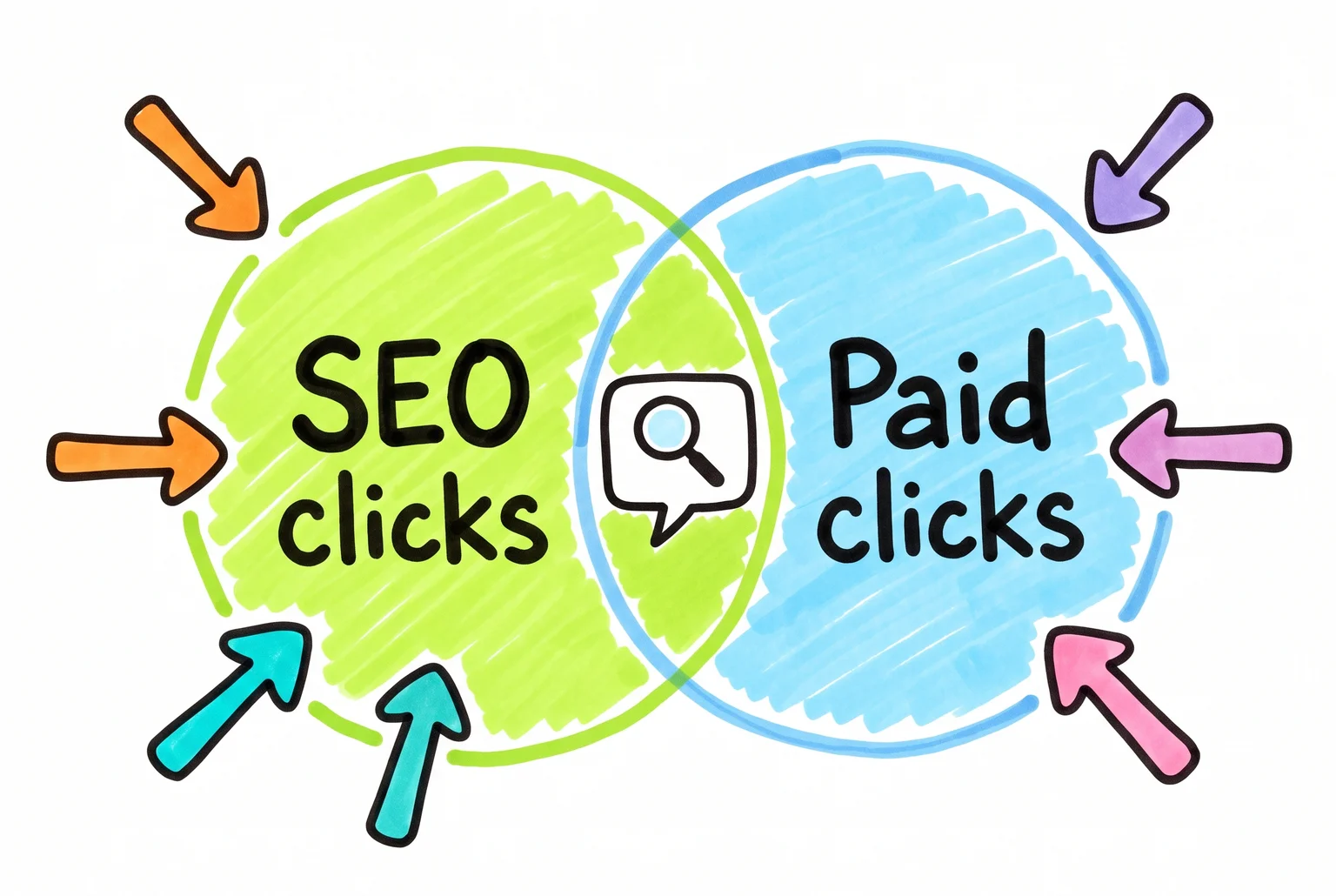
When SEO and paid ads chase the same keyword, the overlap can blur which channel actually earned the click.
Your three-step action plan
Match your answers from the checklist to one of these paths.
- Traffic is low. Fix visibility first. Check that Google has indexed your key pages, complete your Google Business Profile, and target long-tail keywords tied to your services and suburbs. Don’t run structured A/B tests yet, there’s not enough traffic to get reliable results.
- Traffic is fine, leads aren’t. Verify your conversion tracking is actually set up correctly first, then check message match between your ads and landing pages, clean up your CTAs, and add trust signals like reviews near the form.
- Traffic and leads are both healthy. Protect what’s working. Monitor rankings, keep an eye on backlinks, and test small improvements to offers or CTAs rather than overhauling anything.
If you’re running ads and SEO together, revisit the keyword overlap and attribution checks from the previous section before making changes in either channel.
Knowing when to stop DIYing it
Most of what’s in this guide, checking your Google Business Profile, fixing message match, tidying CTAs, is well within reach without technical help. But technical SEO issues like indexing errors, site speed problems, or a messy ad account bleeding budget across overlapping keywords are harder to diagnose without experience, and a wrong move can cost you rankings you’ve already earned.
If you’ve worked through the checklist and something still doesn’t add up, that’s usually a sign it needs a second set of eyes rather than more guesswork. I look at these setups every week. If you want someone to check yours, get in touch, no pressure, just a straight answer on what’s actually wrong.
Sources
- Spent $1500 on ads, got almost 0 leads — Reddit r/startups