

Who actually controls your domain and hosting?
If someone asked you right now who your domain is registered with, or which company hosts your website files, could you answer? Most business owners can’t, and it’s rarely their fault. A developer set things up years ago, an agency handled the paperwork, or an employee who’s long since left picked the provider and never wrote it down.
In larger organisations this job usually sits with IT, and one survey of smaller companies found domain management handled by IT roughly 75% of the time, with marketing picking up the rest. Small businesses rarely have that structure. There’s often no department, no handover notes, just whoever was around when the site went live.
Not knowing isn’t a crisis by itself. It becomes one the moment you need to update your site, fix an outage, or switch providers and can’t get in. The rest of this guide walks through exactly where that risk shows up, and how to find your way back to full control in under an hour.

Where this actually goes wrong
A freelancer builds your site and registers your domain under their own account because it’s quicker. Two years later they’ve moved on, stopped answering emails, or you’ve had a falling out over an unpaid invoice. You still don’t have the login. Now you can’t update your site, move to a new host, or even prove the domain is yours without a fight.
Or the domain quietly expires. Renewal notices go to an inbox nobody checks anymore, an old employee’s email or a personal account someone forgot about. That’s one of the most common reasons domains lapse. Once it expires, your website and any email running through it can go dark. Atom’s 2026 survey of startup founders found almost one in ten had lost a domain outright this way, and about half had lost one or come close.
If nobody grabs it during the grace period, the domain can be released and picked up by someone else, sometimes someone who knows exactly what it’s worth to you and asks for a large payment to give it back. Dotkeeper has documented well-known companies caught out this way.

None of this is unusual, and none of it is permanent damage if you catch it early. The next sections cover how.
The address and the building are two different things
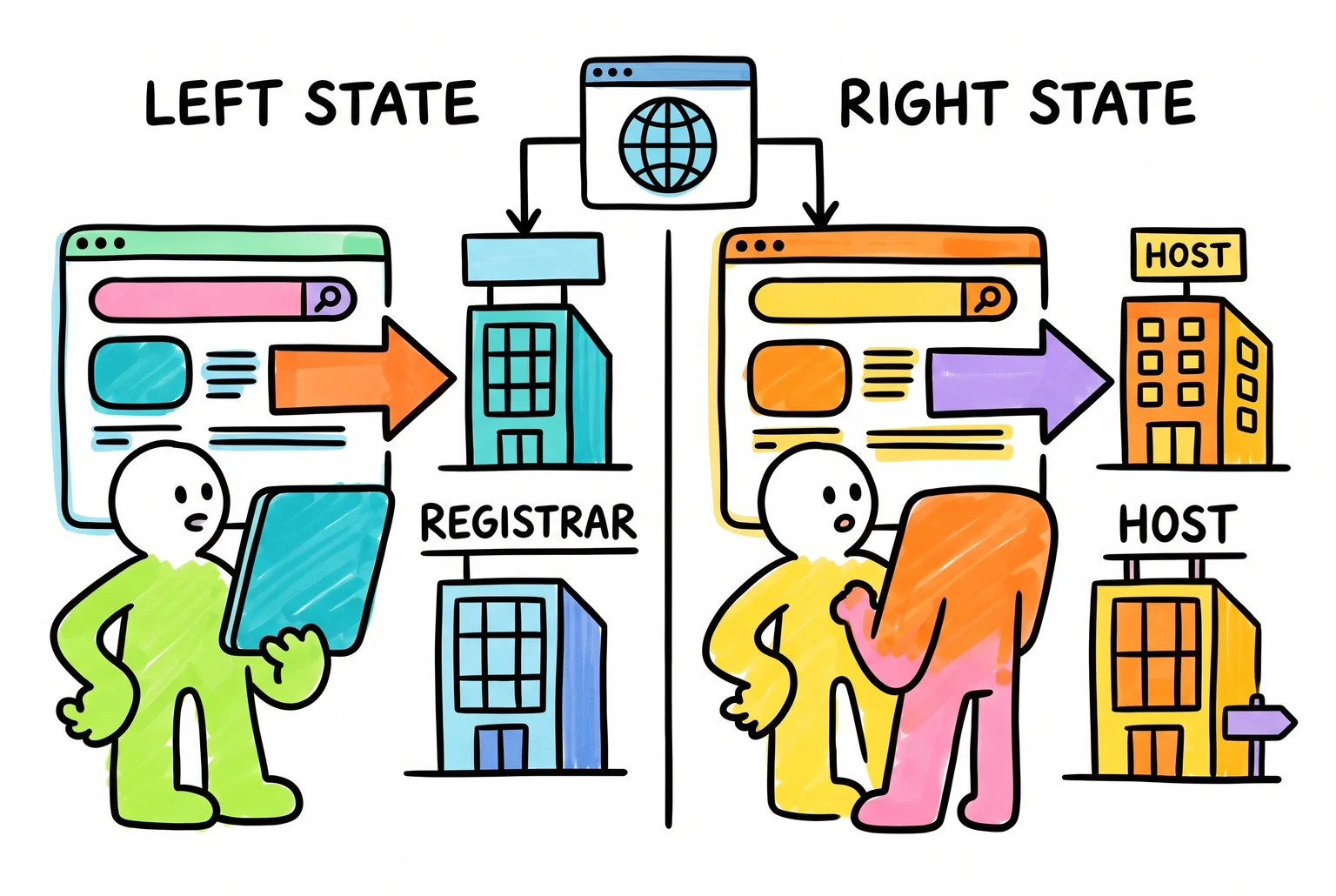
These two words get used interchangeably, and that mix-up is exactly why so many business owners end up locked out of their own site. They’re two different services, often bought from two different companies.
Your domain registrar is where you registered your website name, the “www.yourbusiness.com.au” bit. The registrar handles renewals and points your domain to wherever your site actually lives. Australian businesses tend to use one of a handful of registrars: VentraIP, which registers domain names for over a million active domains, Crazy Domains, GoDaddy, Webcentral, or Squarespace.
Your web host is where your website’s actual files sit, the pages, images and code that make up your site, plus usually your business email. Hosting is what serves your site to a visitor’s browser when they type in your address.
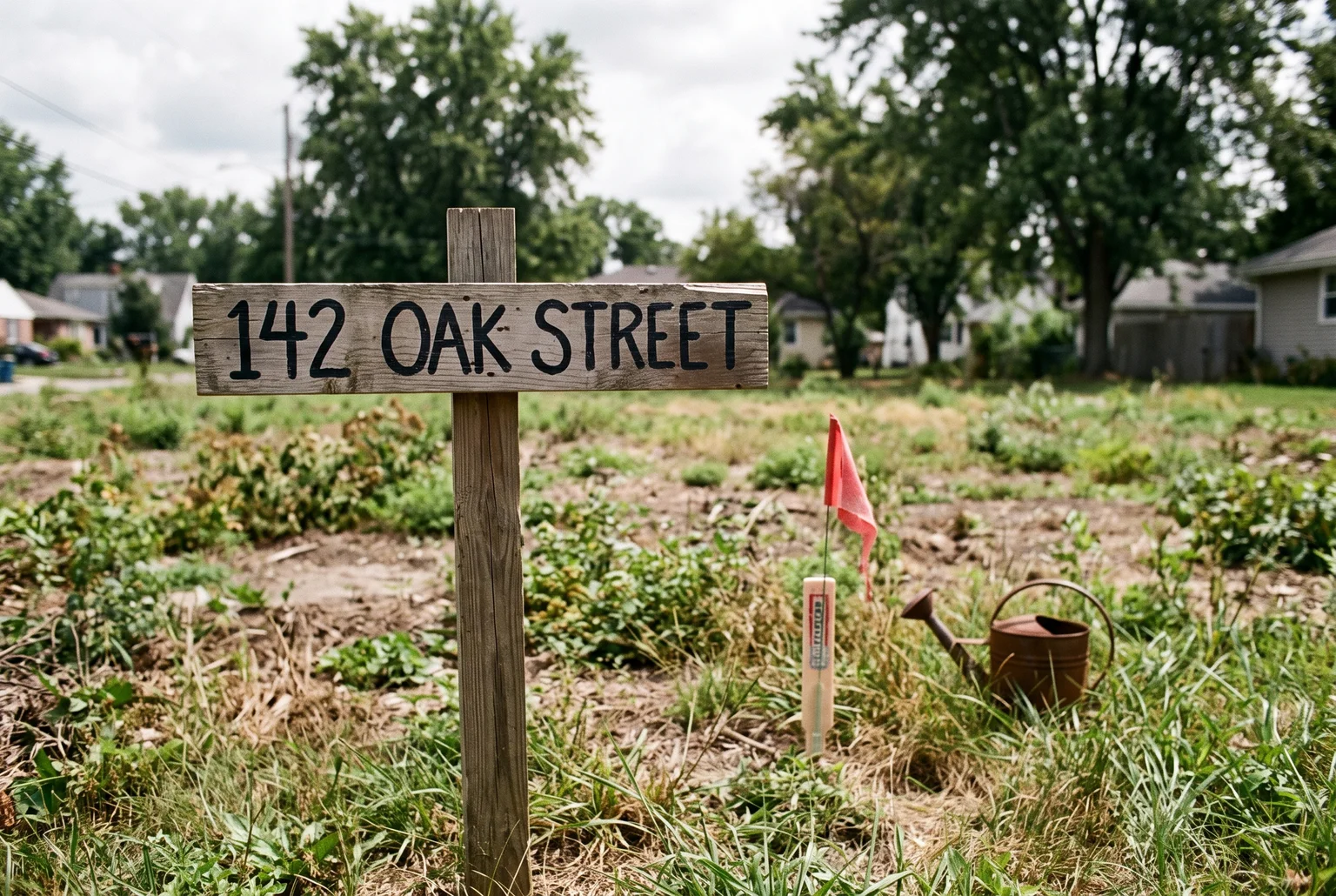
A simple way to picture it: the domain is the street address, and the host is the house sitting on that block. Without hosting, a domain name is just an address pointing at an empty block, no building, nothing to see.
Sometimes the same company handles both, which is where the confusion starts, because people assume that’s always the case. Often it isn’t. You might have registered your domain through one company years ago and be hosting your actual website somewhere completely different, set up by a developer, an agency, or a previous version of your business. Knowing which is which, and who holds the keys to each, is the next step.
Finding out who holds the keys, step by step
You can find both answers in about ten minutes, without calling anyone.
- Run a WHOIS lookup on your domain. Go to a site like who.is and type in your domain name. This tells you the registrar (the company your domain is registered with) and the record’s creation date, which tells you how old the domain is.
- Find the expiry date. In the WHOIS results, look for a field called “Registry Expiry Date,” “Record expires,” or “Expiration date.” That’s the date your domain stops being yours unless it’s renewed. If you see both a registry date and a registrar date, go with the registrar’s date for planning your renewal.
- Run a hosting checker on your website. Tools like Hosting Checker or Sitechecker’s hosting lookup tool will scan your site’s DNS records and IP address and tell you who’s hosting your files and email. This is a separate result from your WHOIS lookup, and it’s normal for the two companies to be different.
- Dig through your old emails and bills. Search your inbox for “renewal,” “invoice,” or the name of your domain. Renewal notices almost always come straight from your registrar or host, even if you’ve forgotten who they are.
- Ask whoever built your site. If a freelancer or agency set things up, ask them directly which registrar and host they used, and ask to be added as the account owner or listed contact, not just a user with access.
One thing to flag: hosting checker tools work by reading DNS records and IP ownership, which is a strong clue but not always a perfect match, especially if your site uses a content delivery network or shared server. If the result looks odd, cross-check it against your bills or your developer’s answer before assuming it’s wrong.
Building your website essentials file
Once you know who your registrar and host are, write it down somewhere your business controls, not somewhere it lives in one person’s head. A shared document or password manager both work, as long as more than one trusted person in your business can get to it in an emergency.
Record these details:
- Domain registrar name, control-panel login, registrant contact details, and the renewal date
- Web host name, control-panel login, and the name of whoever’s listed as the account holder
- Which service manages your DNS, plus its login and a note of key records (this is often the same as your host, but not always)
- FTP or database credentials, if your developer uses them to make changes
- Logins for connected services: your email provider, any plugins or licenses tied to the site, analytics, and anything else plugged into your domain
- WHOIS ownership evidence for your domain, so you have proof it’s yours if a dispute ever comes up
- The name of the actual person or role responsible for each account, not just “the agency”
Set a calendar reminder to check this file twice a year. Confirm the logins still work, the contact email is one your business checks regularly, and the renewal dates haven’t shifted.
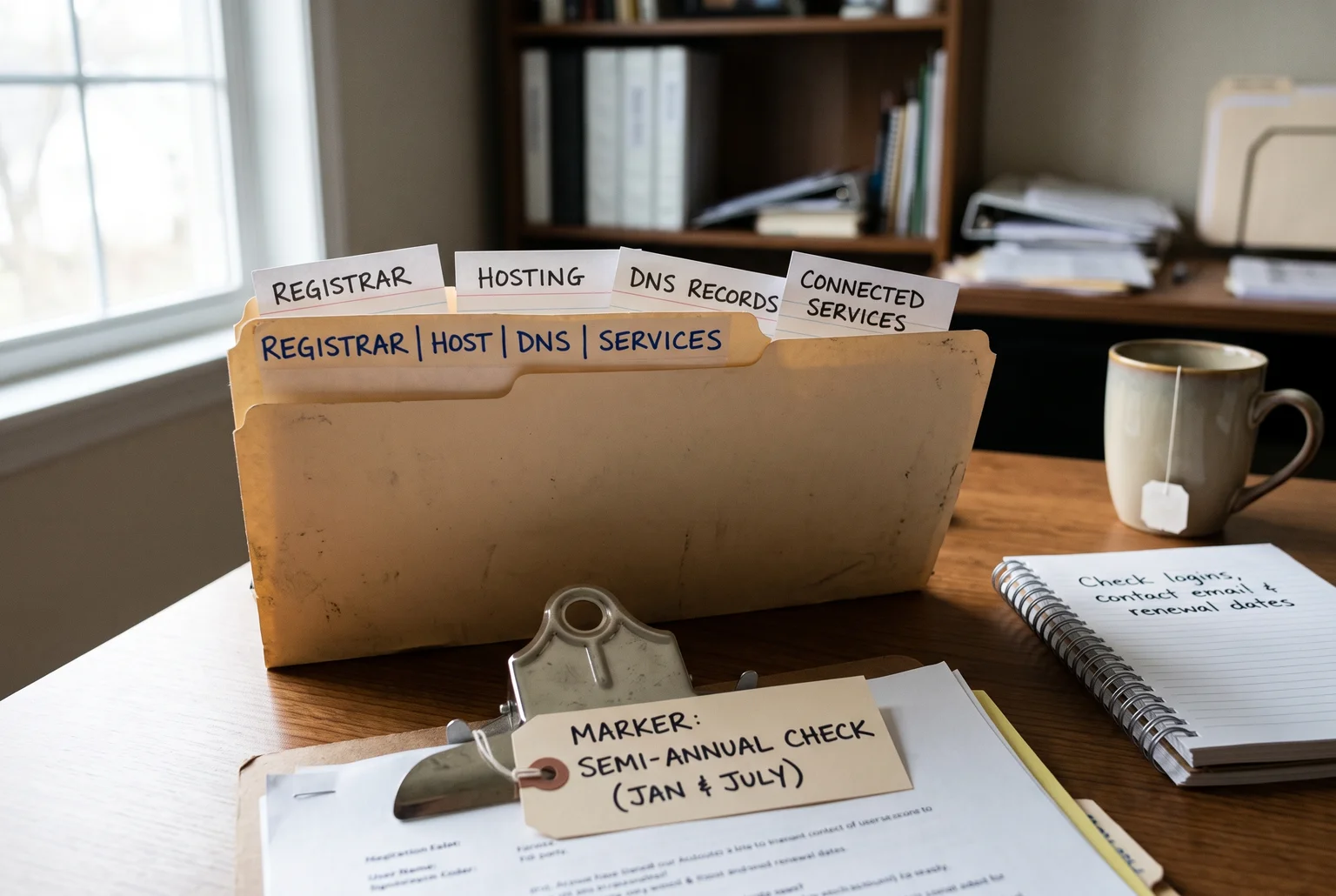
None of this needs to be complicated. A single shared document with the right ten lines in it is enough to stop a departed freelancer or a missed invoice from turning into a genuine crisis.
Your seven-step control check
Run through this list this week. It takes about twenty minutes.
- Run a WHOIS lookup on your domain to confirm who it’s registered to and when it expires
- Use a hosting checker tool to find out who’s hosting your website
- Search your inbox for renewal emails from your registrar and host, going back a couple of years
- Contact your web developer or agency and ask them to confirm the account holder name, login access, and renewal dates in writing
- Write down the registrar, host, DNS provider, and renewal dates in one shared document
- Store login credentials somewhere more than one trusted person in your business can access
- Set a twice-yearly calendar reminder to check that everything above is still accurate
If you get through this list and still can’t get straight answers, that’s a sign you don’t have control of your own website yet.
When you get stuck, ask for help
Some of this list is easy on paper and messy in practice. Maybe the WHOIS record points to an agency that’s since closed, or your old developer doesn’t answer emails anymore. That’s normal, and it’s fixable.
Steve Doig at Webby has spent years tracking down lost logins, chasing unresponsive hosts, and untangling domains from people who’ve moved on. If you’ve tried the checklist and you’re still stuck, it’s worth a short conversation rather than more guessing.
No obligation, no jargon, just a straightforward chat about what you’ve found and what to do next. Call 0422 949 434 or email steve@webby.net.au.

Related
Sources
- GCD Sixth Annual Corporate Domain Management Survey Highlights – GoDaddy Corporate Domains — GoDaddy Corporate Domains
- What happens when my domain expires and how do I renew it? — Network Solutions
- AtomRadar Domains Half of All Founders Have Lost a Domain or Had a Near Miss: Domain Renewal Management Survey for 2026 — Atom
- 3 well-known missed domain renewals – Dotkeeper — Dotkeeper
- Fast Domain Search & Registration | VentraIP Australia — VentraIP
- Domain Registrar vs Web Hosting: What’s the Difference? | HostBible Guides — HostBible
- WHOIS Search, Domain Name, Website, and IP Tools – Who.is — Who.is
- Types of WHOIS data for a domain: Expiry date – cdmon — cdmon
- Hosting Checker – Find out who is hosting any website — Hosting Checker
- WHOIS Lookup — Whois.com