
In 2026, a slow website isn't just a minor annoyance; it's a direct threat to your bottom line, especially for Australian businesses competing online. Visitors expect near-instant page loads, and search engines like Google explicitly reward faster sites with better rankings, making speed a critical factor for visibility. The single most effective tool in your website optimisation arsenal to achieve this is caching.
But what is caching, really? Imagine it as creating a pre-packaged, ready-to-go version of your website's pages. Instead of your server building each page from scratch for every single visitor - a process that consumes time and resources - a caching plugin serves up a lightning-fast static copy. This dramatically reduces server load and delivers content to your users in a fraction of the time.
This guide is designed to help you navigate the crowded field and find the best WordPress caching plugins for your specific needs. We’ll cut through the marketing hype to provide real-world insights, performance benchmarks, and clear recommendations. You will learn which tool is right for your blog, WooCommerce store, or complex membership site. Beyond caching, there are many other factors that contribute to overall site performance, and understanding these can further help you to understand how to increase your page speed.
Inside this detailed comparison, you'll find everything you need to make an informed decision, complete with screenshots, direct links, and practical advice for implementation. Let’s make your website fly.
1. WP Rocket
WP Rocket consistently ranks as one of the best WordPress caching plugins available, especially for users who value simplicity without sacrificing power. It's a premium, all-in-one performance solution designed to deliver significant speed improvements with minimal configuration. Unlike many competitors that require technical know-how to configure dozens of settings, WP Rocket applies about 80% of web performance best practices automatically upon activation. This makes it an excellent choice for business owners and marketers in Australia who need quick results.

Its real strength lies in the user-friendly dashboard that organises complex features like page caching, browser caching, and GZIP compression into simple toggles. The plugin also includes built-in optimisations that often require separate plugins, such as database cleanup, lazy-loading for images and videos, and advanced file optimisation features like "Remove Unused CSS" and "Delay JavaScript Execution". These functions are critical for improving Core Web Vitals scores.
Key Details & Pricing
- Best For: Beginners to intermediate users, e-commerce stores, and anyone wanting a "set and forget" solution.
- Pricing: WP Rocket is a premium-only plugin. Pricing starts at US$59 per year for a single site licence, which includes support and updates.
- Pros: Extremely easy to set up, excellent documentation and support, reliable compatibility with WooCommerce and multilingual plugins like WPML.
- Cons: No free version available for trial, and complex or custom-coded sites may still require some manual tuning beyond the default settings.
- Website: https://wp-rocket.me
2. LiteSpeed Cache (LSCWP)
For website owners whose hosting provider uses LiteSpeed or OpenLiteSpeed web servers, LiteSpeed Cache for WordPress (LSCWP) is arguably one of the most powerful and effective caching solutions available. As a free plugin, it provides server-level full-page caching, which is significantly faster than the file-based caching methods used by most other plugins. This direct integration between the plugin and the server allows for unparalleled performance and efficiency, making it a top contender among the best WordPress caching plugins.
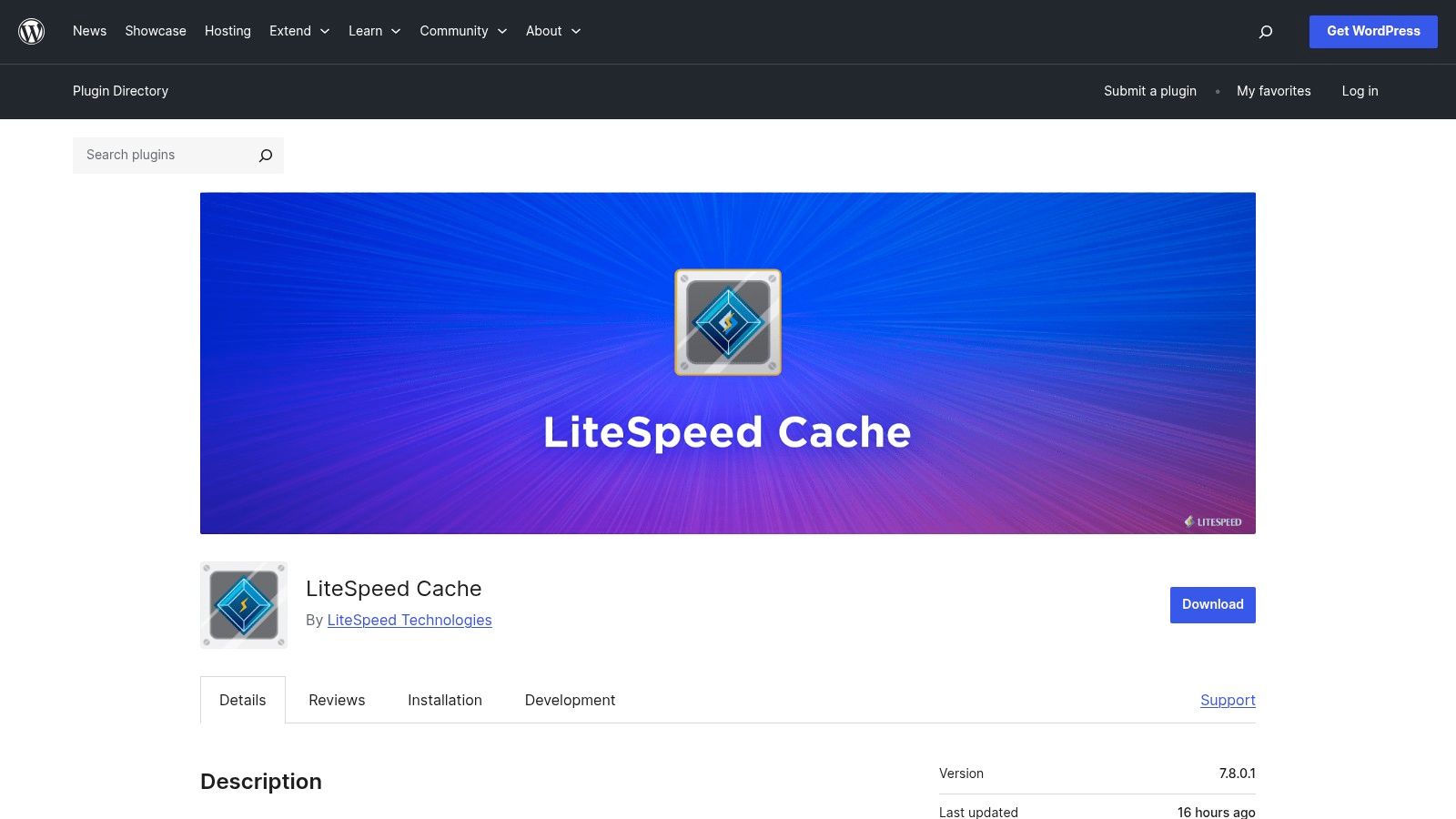
The plugin’s real distinction is its all-in-one approach to optimisation. Beyond server-side caching, it includes a suite of advanced features often found only in premium plugins. These include image optimisation (including WebP/AVIF conversion), critical CSS generation, database optimisation, and minification of CSS, JavaScript, and HTML. It also tightly integrates with the QUIC.cloud CDN, which offers HTTP/3 support and provides a global network even for users on shared hosting without a LiteSpeed server, albeit with some feature limitations.
Key Details & Pricing
- Best For: Users on LiteSpeed/OpenLiteSpeed hosting, technically proficient users who want granular control.
- Pricing: The plugin is free. Premium QUIC.cloud services (like CDN bandwidth and online optimisation credits) operate on a freemium model with generous free tiers.
- Pros: Exceptional performance on supported servers, extensive feature set at no cost, deep integration with server and QUIC.cloud CDN.
- Cons: The full benefits are only realised on LiteSpeed-powered servers, and its vast array of settings can be overwhelming for beginners.
- Website: https://wordpress.org/plugins/litespeed-cache/
3. FlyingPress
FlyingPress is a modern, premium WordPress caching plugin that puts a strong emphasis on improving real-user experience and Core Web Vitals scores. Developed with a "less is more" philosophy, it offers powerful, cutting-edge optimisations without an overwhelming number of settings. This makes it an attractive option for Australian business owners and agencies managing visually rich websites who need top-tier performance but want a configuration process that is quick and intuitive.
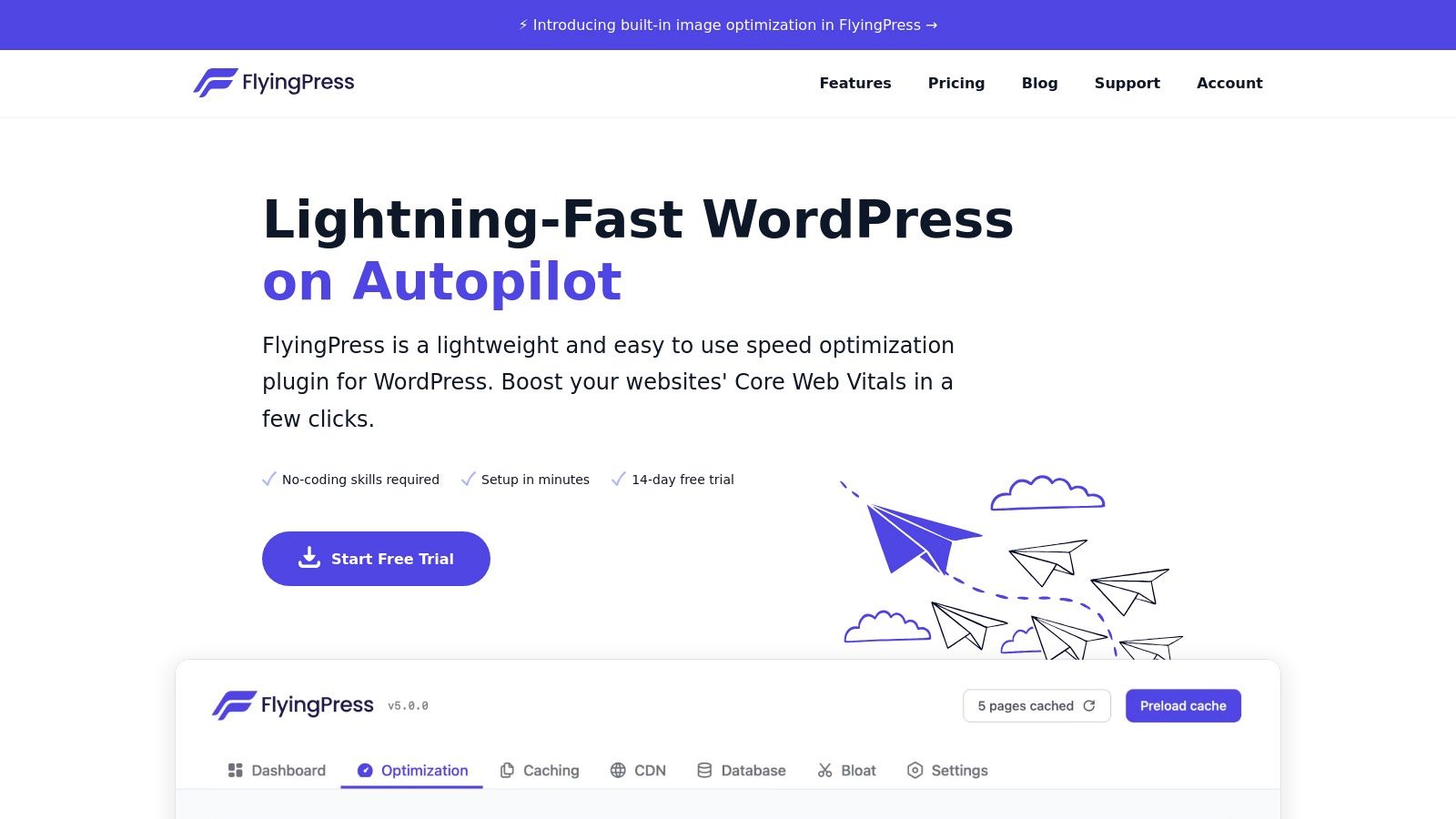
The plugin excels at advanced, on-the-fly optimisations that directly address Google's performance metrics. Its ability to generate Critical CSS, lazy-render HTML elements, and apply smart font loading strategies sets it apart. These features are often complex to implement manually but are handled automatically by FlyingPress. It also includes standard caching functions, page preloading, and an optional FlyingCDN add-on for global asset delivery, making it one of the best WordPress caching plugins for achieving fast load times with minimal fuss.
Key Details & Pricing
- Best For: Agencies, developers, and performance-focused users who need excellent Core Web Vitals results without complex configurations.
- Pricing: FlyingPress is a premium-only plugin. Plans start at US$60 per year for a single site licence.
- Pros: Delivers outstanding performance and Core Web Vitals improvements, has a very clean and easy-to-navigate user interface, and is quick to configure.
- Cons: No free version is available, and users with highly specific CDN or edge-caching requirements might still need to perform some tuning in Cloudflare.
- Website: https://flyingpress.com
4. Swift Performance AI
Swift Performance AI enters the performance scene as an ambitious, all-in-one optimisation suite. It goes beyond standard caching by integrating an AI-guided setup wizard, making it a compelling choice for users who want a single plugin to manage nearly every aspect of website speed. Its core function is to simplify complex configurations by asking questions about your site and server, then automatically applying optimal settings for page caching, asset optimisation, and more.
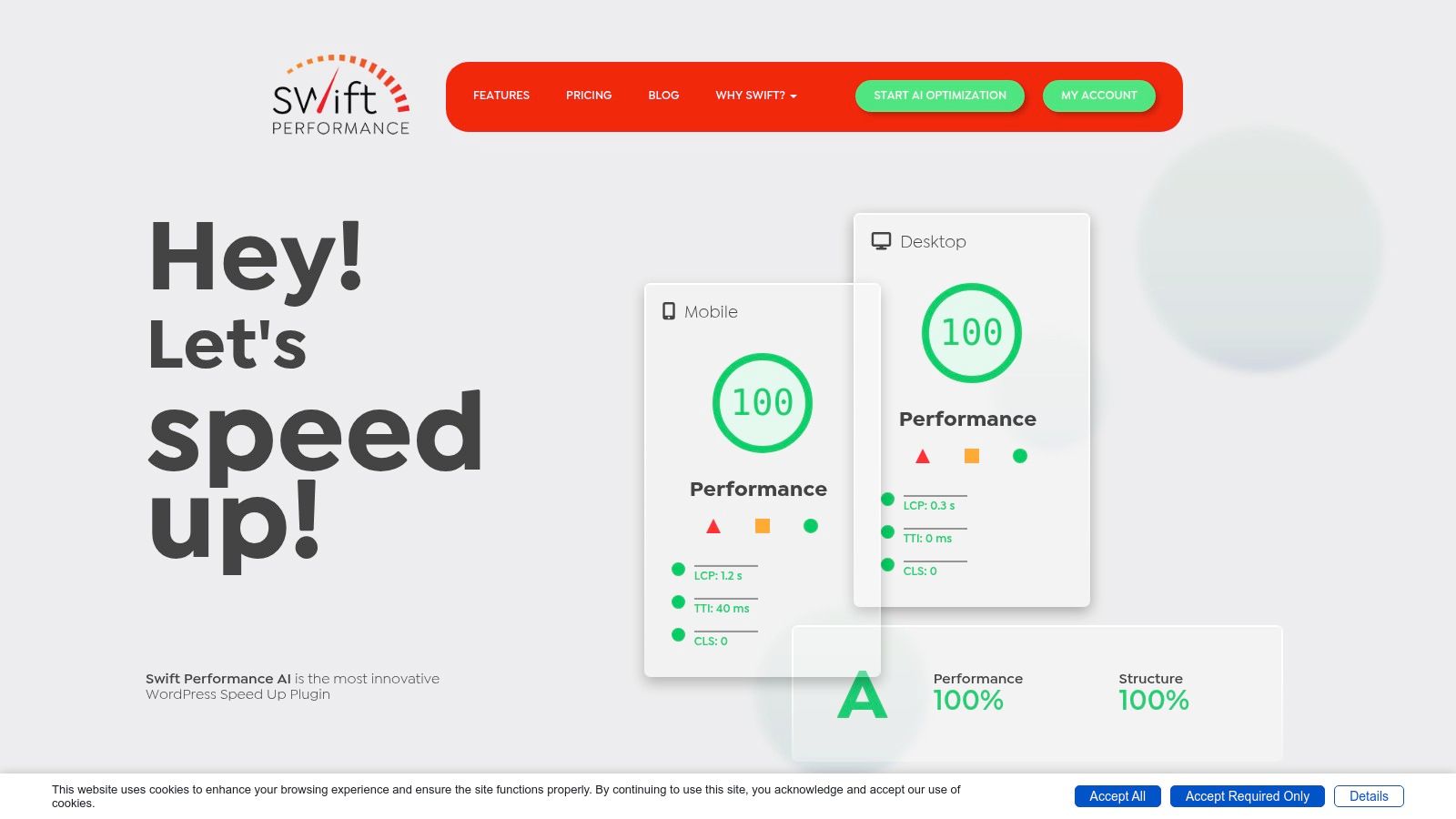
The plugin’s real distinction is its comprehensive feature set, which includes a built-in image optimiser, a powerful critical CSS generator, and advanced JavaScript handling. This consolidation means you can often replace three or four separate plugins with Swift Performance AI alone. It is particularly effective for WooCommerce sites, offering intelligent caching that respects cart and checkout pages while speeding up product archives and single product views. For developers or agencies in Australia managing multiple client sites, this makes it one of the best WordPress caching plugins for efficiency.
Key Details & Pricing
- Best For: Users wanting an all-in-one solution, developers managing multiple sites, and those who appreciate an AI-assisted setup process.
- Pricing: Offers a free "Lite" version with basic caching. Premium plans start from US$59.99 per year for a single site, with lifetime packages available.
- Pros: Extremely rich feature set reduces plugin-clutter, AI wizard simplifies initial setup, and the lifetime plan offers excellent value for agencies.
- Cons: The interface can feel dense and overwhelming compared to simpler plugins, and its opinionated approach may conflict with existing optimisation tools.
- Website: https://swiftperformance.io
5. W3 Total Cache
W3 Total Cache is one of the oldest and most feature-rich free performance plugins, positioning itself as a complete web performance optimisation framework rather than just a simple caching tool. It provides an immense degree of granular control, appealing to developers and technical users in Australia who need to fine-tune every aspect of their site's caching behaviour. Its power lies in its flexibility, supporting various caching methods like page, object, and database caching.
This plugin stands out for its extensive CDN integration, which supports a wide array of providers beyond the common few. However, this level of control comes with a steep learning curve. The settings panel is packed with over 16 pages of options, which can be overwhelming for beginners and may even break a site if configured incorrectly. For those who understand server-level optimisation and have unique hosting environments, W3 Total Cache offers a powerful, no-cost solution that few other plugins can match, making it one of the best WordPress caching plugins for advanced configurations.
Key Details & Pricing
- Best For: Experienced developers and technical users who require precise, granular control over caching.
- Pricing: The core plugin is free. A Pro version is available with additional features like fragment caching.
- Pros: Highly configurable for unique server environments, offers extensive CDN compatibility, and provides database and object caching in the free version.
- Cons: The setup complexity is very high for non-technical users, and its many settings can cause conflicts if not handled carefully.
- Website: https://wordpress.org/plugins/w3-total-cache/
6. WP Super Cache
WP Super Cache is a stalwart in the WordPress caching community, developed by Automattic, the same company behind WordPress.com and WooCommerce. It’s a free, no-frills plugin that focuses on one core job and does it well: generating static HTML files from your dynamic WordPress site. This approach ensures that your web server can deliver content to visitors much faster, making it an excellent, reliable option for blogs, personal sites, and small businesses in Australia that need a simple and stable speed boost without complex configurations.
The plugin offers two main caching modes: "Expert" and "Simple". The Simple mode is incredibly easy to set up and provides good performance, while the Expert mode offers the fastest speeds by bypassing PHP entirely to serve static files. WP Super Cache also includes features like preloading, which generates cached files for your posts and pages ahead of time, and a "garbage collection" scheduler to clear out old cache files. While it lacks the advanced front-end optimisations found in premium plugins, its stability and straightforward function make it a top contender among free caching solutions.
Key Details & Pricing
- Best For: Bloggers, content-heavy sites, and beginners who want a completely free, reliable, and "set and forget" caching solution.
- Pricing: Completely free, available directly from the WordPress plugin repository.
- Pros: 100% free with no upsells, incredibly stable and widely used, and offers minimal configuration for reliable basic caching.
- Cons: Fewer built-in front-end optimisations (like 'Remove Unused CSS'), lacks integrated image optimisation, and the user interface feels dated.
- Website: https://wordpress.org/plugins/wp-super-cache/
7. WP Fastest Cache
WP Fastest Cache is a popular freemium plugin that strikes a balance between simplicity and effective performance gains. It's particularly well-suited for small to medium-sized Australian businesses that need a quick speed boost without getting bogged down in complex settings. The free version provides essential caching features like page cache, GZIP compression, and basic minification, delivering noticeable improvements right out of the box.
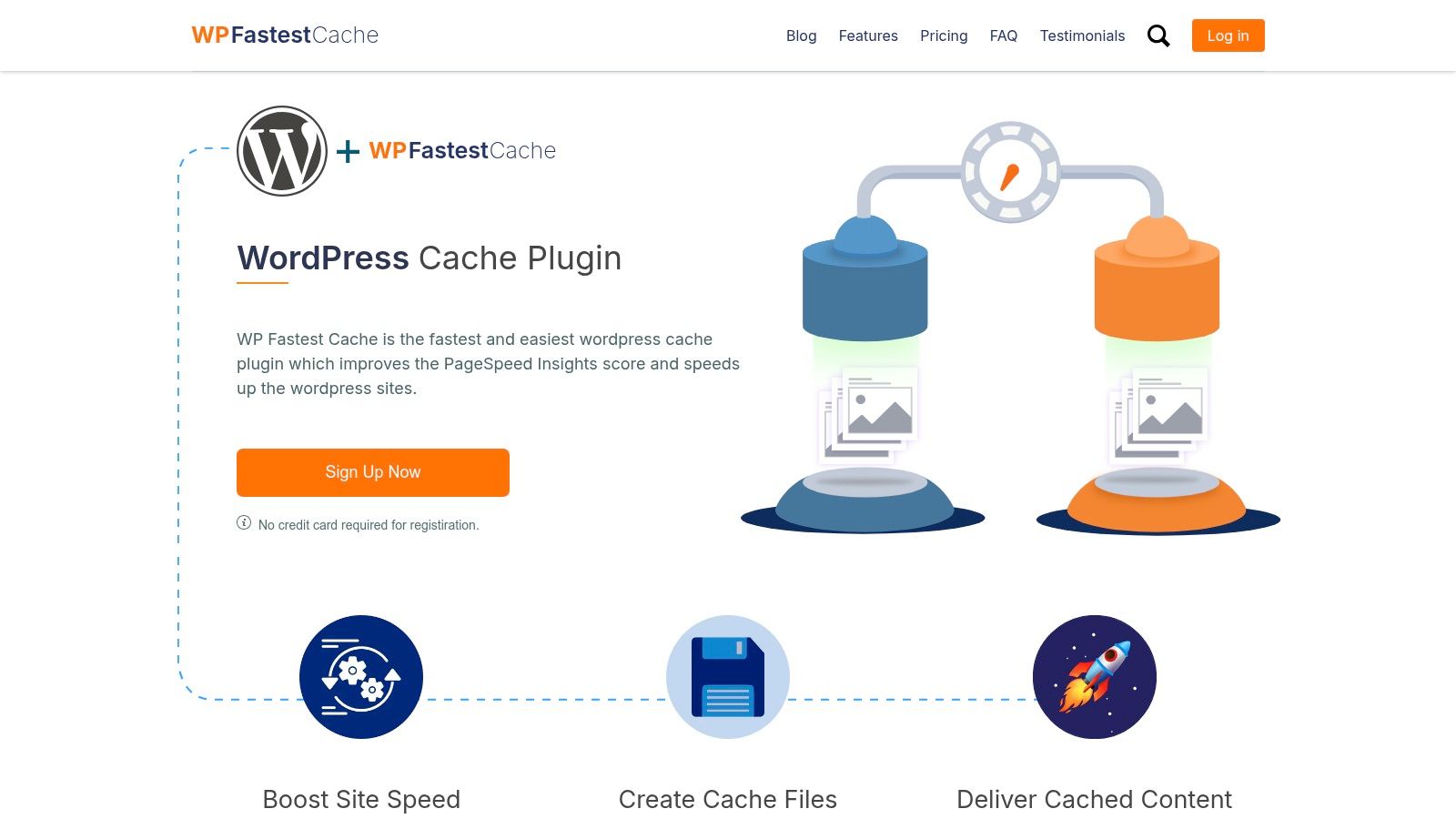
Its primary appeal lies in the straightforward, single-page settings panel where features are activated with simple checkboxes. This makes it one of the easiest and best WordPress caching plugins for beginners to configure. Upgrading to the premium version, done via an in-plugin purchase, unlocks a broader set of optimisation tools. These include more advanced file minification and combination, the ability to defer JavaScript, image optimisation with WebP conversion, and database cleanup.
Key Details & Pricing
- Best For: Beginners, bloggers, and small business sites needing a simple, lightweight caching solution with an affordable upgrade path.
- Pricing: The core plugin is free. Premium is a one-time payment, starting from US$49 for a single site licence, purchased directly within the plugin's dashboard.
- Pros: Very user-friendly interface for fast setup, provides immediate speed improvements, and is more lightweight than some all-in-one alternatives.
- Cons: The premium features, while useful, are not as advanced as those found in top-tier competitors like WP Rocket or LiteSpeed Cache. The one-time payment model means support and updates are not guaranteed indefinitely.
- Website: https://www.wpfastestcache.com/
8. Hummingbird (WPMU DEV)
Hummingbird by WPMU DEV is more than just a caching plugin; it's a comprehensive performance suite. It’s an ideal choice for users already invested in the WPMU DEV ecosystem or for those looking for a single membership that bundles performance, security, backups, and image optimisation tools. Hummingbird aims to provide a full-spectrum approach to site speed, handling everything from page caching to uptime monitoring.
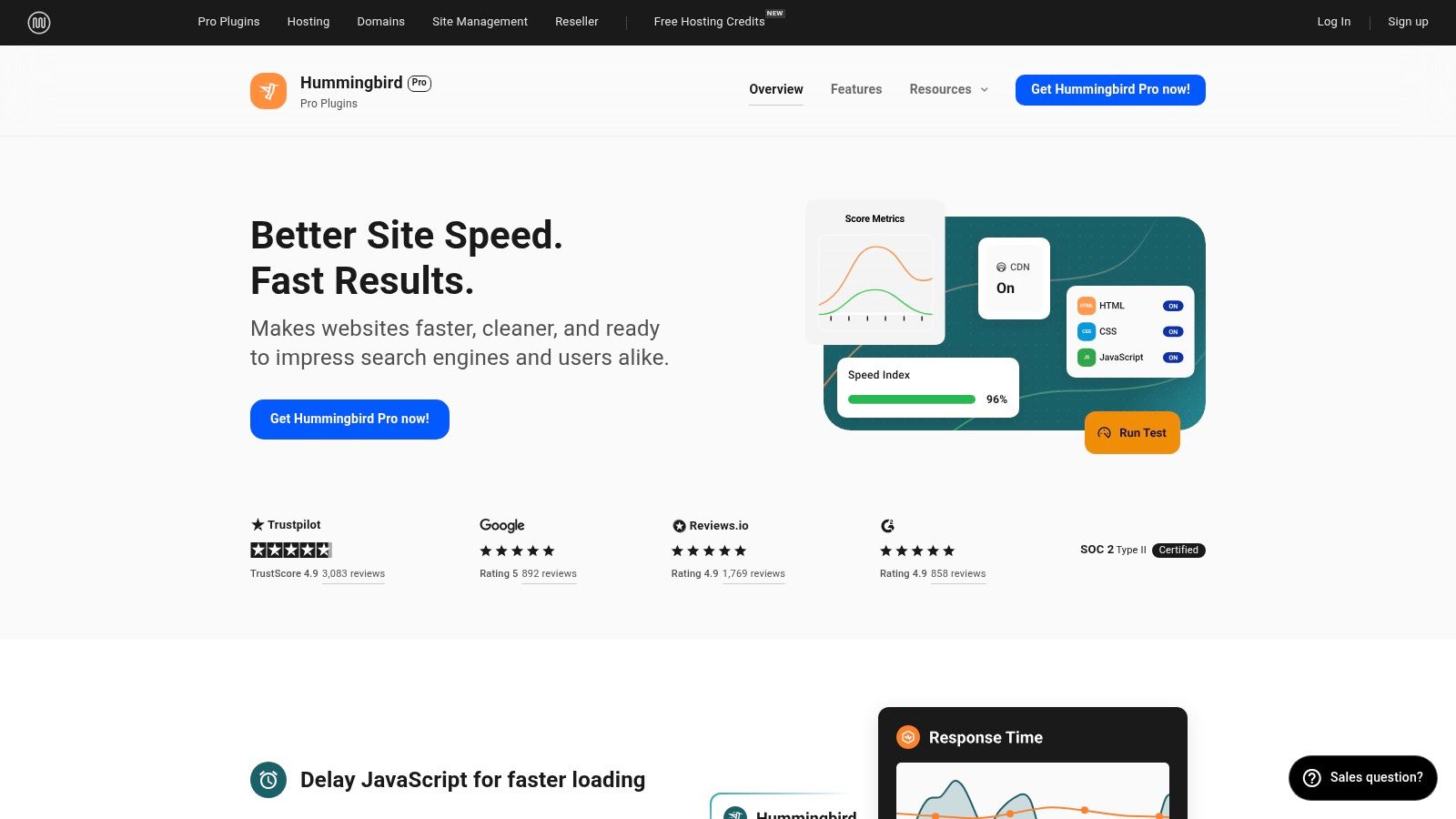
The plugin’s standout feature is its integration with the wider WPMU DEV toolkit. While it offers robust caching and asset optimisation (minification, combination, deferral), its full potential is realised when paired with the Smush Pro image optimiser and the WPMU DEV CDN. The interface organises these complex settings clearly and includes performance scans that provide actionable recommendations, making it one of the more user-friendly options among the best WordPress caching plugins for those managing multiple site aspects.
Key Details & Pricing
- Best For: WPMU DEV members, agencies, and site owners who want an all-in-one toolkit for site management and performance.
- Pricing: A limited free version is available. The full Pro version is included in the WPMU DEV membership, which starts at US$39 per month.
- Pros: Excellent integration with a complete suite of site management tools, active development and strong support, includes performance monitoring.
- Cons: The best value is tied to a paid membership, which can be more expensive than a standalone caching plugin. It has more moving parts than a dedicated, single-purpose plugin.
- Website: https://wpmudev.com/project/wp-hummingbird/
9. Breeze (by Cloudways)
Breeze is a free, lightweight caching plugin developed by the managed hosting company Cloudways. Designed for simplicity and efficiency, it provides a straightforward solution for WordPress site owners, particularly those already using the Cloudways platform. Its main advantage is its seamless integration with the Cloudways hosting stack, which includes built-in Varnish cache, ensuring optimal performance with minimal fuss. For Cloudways customers, it's often the best starting point for caching.
While it can be used on any web host, Breeze truly shines on its native environment. The plugin offers core caching functionalities including page caching, GZIP compression, and browser caching. It also provides basic file optimisation features like the minification of HTML, CSS, and JavaScript. The user interface is clean and organised into simple tabs, making it easy for beginners to navigate without feeling overwhelmed by technical jargon. This makes it a strong contender among the best WordPress caching plugins for those seeking a no-cost, easy-to-use option.
Key Details & Pricing
- Best For: Cloudways customers, beginners, and users looking for a simple, free caching solution.
- Pricing: Completely free. It is available for download from the WordPress.org plugin repository.
- Pros: 100% free and easy to configure, tightly integrated with the Cloudways hosting environment for superior performance, and supports WooCommerce and WordPress multisite.
- Cons: Advanced features are limited compared to premium suites, and performance benefits can be inconsistent on non-Cloudways hosting.
- Website: https://wordpress.org/plugins/breeze/
10. SiteGround Speed Optimizer (formerly SG Optimizer)
For website owners hosted on SiteGround, the SiteGround Speed Optimizer plugin is an essential tool that provides an unmatched level of integration between your website and its server environment. While the plugin offers a solid file-based caching system that works on any host, its true power is unlocked exclusively on SiteGround's platform. It acts as a centralised control panel, allowing you to manage not just standard page caching but also server-level dynamic caching and Memcached directly from your WordPress dashboard.
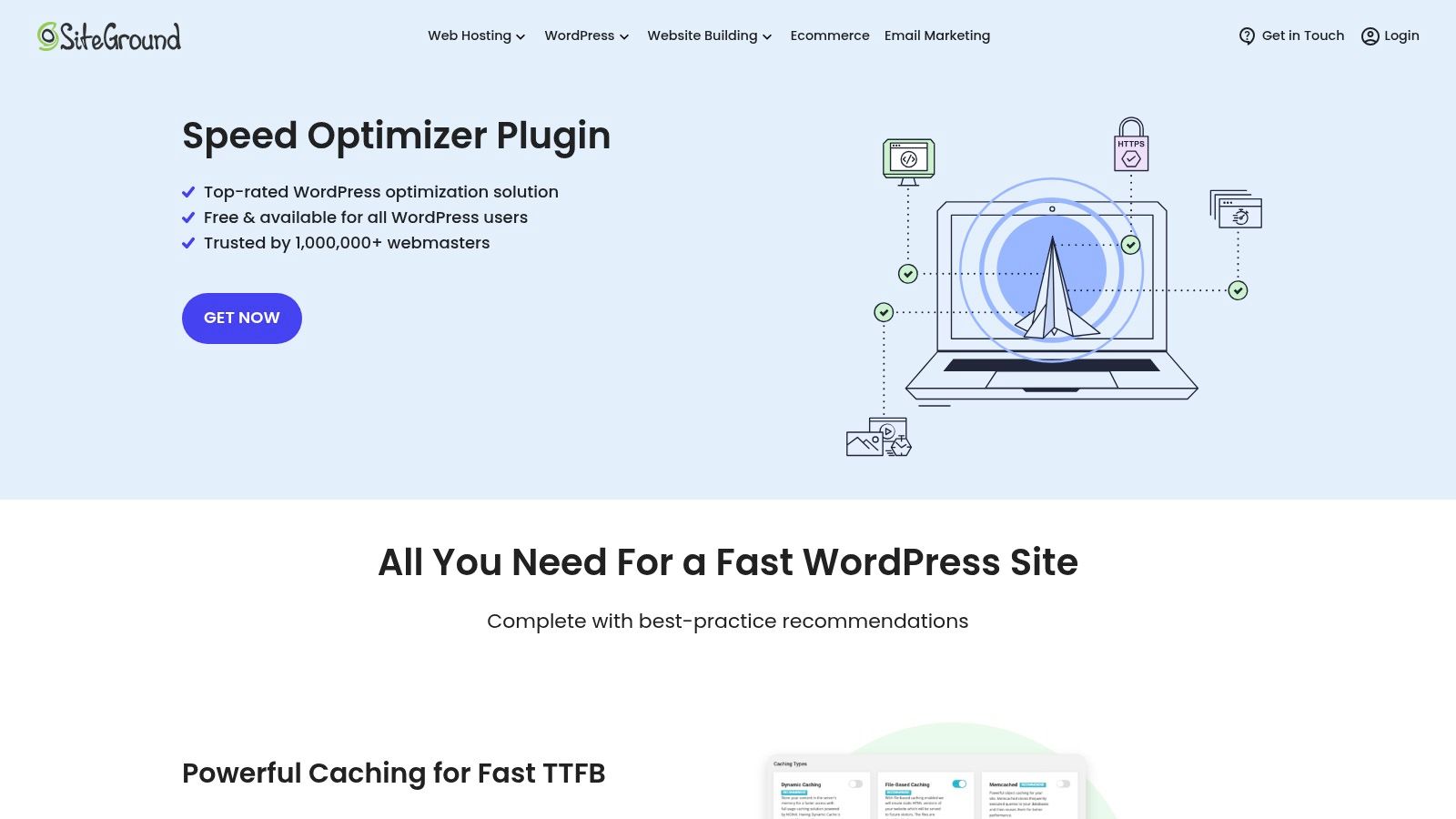
This deep integration simplifies performance management for Australian business owners who prefer a single, unified solution provided by their host. Beyond caching, the plugin bundles a suite of front-end optimisations, including minification and combination of CSS and JavaScript, lazy loading for media, and even WebP image conversion. It effectively replaces the need for several separate optimisation plugins, making it a strong contender among the best WordPress caching plugins for those within the SiteGround ecosystem.
Key Details & Pricing
- Best For: SiteGround hosting customers seeking a perfectly integrated, all-in-one performance solution.
- Pricing: The plugin is completely free. However, its most powerful features are only available to paying SiteGround hosting customers.
- Pros: Seamless integration with SiteGround servers, centralised control for server and application-level caching, includes a good range of front-end and media optimisations.
- Cons: Core dynamic caching features are exclusive to SiteGround hosting, and it has fewer advanced optimisation controls compared to specialised premium plugins.
- Website: https://www.siteground.com/wordpress-plugins/siteground-optimizer
11. Cache Enabler (by KeyCDN)
For those who believe less is more, Cache Enabler stands out as one of the best WordPress caching plugins due to its sheer simplicity and lightweight footprint. Developed by the team behind KeyCDN, this free plugin focuses on doing one thing exceptionally well: creating static HTML files of your pages to serve them instantly to visitors, drastically reducing server processing time. It intentionally omits the complex optimisations found in larger plugins, making it a perfect choice for developers and site owners who prefer a minimalist approach.
The configuration screen is refreshingly minimal, offering just a handful of essential settings. Users can set the cache expiry time, define post types to exclude, and choose how the cache is cleared-either manually or automatically when content is updated. A key feature is its optional support for WebP image delivery (when used with an image conversion plugin like Optimus), which it can serve without complex server rules. This makes Cache Enabler an excellent foundation for a custom performance setup, where it handles the core page caching while other specialised plugins manage file optimisation or CDN integration.
Key Details & Pricing
- Best For: Small business sites, blogs, and developers who want a fast, simple, and reliable caching engine without extra features.
- Pricing: Completely free with no premium version.
- Pros: Extremely lightweight and easy to configure in under a minute, works reliably with most hosting environments and themes, and has very low server resource usage.
- Cons: Lacks advanced features like database optimisation, file minification, or specific rules for logged-in users, requiring other plugins to fill these gaps.
- Website: https://wordpress.org/plugins/cache-enabler/
12. WP‑Optimize (by Updraft)
WP-Optimize, from the creators of the popular UpdraftPlus backup plugin, is an all-in-one performance solution that goes beyond just caching. It's designed for website owners who want to minimise the number of plugins they use by combining page caching, database cleanup, and image compression into a single, cohesive package. This integrated approach is particularly useful for small business owners in Australia who prefer a straightforward tool for handling multiple optimisation tasks at once.
The plugin's strength is its simplicity and multitasking capability. The interface cleanly separates its three core functions, allowing you to easily schedule database optimisations, compress new and existing images, and configure the page cache. While its caching module isn't as feature-rich as dedicated plugins like WP Rocket, it provides essential controls like cache preloading and device-specific cache rules, making it a solid contender among the best WordPress caching plugins for those seeking a multi-purpose tool.
Key Details & Pricing
- Best For: Users wanting an all-in-one tool for caching, database maintenance, and image optimisation.
- Pricing: A free version with core features is available. The premium version starts at US$49 per year for a two-site licence, unlocking lazy loading, advanced cache rules, and multisite support.
- Pros: Combines three essential performance tools into one plugin, reducing bloat. Straightforward controls and good documentation from a trusted developer.
- Cons: Not as many advanced caching features as top-tier specialists. Its functionality can overlap with other optimisation plugins if stacked, potentially causing conflicts.
- Website: https://wordpress.org/plugins/wp-optimize/
Top 12 WordPress Caching Plugins — Feature & Performance Comparison
| Plugin | Core features / optimisations | Quality ★ | Pricing / Value 💰 | Best fit 👥 | Unique edge ✨ / 🏆 |
|---|---|---|---|---|---|
| WP Rocket | Page cache, Remove Unused CSS, Delay JS, DB optim. | ★★★★★ | 💰 Paid (annual) | 👥 Agencies, WooCommerce | ✨ Fast setup & compatibility 🏆 |
| LiteSpeed Cache (LSCWP) | Server‑level cache, ESI, QUIC.cloud, WebP/AVIF | ★★★★★ | 💰 Free (requires LiteSpeed host for full) | 👥 LiteSpeed‑hosted sites, power users | ✨ Server‑level speed + CDN integration 🏆 |
| FlyingPress | Smart preload, critical CSS, font/script opts, CDN | ★★★★★ | 💰 Paid (annual) | 👥 Visual sites, agencies focused on CWV | ✨ Excellent Core Web Vitals gains 🏆 |
| Swift Performance AI | AI setup, page cache, CSS/JS parser, image opt | ★★★★☆ | 💰 Freemium / lifetime option | 👥 Single‑plugin performance seekers | ✨ AI‑guided tuning, all‑in‑one tool |
| W3 Total Cache | Page/object/db/browser cache, CDN integrations | ★★★☆☆ | 💰 Free / premium add‑ons | 👥 Technical users needing granularity | ✨ Extremely configurable for unique stacks |
| WP Super Cache | Static HTML caching, preload, scheduler, CDN | ★★★☆☆ | 💰 Free | 👥 Blogs & content sites wanting simplicity | ✨ Stable, minimal setup |
| WP Fastest Cache | Page cache, GZIP, minify; premium adds WebP & defer | ★★★★☆ | 💰 Freemium (in‑plugin premium) | 👥 SMBs wanting quick wins | ✨ Simple UI with useful premium boosts |
| Hummingbird (WPMU DEV) | Page cache, asset optim., CDN + monitoring | ★★★★☆ | 💰 Membership required for full value | 👥 Sites wanting bundled toolkit | ✨ Integrates backups, security, monitoring |
| Breeze (Cloudways) | Page cache, minify, GZIP, exclusions, WooCommerce | ★★★☆☆ | 💰 Free | 👥 Cloudways customers & lightweight sites | ✨ Seamless Cloudways integration |
| SiteGround Speed Optimizer | File cache, dynamic/Memcached on SG, media opts | ★★★★☆ | 💰 Free (best on SiteGround) | 👥 SiteGround‑hosted sites | ✨ Central control of server + app caching |
| Cache Enabler (KeyCDN) | Static HTML caching, auto/manual purge, WebP opt | ★★★☆☆ | 💰 Free | 👥 Small sites, devs preferring simplicity | ✨ Very low overhead, CDN‑friendly |
| WP‑Optimize (Updraft) | Page cache, DB cleanup, image compression | ★★★★☆ | 💰 Freemium | 👥 Site owners wanting housekeeping + speed | ✨ Combines caching with DB & image tools |
Choosing Your Plugin and When to Call the Experts
We've explored a dozen of the best WordPress caching plugins available, from the all-in-one simplicity of WP Rocket to the server-level power of LiteSpeed Cache. Navigating this extensive list can feel overwhelming, but the key to making the right choice is aligning a plugin’s strengths with your specific circumstances. There is no single "best" plugin for everyone; the ideal solution is the one that best fits your website's architecture, your hosting environment, and your technical comfort level.
A straightforward personal blog or a small business brochure site might achieve fantastic results with a free, user-friendly option like WP Super Cache or Cache Enabler. These plugins handle the fundamentals of page caching exceptionally well without requiring a deep dive into complex settings. However, as your site's complexity grows, so do its performance needs.
Making the Right Decision for Your Site
Your decision-making process should be guided by a few critical factors. Think of it as a checklist to narrow down your options from the twelve we've reviewed:
- Hosting Environment: This is your first and most important consideration. If your site is on a LiteSpeed server, LiteSpeed Cache is almost always the superior choice. If you're hosted with SiteGround or Cloudways, their purpose-built plugins (Speed Optimizer and Breeze, respectively) are designed to work perfectly with their infrastructure and should be your starting point.
- Site Complexity: A dynamic, content-heavy site requires more than just basic page caching. An e-commerce store running WooCommerce, a membership site with restricted content, or a busy multisite network needs a plugin that can intelligently handle dynamic content, database optimisation, and object caching. This is where premium solutions like WP Rocket, FlyingPress, and Swift Performance AI truly justify their cost. Their advanced features are built to prevent the caching conflicts that can cripple these types of sites.
- Technical Skill & Time: Be honest about your own expertise. A tool like W3 Total Cache offers immense power and granular control, but its myriad of settings can easily break a site if misconfigured. If you prefer a "set and forget" solution that delivers great results out of the box, a plugin like WP Rocket is a far safer and more efficient investment of your time.
Beyond the Plugin: The Bigger Picture of Performance
Installing a caching plugin is a massive step towards a faster website, but it's often just one piece of the puzzle. True, sustained performance comes from a well-rounded optimisation strategy. This includes clean code, optimised images, a lean theme and plugin stack, and regular database maintenance. Without these foundational elements in place, even the best WordPress caching plugins can only do so much.
Furthermore, ongoing maintenance is critical. A perfectly configured caching setup can be disrupted by a single WordPress update, a new plugin installation, or changes to your server environment. For many business owners, constantly monitoring and adjusting these technical details is simply not a viable use of their time. This is where expert support becomes a strategic advantage. For long-term stability and speed, investing in professional WordPress site maintenance services for peak performance ensures your site remains fast, secure, and reliable, allowing you to focus on your core business activities without worrying about technical upkeep.
Choosing and implementing the right caching plugin is a powerful move for any WordPress site owner in Australia. By carefully considering your hosting, site type, and technical confidence, you can select a tool that will deliver a tangible boost to your site's speed, improve your user experience, and positively impact your SEO rankings.
Feeling uncertain about which plugin to choose or how to configure it without breaking your site? The team at Webby Website Optimisation has over 16 years of experience fine-tuning WordPress sites for Australian businesses. We go beyond a simple plugin install to deliver a comprehensive speed audit and optimisation service, ensuring you get guaranteed performance gains. Let us handle the technical details for you.